
fdottedline
FDottedLine 为开发者提供了创建虚线的能力。它还支持为 Widget 创建虚线边框。支持控制虚线边框的粗细、间距和圆角。
✨ 特点
-
支持水平和垂直方向的虚线
-
支持创建虚线形状
-
提供一种极其简便的方式为 Widget 添加虚线边框
-
支持创建灵活的虚线圆角效果
⚙️ 参数 & 接口
? FDottedLine 参数
| 参数 | 类型 | 必需 | 默认值 | 描述 |
|---|---|---|---|---|
| color | 颜色 | 假 | Colors.black |
虚线颜色 |
| 高度 | 双精度 | 假 | 空 | 高度。如果只有 [height] 而没有 [width],您将得到一条垂直方向的虚线。如果同时有 [width] 和 [height],您将得到一个虚线边框。 |
| width | 双精度 | 假 | 空 | 宽度。如果只有 [width] 而没有 [height],您将得到一条水平方向的虚线。如果同时有 [width] 和 [height],您将得到一个虚线边框。 |
| strokeWidth | 双精度 | 假 | 1.0 | 虚线的粗细 |
| dottedLength | 双精度 | 假 | 5.0 | 虚线中每个小段的长度 |
| space | 双精度 | 假 | 3.0 | 虚线中每个小段之间的距离 |
| corner | FDottedLineCorner | 假 | 空 | 虚线边框的圆角。详情请参阅 [FDottedLineCorner] |
| child | Widget | 假 | 空 | 如果设置了 [child],[FDottedLine] 将作为 [child] 的虚线边框。此时,[width] 和 [height] 将不再生效。 |
? 示例
? 水平演示
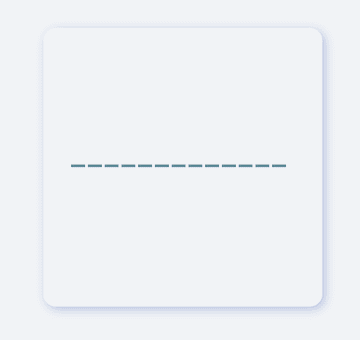
FDottedLine(
  color: color,
  width: 160.0,
  strokeWidth: 2.0,
  dottedLength: 10.0,
  space: 2.0,
)
通过 FDottedLine 创建水平虚线非常简单。
开发者只需设置 width 参数,而不设置 height 参数即可。开发者只需完成这些操作。
如果您想控制虚线的粗细,请设置 strokeWidth。
通过 dottedLength 和 space 参数,开发者可以自由控制虚线中每个小段的长度以及它们之间的距离。
⛓ 垂直演示
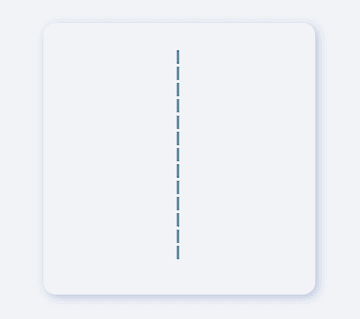
FDottedLine(
  color: color,
  height: 160.0,
  strokeWidth: 2.0,
  dottedLength: 10.0,
  space: 2.0,
)
如果您想创建垂直方向的虚线,也很简单。
开发者只需为 height 赋值,并将 width 留空 null 或 0。
? 虚线形状演示
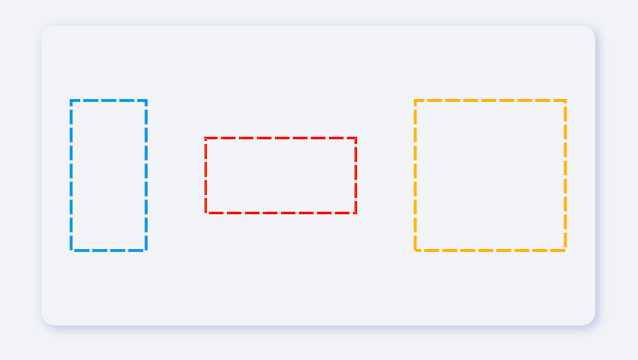
FDottedLine(
  color: Colors.lightBlue[600],
  height: 100.0,
  width: 50,
  strokeWidth: 2.0,
  dottedLength: 10.0,
  space: 2.0,
)
FDottedLine 不仅可以创建简单的虚线 ?.
当开发者同时为 width 和 height 赋值时,他们将能够得到一个虚线矩形!这太不可思议了。
? 圆角演示

FDottedLine(
  color: Colors.lightBlue[600],
  height: 70.0,
  width: 70.0,
  strokeWidth: 2.0,
  dottedLength: 10.0,
  space: 2.0,

  /// Set corner
  corner: FDottedLineCorner.all(50),
)
借助 FDottedLine,开发者甚至可以创建虚线矩形的圆角效果。例如:虚线圆角矩形、虚线圆...
? 子 Widget 演示

FDottedLine(
  color: color,
  strokeWidth: 2.0,
  dottedLength: 8.0,
  space: 3.0,
  corner: FDottedLineCorner.all(6.0),

  /// add widget
  child: Container(
    color: Colors.blue[100],
    width: 130,
    height: 70,
    alignment: Alignment.center,
    child: Text("0873"),
  ),
)
过去,为 Widget 添加虚线边框非常困难。
因为官方没有为我们提供一个好的解决方案。但现在,FDottedLine 让事情比以往任何时候都更容易。开发者只需将他们的 Widget 作为 FDottedLine 的子 Widget 即可。
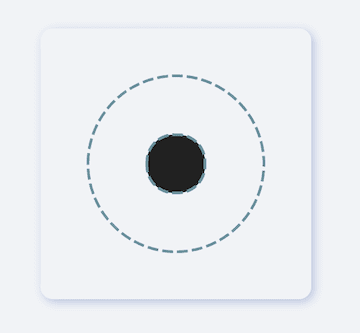
/// #1
FDottedLine(
  color: color,
  strokeWidth: 2.0,
  dottedLength: 8.0,
  space: 3.0,
  corner: FDottedLineCorner.all(75.0),
  child: Container(
    width: 130,
    height: 130,
    alignment: Alignment.center,
    /// #2
    child: FDottedLine(
      color: color,
      strokeWidth: 2.0,
      dottedLength: 8.0,
      space: 3.0,
      corner: FDottedLineCorner.all(20.0),
      child: Container(
        width: 43.0,
        height: 43.0,
        color: Colors.grey[900],
      ),
    ),
  ),
)
这也意味着,通过对 FDottedLine 的嵌套,可以创建许多超级有趣的视图。
? 更多演示

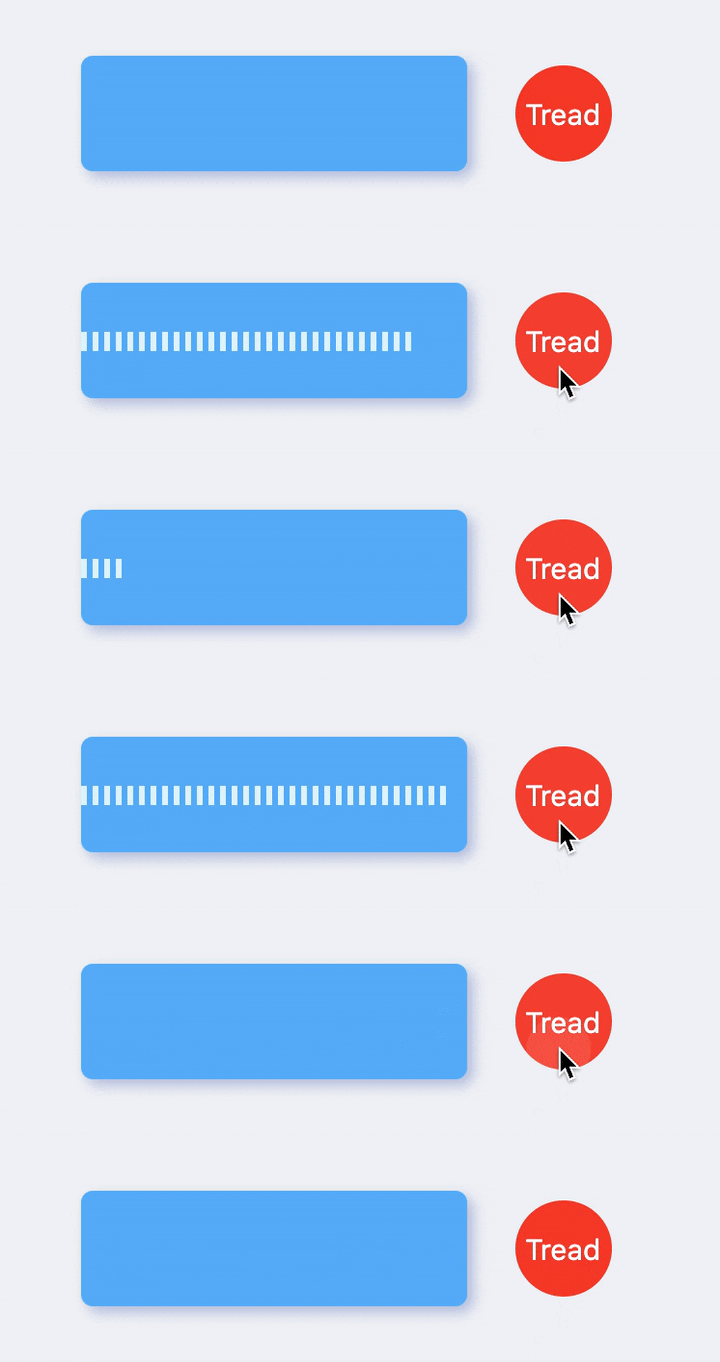
看看 FDottedLine 能做什么!
当有如此简单的方法来创建虚线时,开发者就可以自由地构建更多精彩的视图。
关于 FDottedLine 应用的更多内容,期待开发者的探索 ?。


