
选择颜色主题模板
此模板将帮助您为应用程序选择配色方案,展示小部件如何与其交互。要连接主题,请更改 theme_data_service.dart 中的行
static ThemeData get themeData => colorSchemeThemeData3;
所需 ThemeData 的名称。
用作模板
- 点击存储库页面上的“使用此模板”
- 克隆我们的新存储库
- 更改 pubspec.yaml
name: YourTitle
description: YourDescriptionIfExists
version: 1.0.0+1
- 更改 /android/app/build.gradle
 defaultConfig {
        //  Your own unique Application ID (https://developer.android.com.cn/studio/build/application-id.html).
        applicationId "com.example.id"
截图
classicDarkThemeData
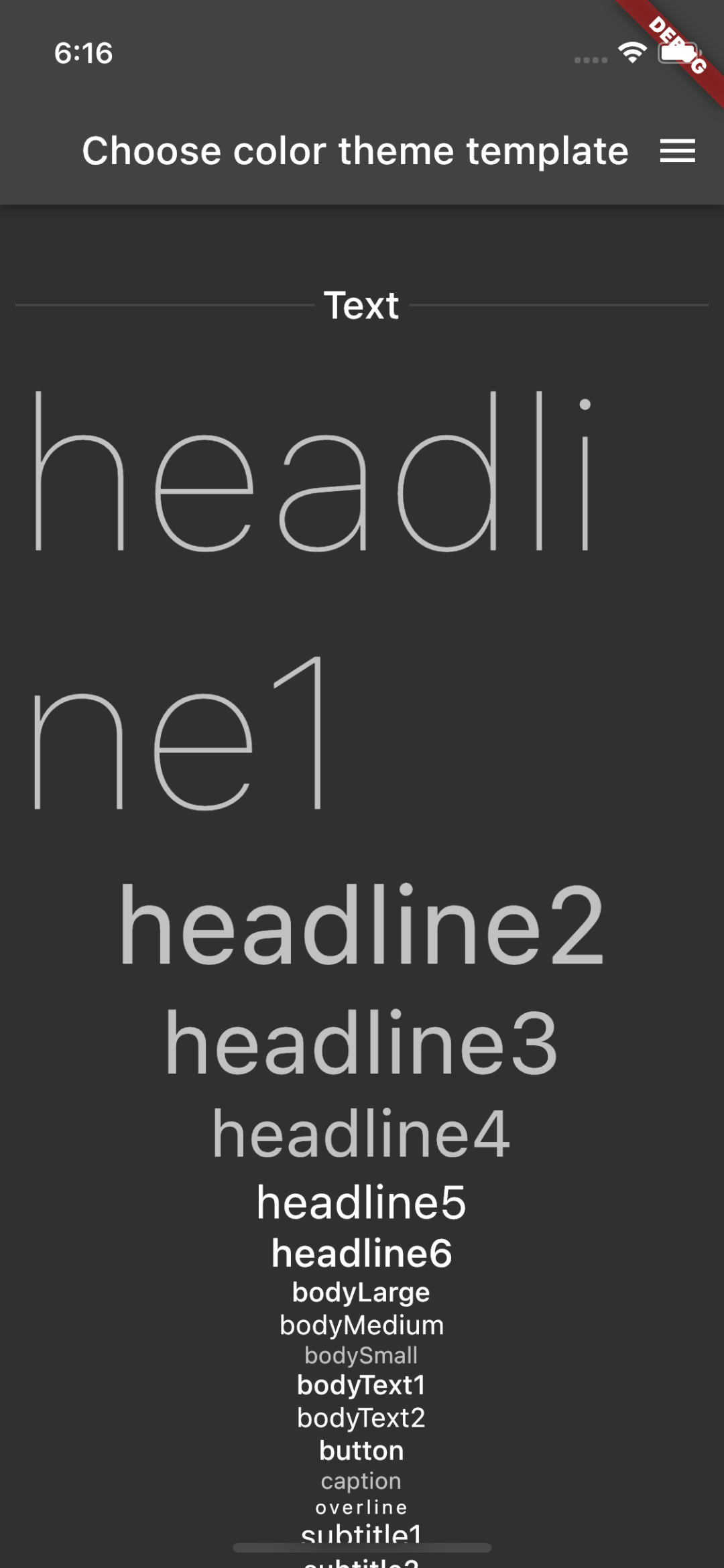
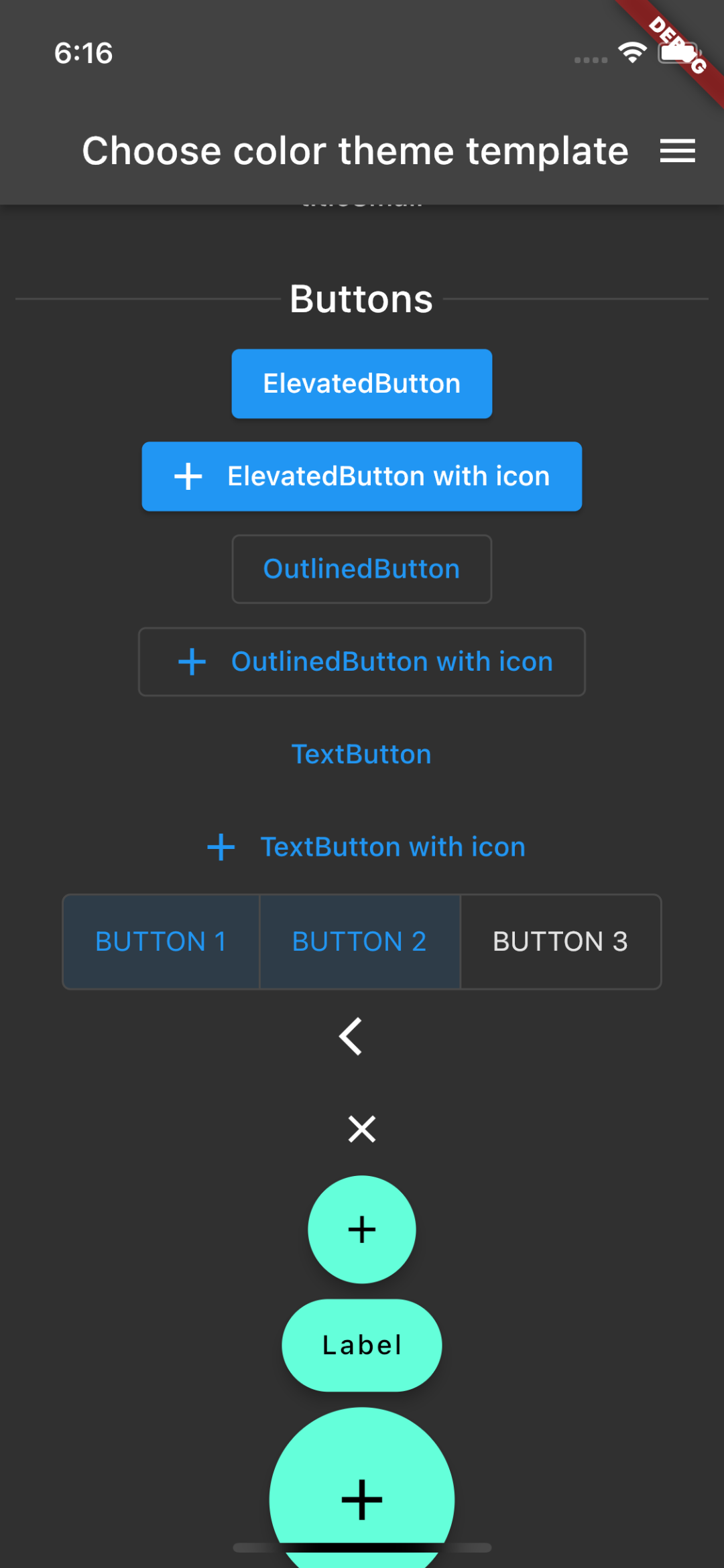


classicDarkThemeData


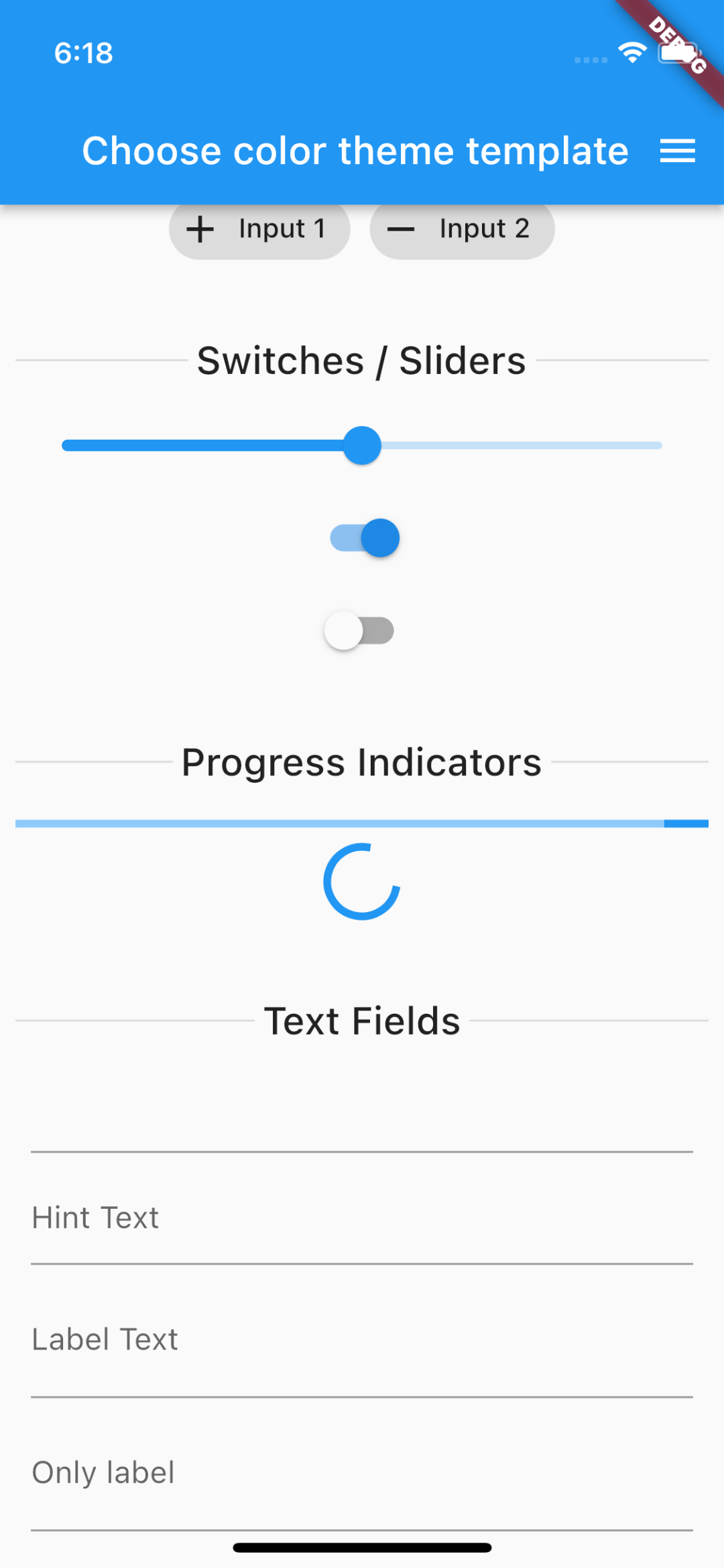
localThemeData2

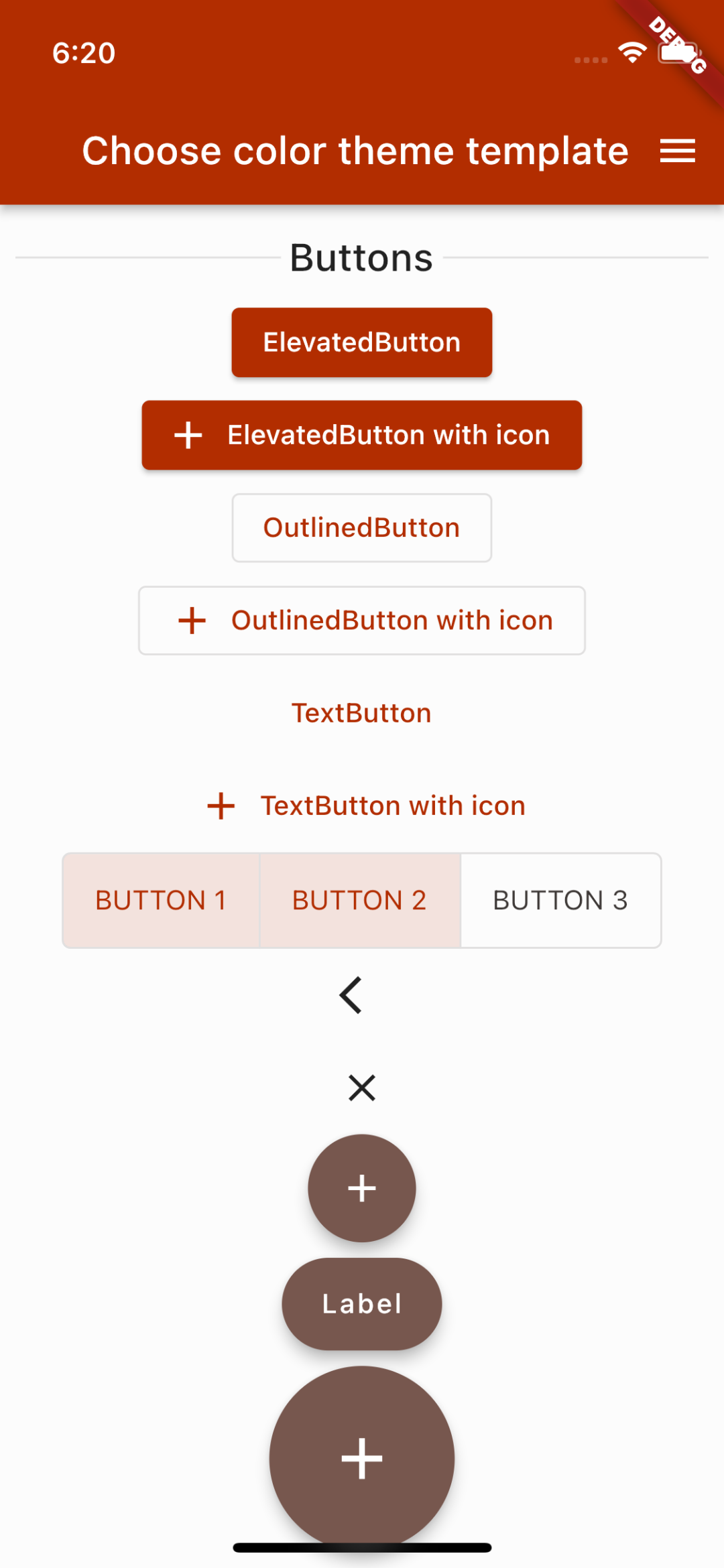

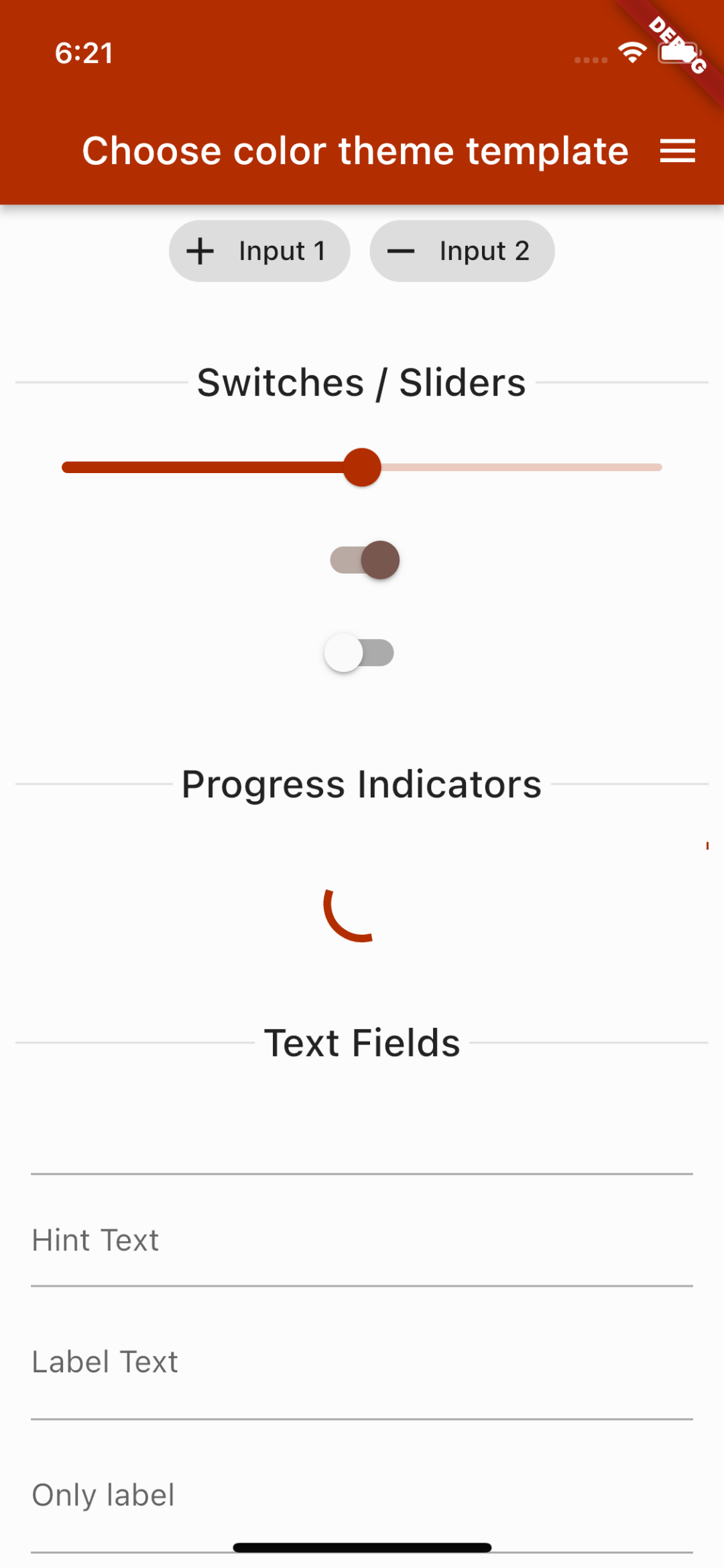
customThemeData

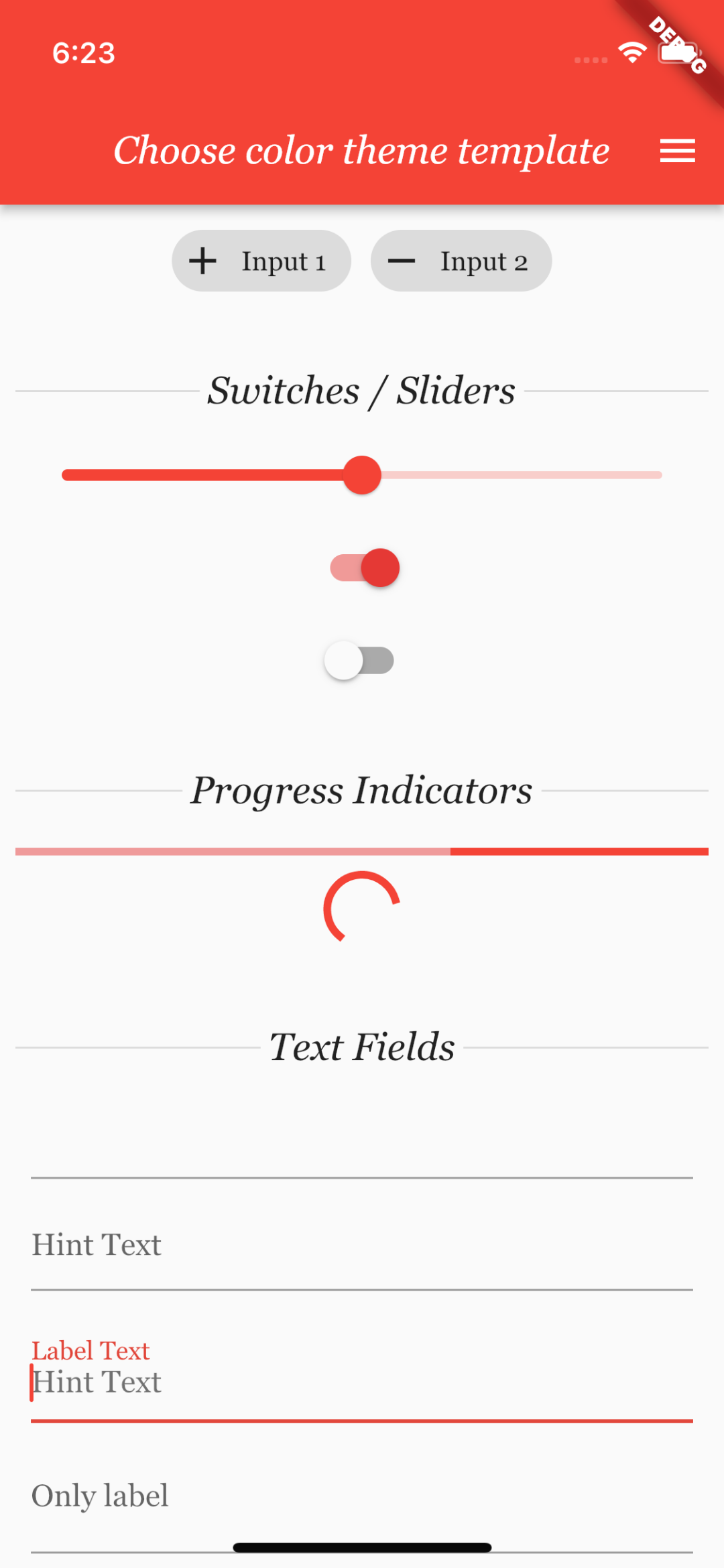


darkThemeDataNotify
许多小部件可能与应用程序不匹配。最好查看源代码 (https://github.com/meg4cyberc4t/notify)
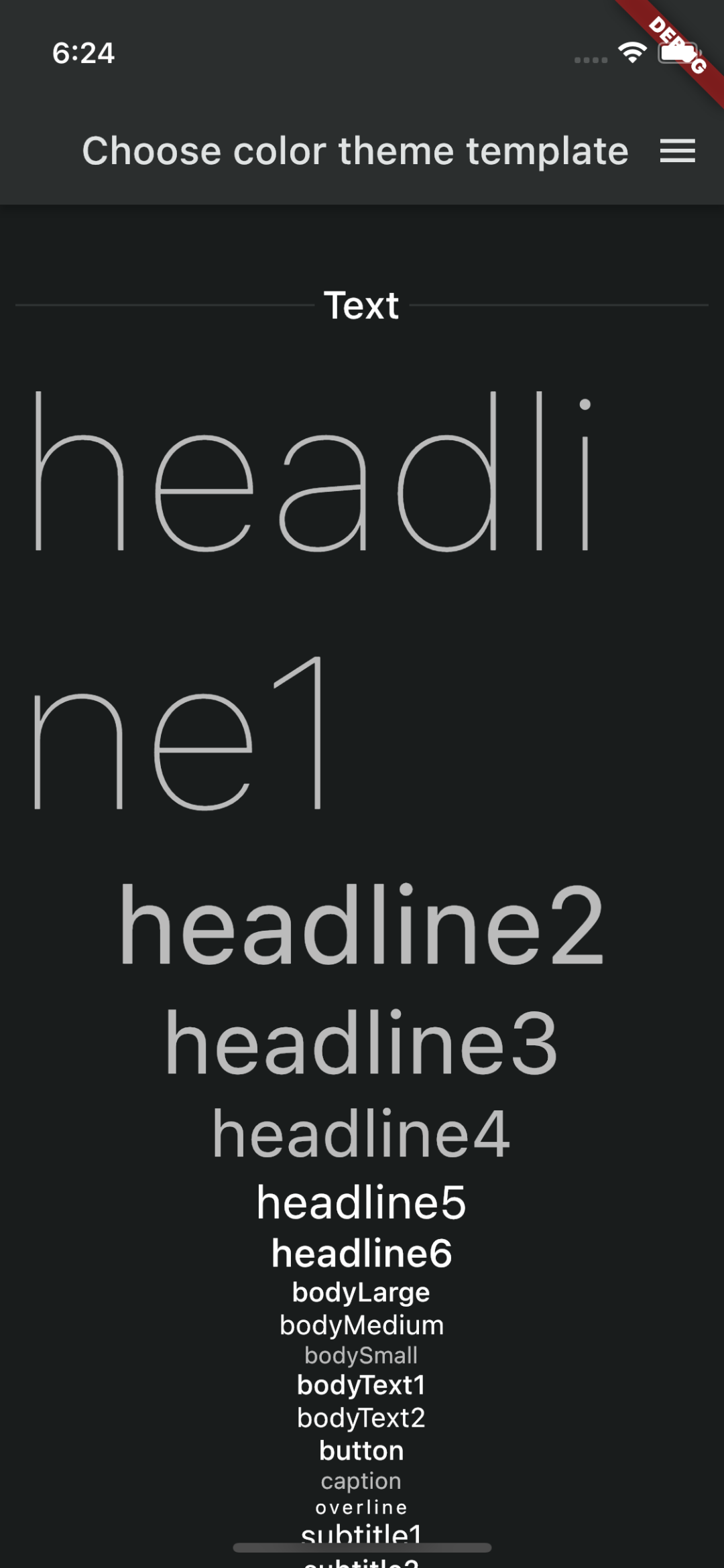


如果您喜欢它,甚至使用了它
请给个星或者fork到您的个人资料 ❤️
致开发者或友善的人
您可以创建 Issues、提交 Pull Requests,贡献您的小部件。我随时准备对该存储库进行任何改进。


