条形码应用程序
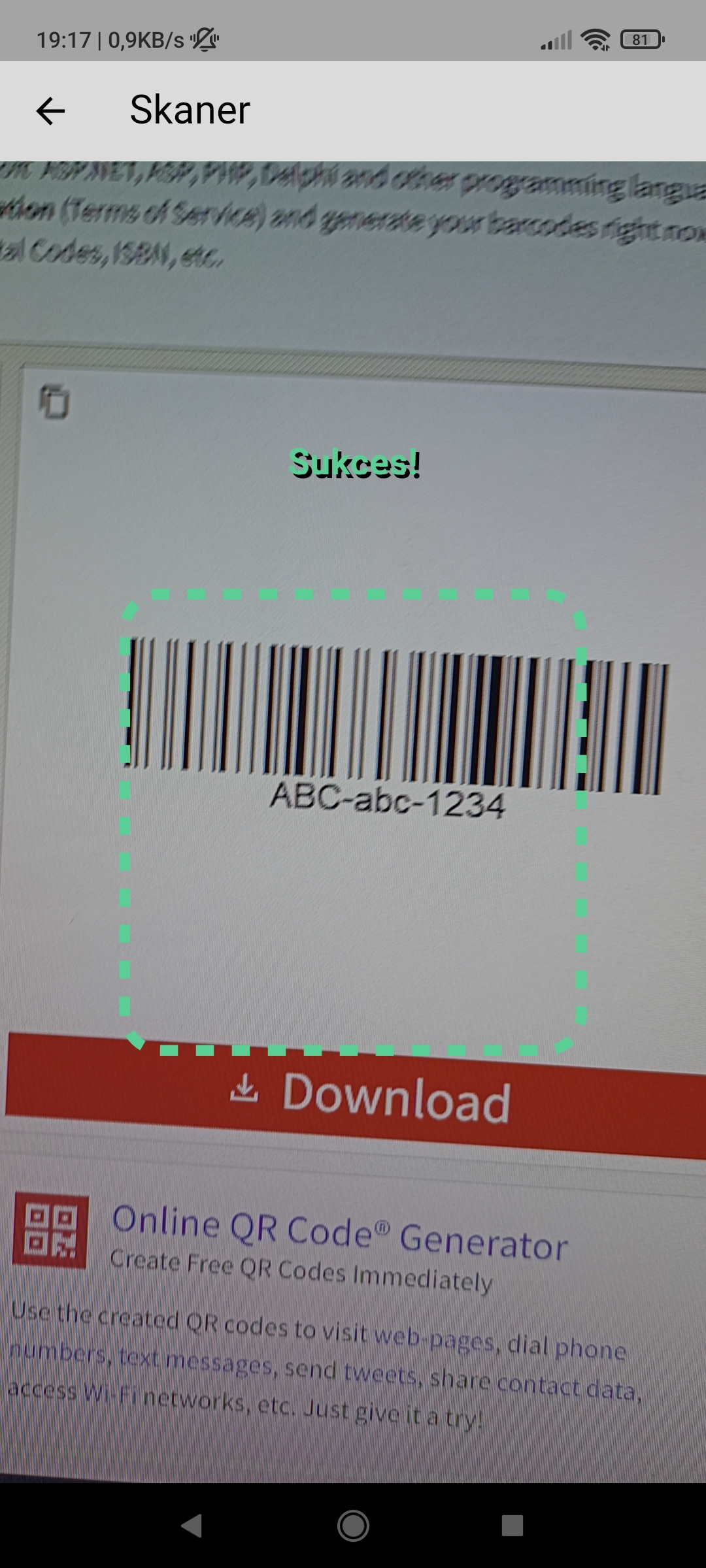
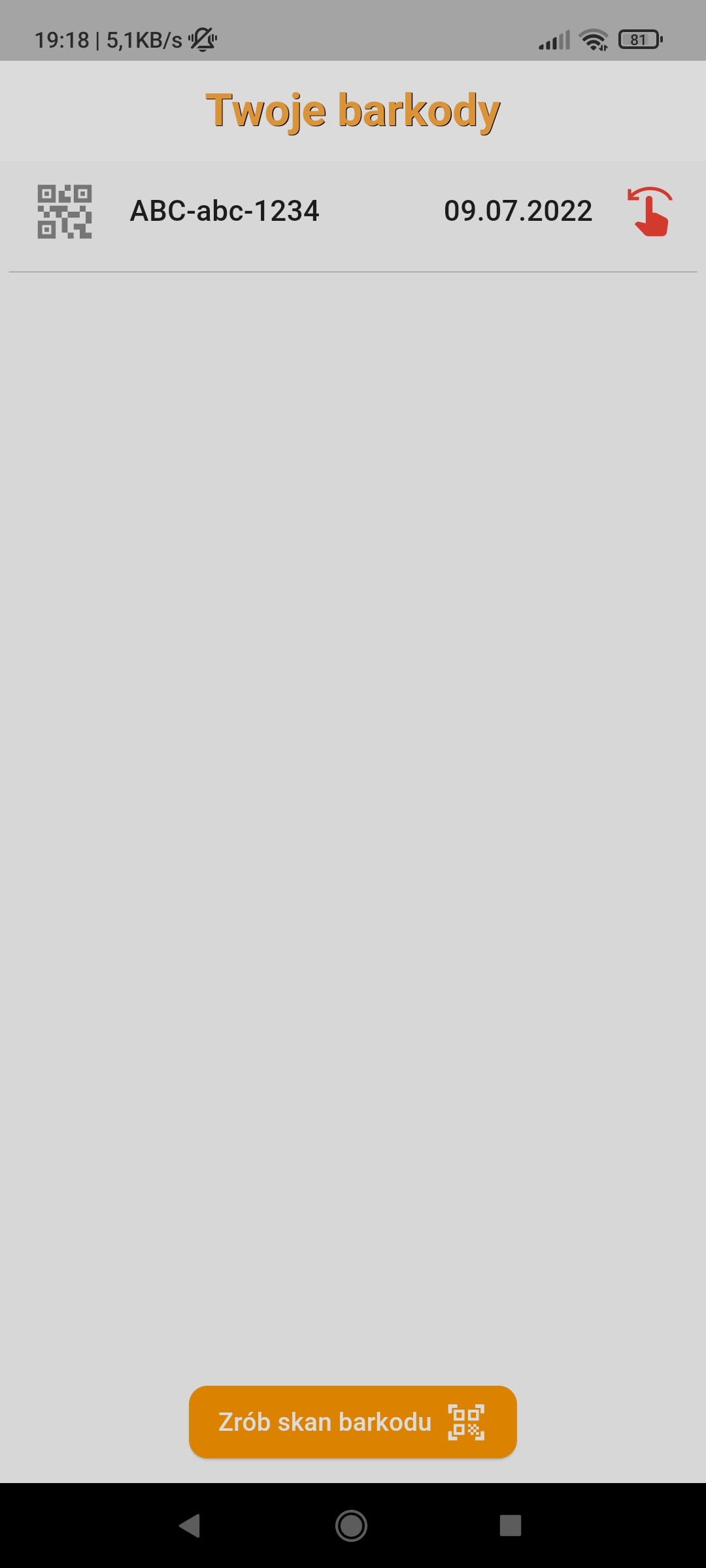
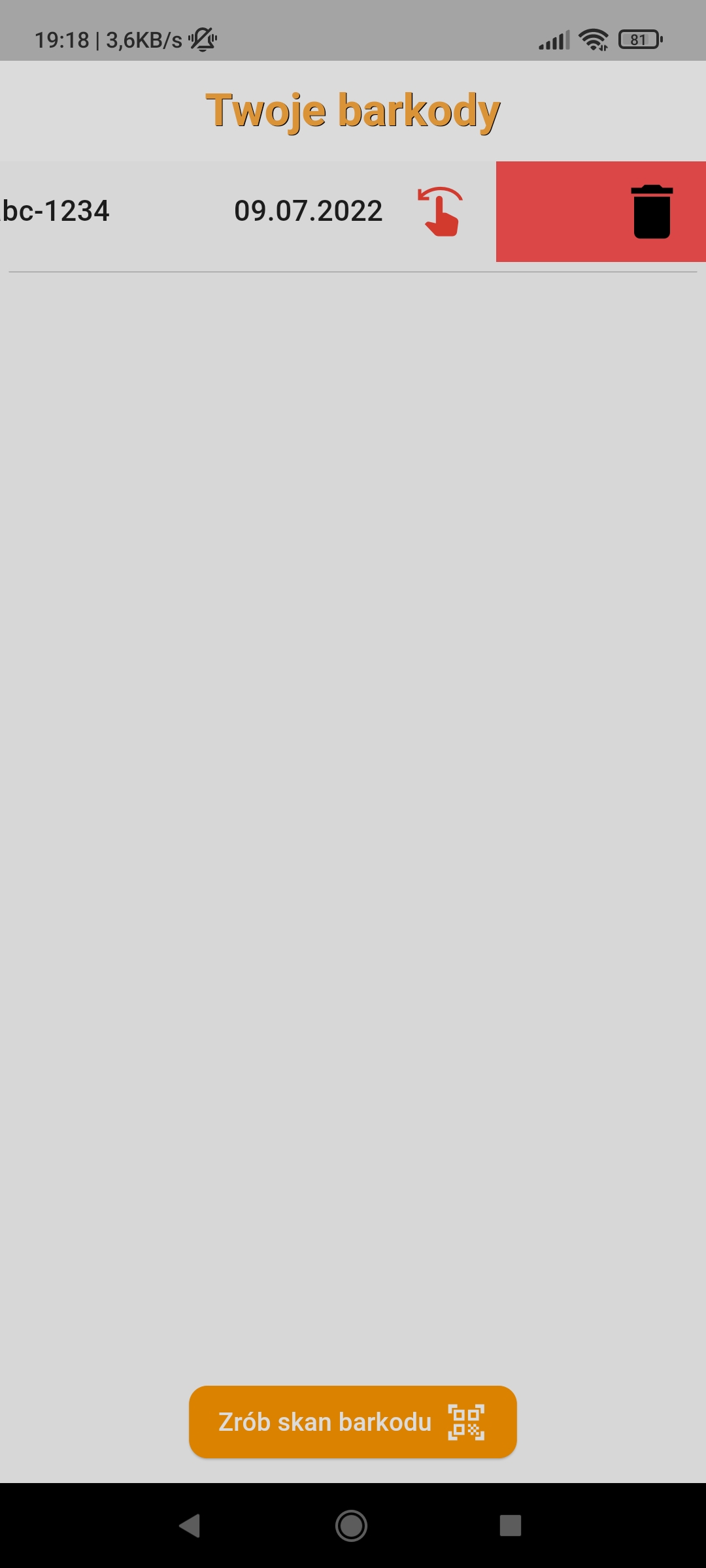
[PL] Jest to prosta aplikacja do skanowania barkodów. Na stronie głównej użytkownikowi wyświetla się lista barkodów (lub informacja o ich braku). Każdy element listy zawiera barkod oraz datę jego wykonania, począwszy od najnowszego skanu. Na dole jest przycisk, który przenosi użytkownika na drugą stronę, gdzie użytkownik może zeskanować barkod. Po najechaniu aparatem na barkod, ramka oraz napis na ekranie zmienią kolor na zielony, po czym po chwili użytkownikowi wyświetla się okienko o wykonanym skanie. Może go odrzucić, bądź też zaakceptować, a co za tym idzie – dodać do listy. (WAŻNE! Nie można zapisać do listy dwa razy tego samego barkodu. Jest to pewne zabezpieczenie.) Użytkownik może usunąć również barkod z listy wyświetlanej na głównej stronie poprzez przesunięcie całego elementu listy w lewo. Przy przesunięciu wyświetli się AlertDialog w celu potwierdzenia przez użytkownika usunięcia danego barkodu z listy (zabezpieczenie). Oczywiście stan listy jest zapisywany i odtwarzany po wyłączeniu i włączeniu aplikacji (WAŻNE! Do tego nie była wykorzystywana biblioteka shared_preferences, lecz hydrated_bloc oraz path_provider, ponieważ uważałem to za lepszy wybór w tej konkretnej aplikacji).
[EN] This is a simple barcode scanning application. On the home page, the user is shown a list of barcodes (or information that there are none). Each list item contains a barcode and the date it was scanned, starting with the most recent scan. At the bottom, there is a button that takes the user to another screen where they can scan a barcode. When the camera is pointed at a barcode, the frame and the text on the screen will turn green, and after a moment, a window will appear displaying the successful scan. The user can reject it or accept it, and thus add it to the list. (IMPORTANT! The same barcode cannot be added to the list twice. This is a security measure.) Users can also remove a barcode from the list displayed on the home page by swiping the entire list item to the left. Upon swiping, an AlertDialog will appear for the user to confirm that they wish to remove the barcode from the list (security). Naturally, the state of the list is saved and restored when the application is turned off and on. (IMPORTANT! For this, the shared_preferences library was not used, but rather hydrated_bloc and path_provider, as I considered it a better choice for this particular application).
应用程序操作的短视频 / A short video on how the application works
BarcodeScannerApp.mp4
截图