
Flutter 应用的基础要求包
用户引导、缓存、启动屏、应用名称更改等
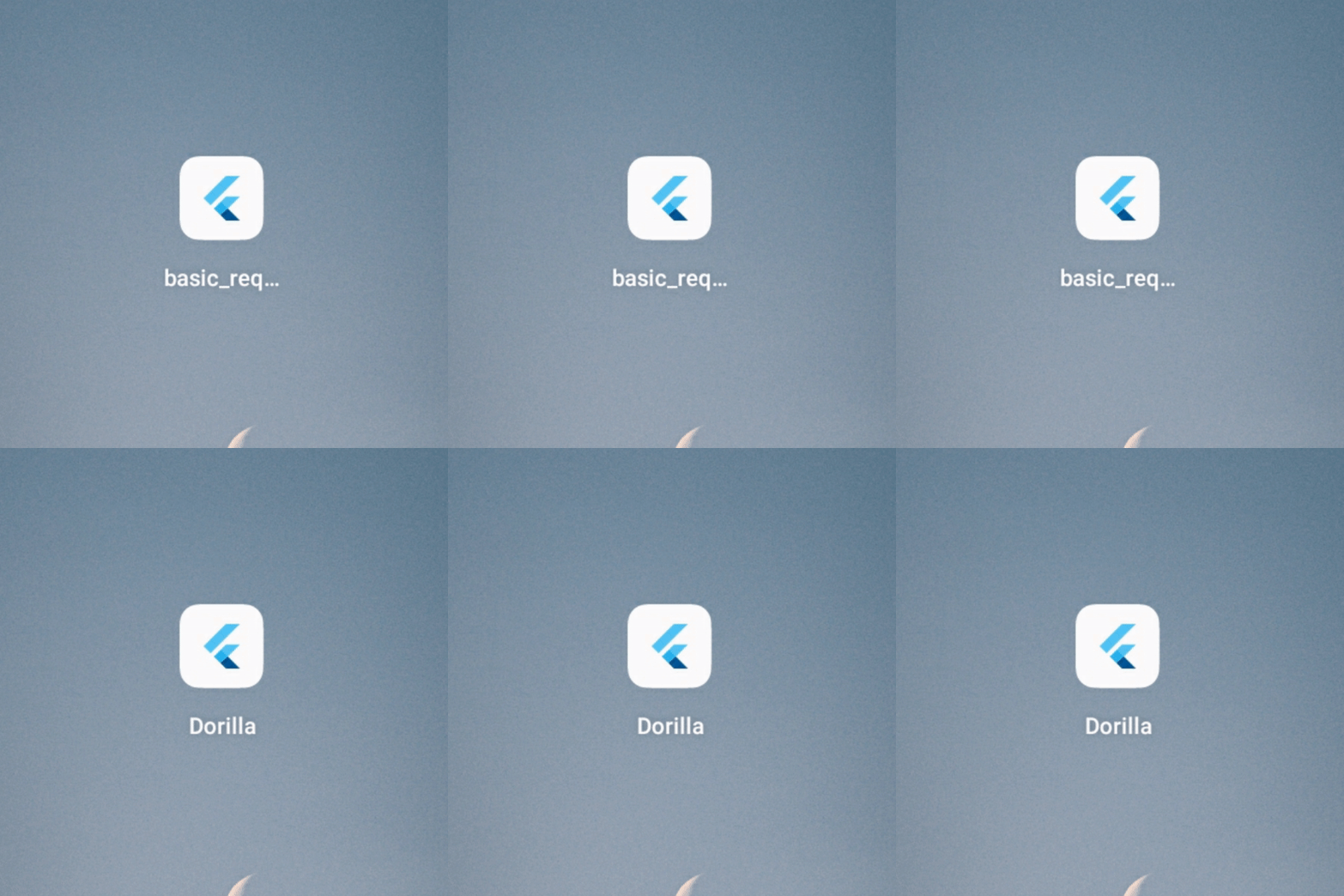
更改应用名称
用法
Android
转到 android manifest.xml。
android / app / src / main / AndroidManifest.xml
将 android label 更改为你的应用名称。
<application
          android:name="io.flutter.app.FlutterApplication"
          android:label="App Name"
          android:icon="@mipmap/launcher_icon">
iOS
转到 Info.plist。
ios / Runner / Info.plist
将 bundle name 更改为你的应用名称。
<key>CFBundleName</key>
<string>App Name</string>
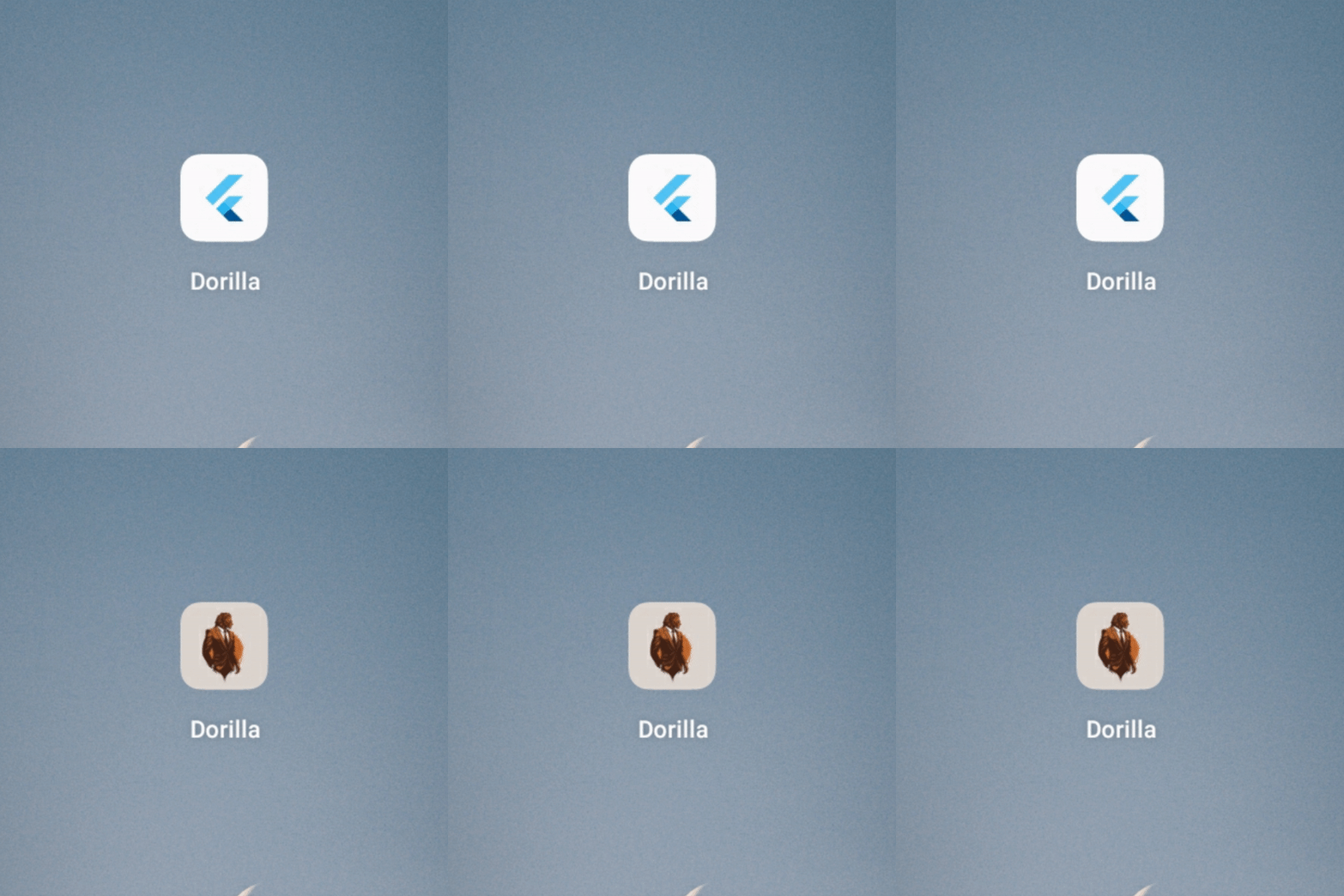
更改应用图标
用法
Android & iOS
在 dev_dependencies 中添加最新版本的 flutter_launcher_icons 包。
dev_dependencies:
  flutter_launcher_icons: "^0.13.0"
在 pubspec.yaml/assets 中添加你的应用图标路径。
assets:
    - assets/icon/icon.png
将你的 Flutter Launcher Icons 配置添加到你的 pubspec.yaml 文件中。
flutter_icons:
  android: true
  ios: true
  image_path: "assets/icon/icon.png"
如果你还想更改 Web、Windows、macOS 的图标,则添加此项:
web:
    generate: true
    image_path: "path/to/image.png"
    background_color: "#hexcode"
    theme_color: "#hexcode"
  windows:
    generate: true
    image_path: "path/to/image.png"
    icon_size: 48 # min:48, max:256, default: 48
  macos:
    generate: true
    image_path: "path/to/image.png"
设置完配置后,运行该包。
flutter pub get
flutter pub run flutter_launcher_icons
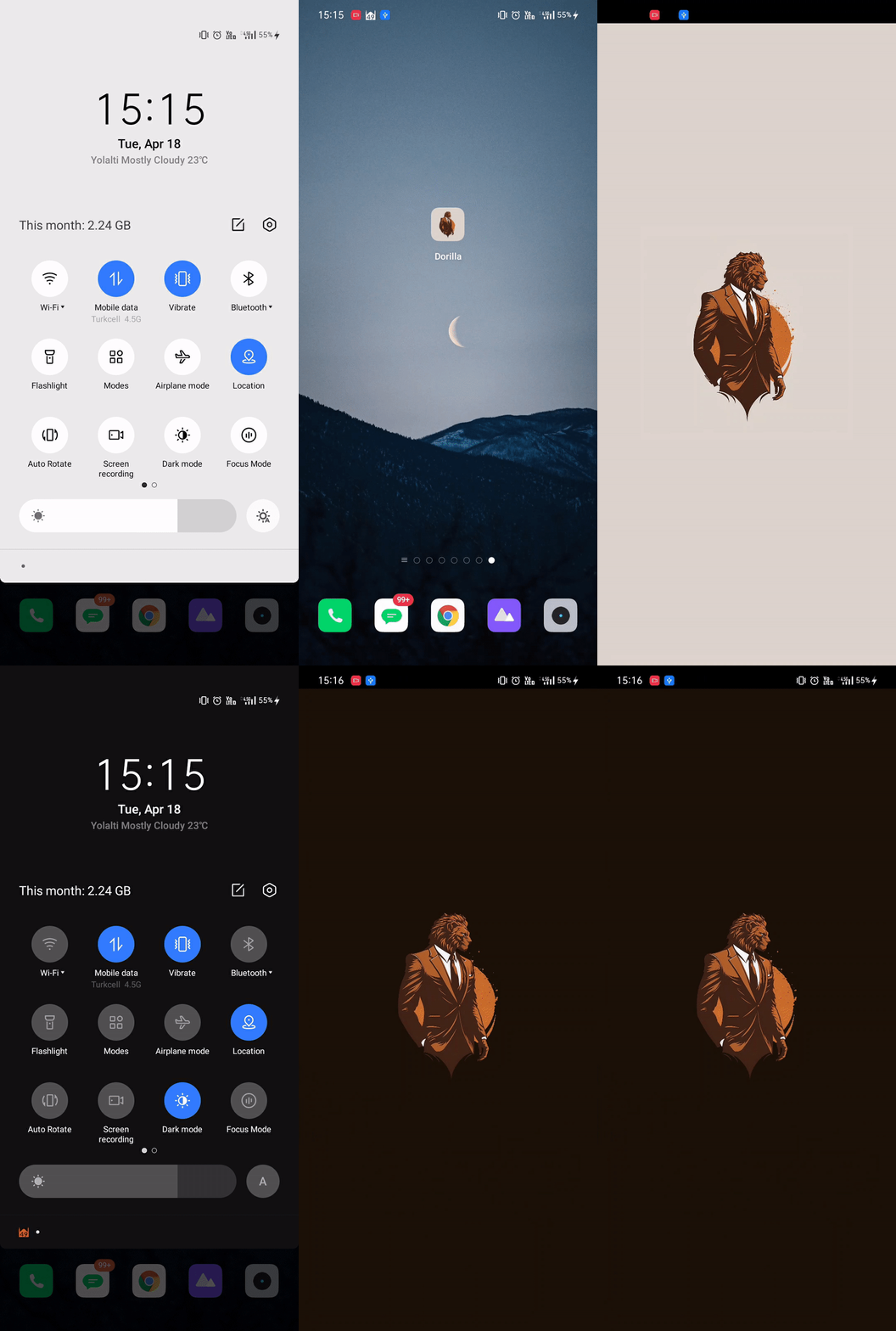
启动屏幕
用法
Android & iOS
在 dev_dependencies 中添加最新版本的 flutter_native_splash 包。
dev_dependencies:
  flutter_native_splash: ^2.2.19
在 pubspec.yaml/assets 中添加你的应用 Logo。
assets:
    - assets/logo/
将你的 Flutter Native Splash 配置添加到你的 pubspec.yaml 文件中。
flutter_native_splash:
  color: "#dcd5cd"
  image: assets/logo/logo.png
  color_dark: "#1b1106"
  image_dark: assets/logo/logo_dark.png

  android_12:
    image: assets/logo/logo.png
    icon_background_color: "#dcd5cd"
    image_dark: assets/logo/logo_dark.png
    icon_background_color_dark: "#1b1106"

  web: false
设置完配置后,运行该包。
flutter pub get
flutter pub run flutter_native_splash:create
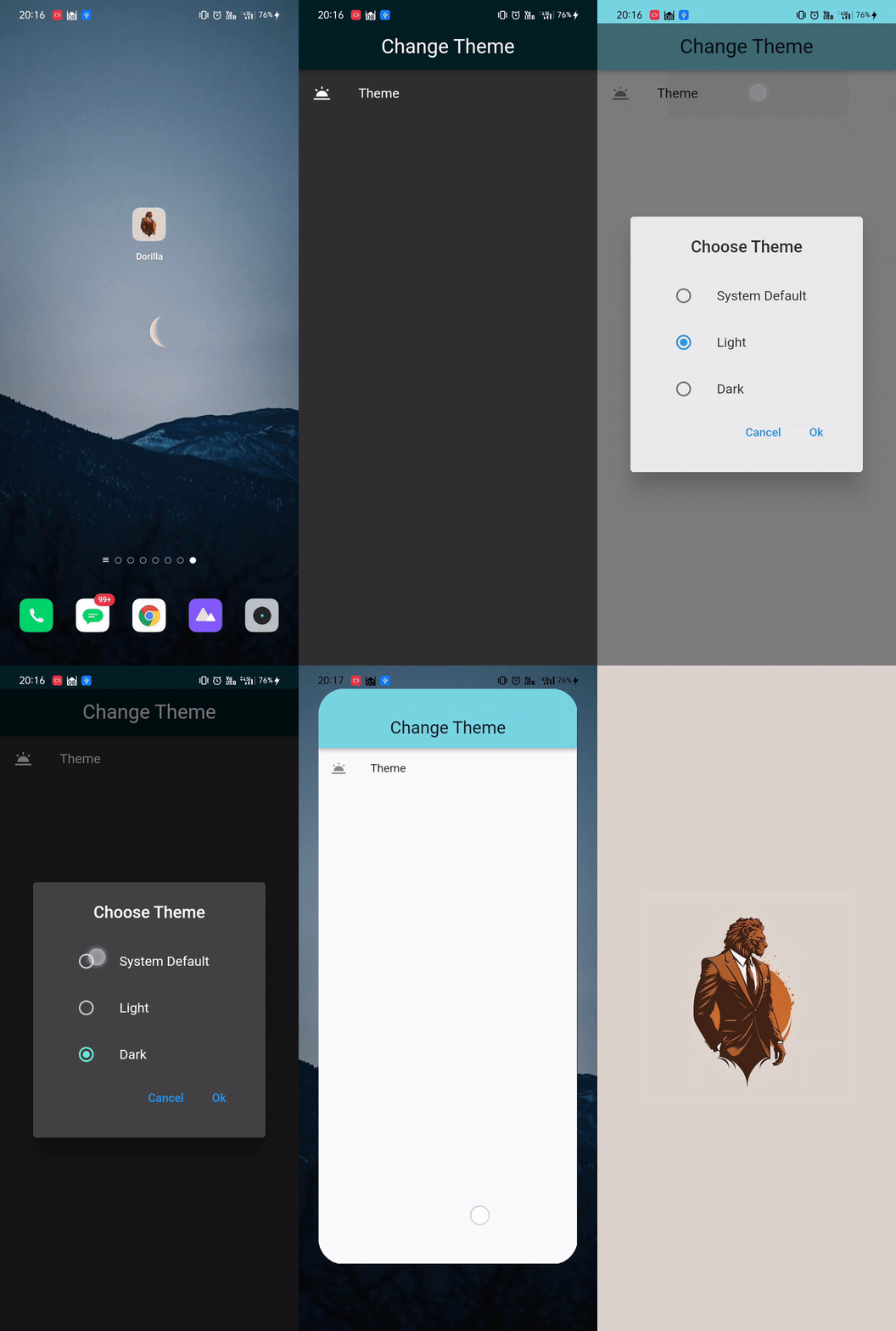
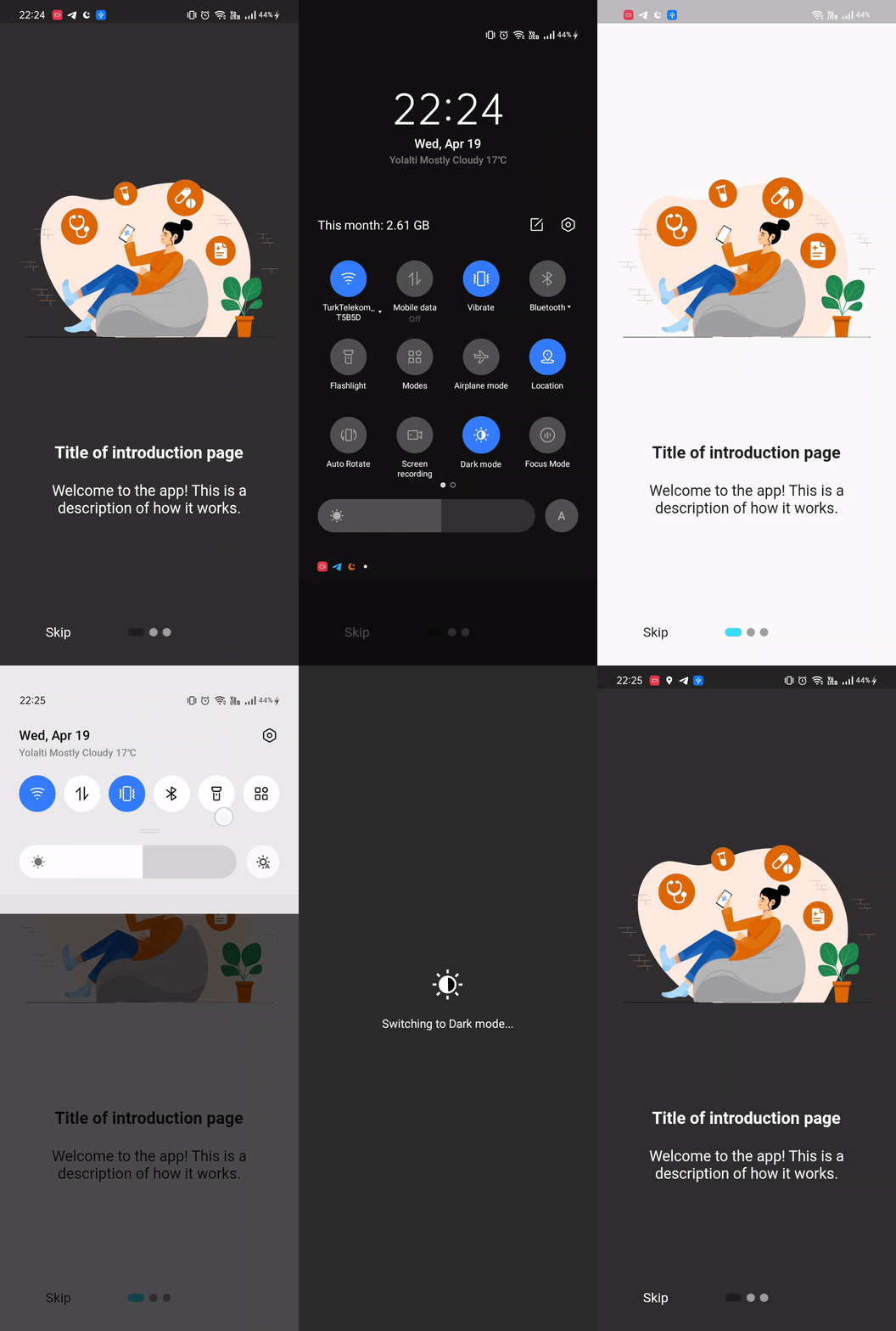
通过缓存更改主题
用法
Android & iOS
在 dependencies 中添加最新版本的 flutter_bloc 包用于状态管理,以及 hive、hive_flutter 用于缓存。
dependencies:
  flutter_bloc: ^8.1.2
  hive: ^2.2.3
  hive_flutter: ^1.1.0
在 dev dependencies 中添加最新版本的 build_runner 包和 hive_generator。
dev_dependencies:
  build_runner: ^2.3.3
  hive_generator: ^2.0.0
创建你的主题类,并为你的主题模式值创建 cubit 类。使用 hive 创建 box 并进行缓存。
本地化
用法
Android & iOS
在 dependencies 中添加最新版本的 easy_localization。
dependencies:
  easy_localization: ^3.0.1
创建文件夹并在其中添加你的本地化翻译文件。
assets
└── translations
    ├── en-US.json
    └── tr-TR.json
在 pubspec.yaml 中添加 assets localization 目录。
flutter:
  assets:
    - assets/translations/
添加 easy localization widget。
import 'package:flutter/material.dart';
import 'package:flutter_localizations/flutter_localizations.dart';
import 'package:easy_localization/easy_localization.dart';

void main() async {
  WidgetsFlutterBinding.ensureInitialized();
  await EasyLocalization.ensureInitialized();

  runApp(
    EasyLocalization(
      supportedLocales: [Locale('en', 'US'), Locale('de', 'DE')],
      path: 'assets/translations', // <-- change the path of the translation files
      fallbackLocale: Locale('en', 'US'),
      child: MyApp()
    ),
  );
}

class MyApp extends StatelessWidget {
  @override
  Widget build(BuildContext context) {
    return MaterialApp(
      localizationsDelegates: context.localizationDelegates,
      supportedLocales: context.supportedLocales,
      locale: context.locale,
      home: MyHomePage()
    );
  }
}
如果你有许多本地化键并且感到困惑,键生成将帮助你。代码编辑器将自动提示键。
flutter pub run easy_localization:generate -O lib/product/init/lang -f keys -o locale_keys.g.dart --source-dir assets/translations
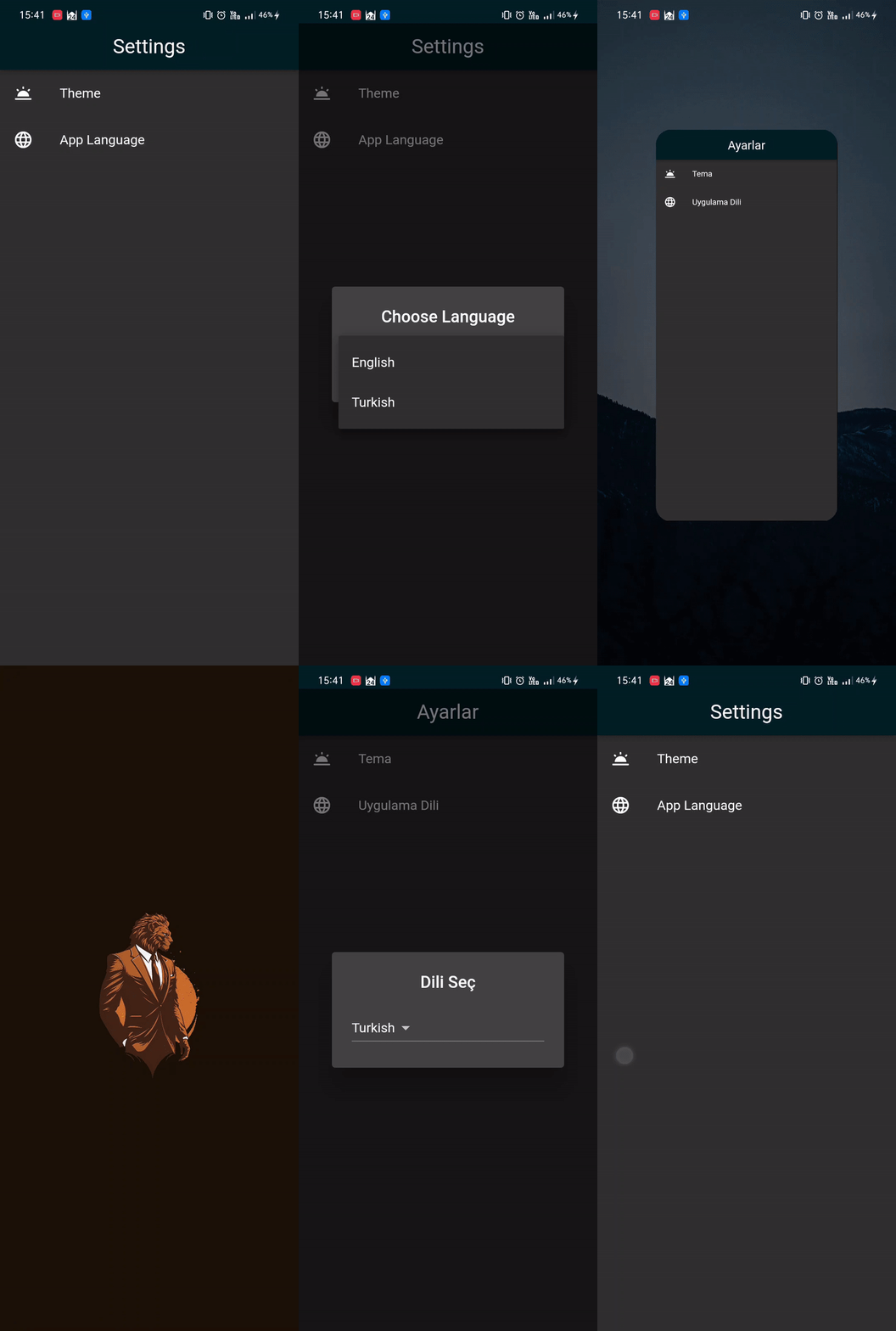
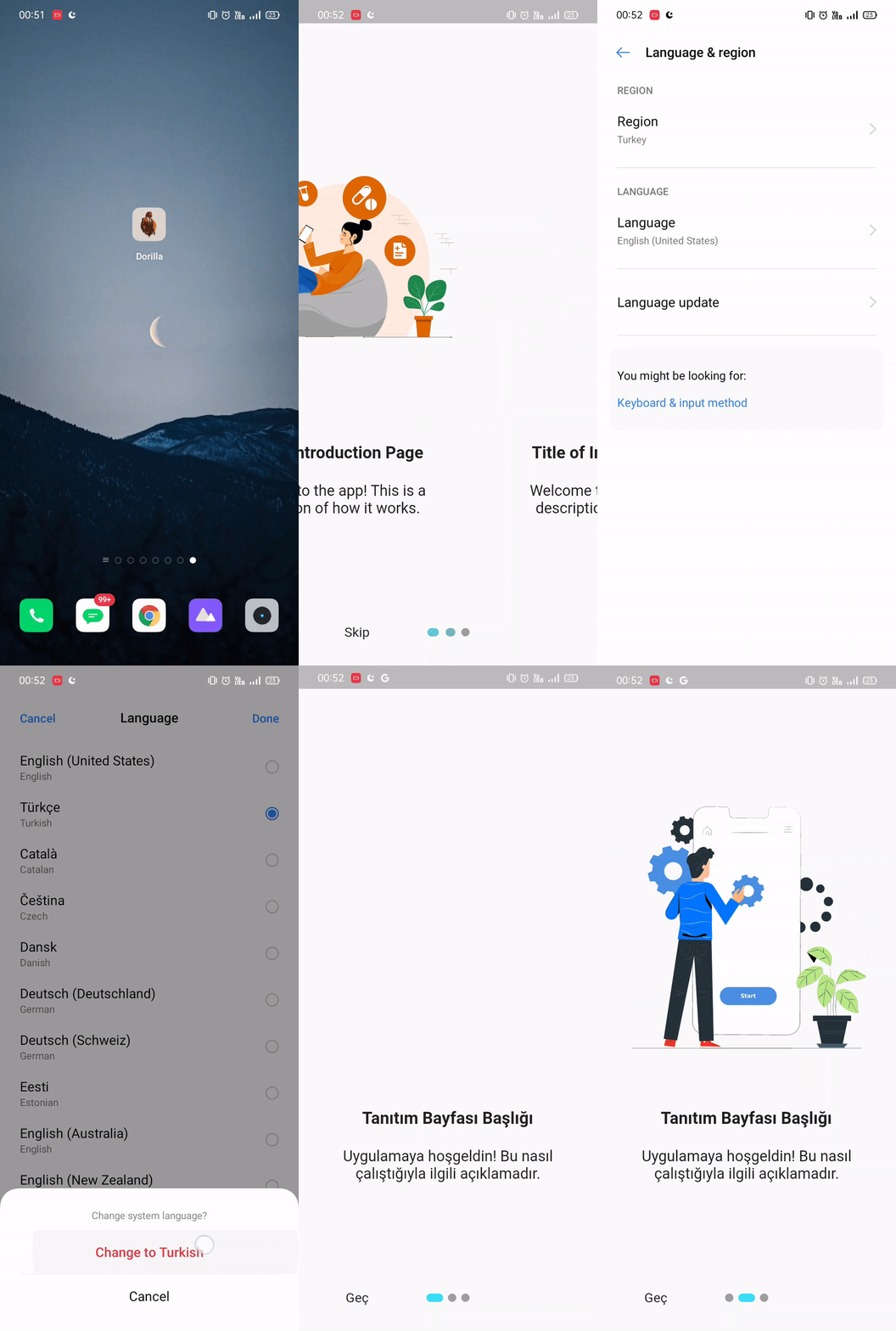
如果你想更改 locale,可以通过 context 进行更改。
用户引导/介绍
用法
Android & iOS
在 dependencies 中添加最新版本的 introduction_screen。
dependencies:
  introduction_screen: ^3.1.7
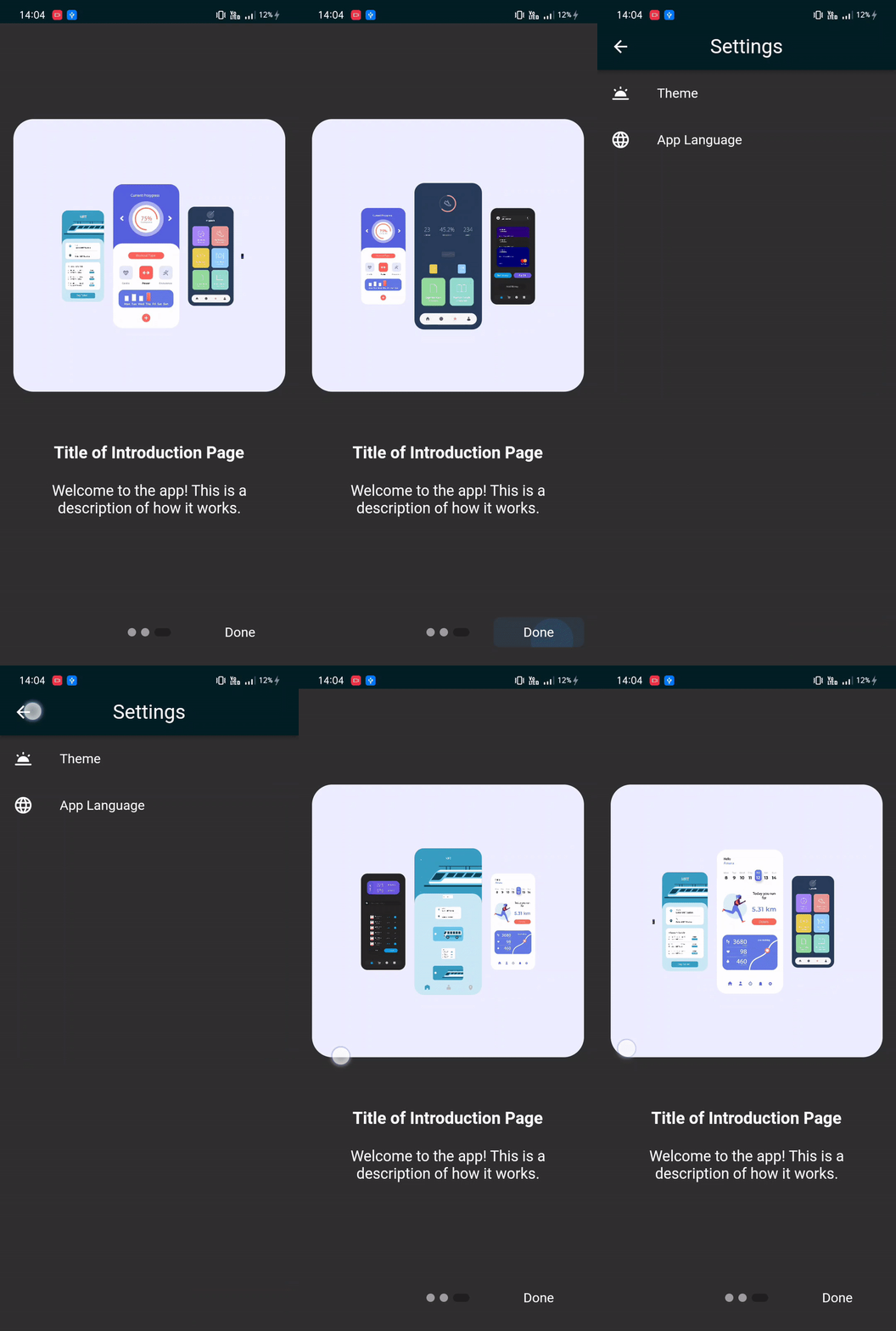
为你的介绍页面创建 PageViewModel Widget。
PageViewModel(
  title: "This is a title",
  body: "This is a description.",
  image: const Center(
    child: Text("Text", style: TextStyle(fontSize: 100.0)),
  ),
)
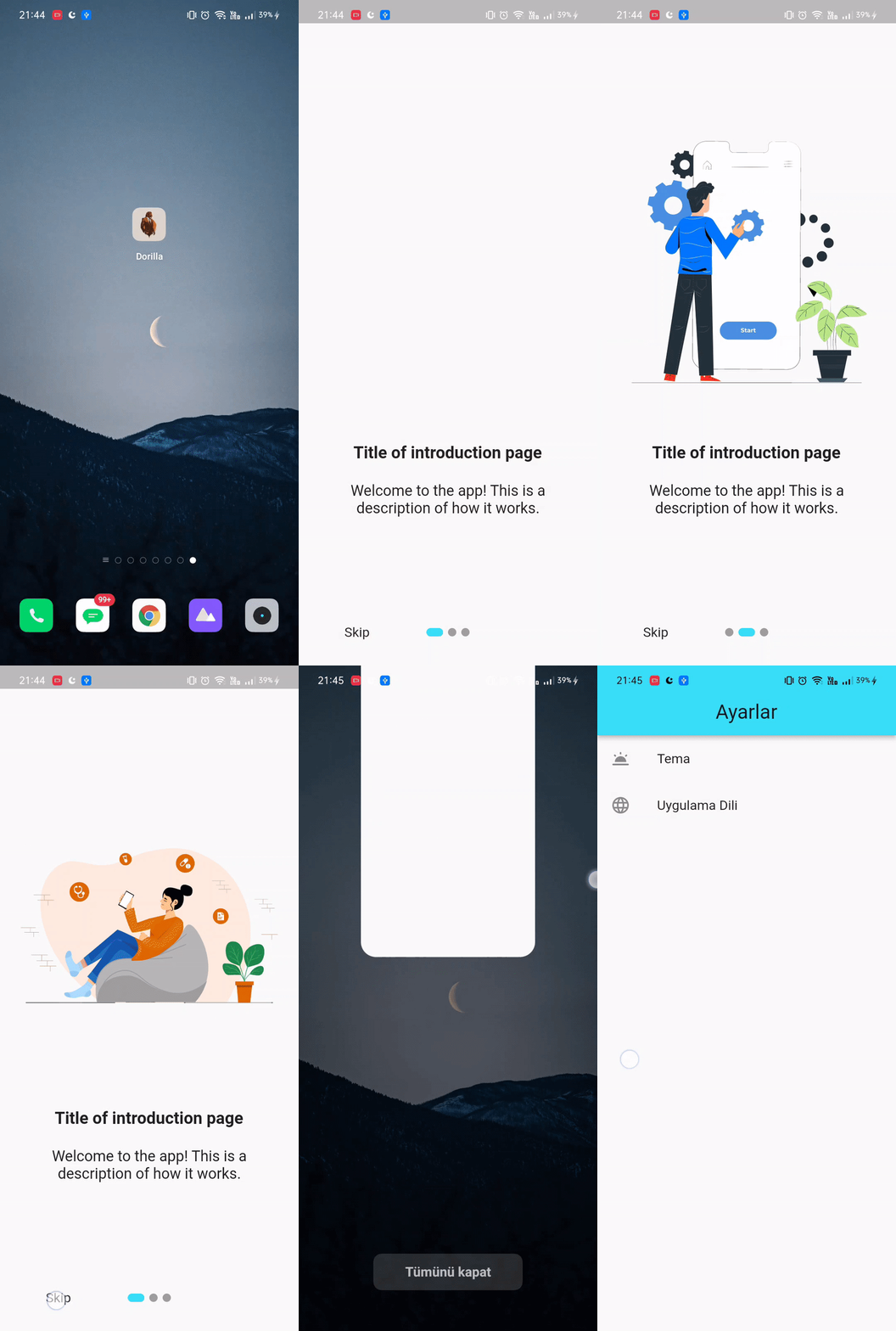
创建 IntroductionScreen 并使用页面列表进行配置。
IntroductionScreen(
  pages: listPagesViewModel,
  showNextButton: false,
  done: const Text("Done"),
  onDone: () {
    // Caching and Routing
  },
)
附注:在 onDone 回调中添加你的缓存函数。
路由
用法
Android & iOS
在 dependencies 中添加最新版本的 go_router。
dependencies:
  go_router: ^6.5.7
为你的导航系统创建 GoRouter Widget。
final _router = GoRouter(
  routes: [
    GoRoute(
      path: '/',
      builder: (context, state) => HomeScreen(),
    ),
  ],
);
按如下方式配置 MaterialApp。
MaterialApp.router(
  routerConfig: _router,
);
GitHub
https://github.com/suleymangunes/base-requirements-package-flutter


