
Flutter Video.js 播放器
Flutter 插件,用于在 flutter web 中使用 Video.js
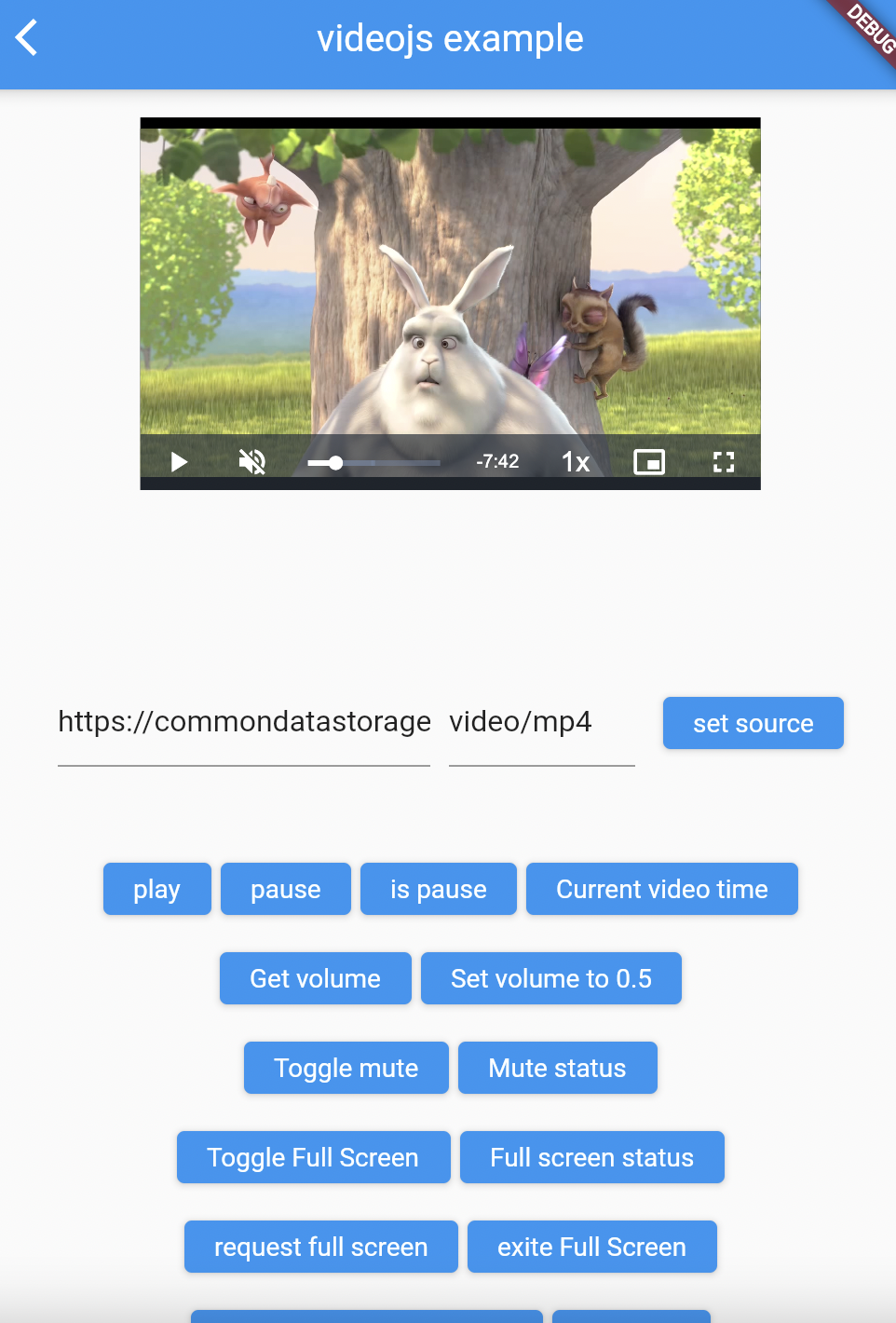
安装
将其添加到您的包的 pubspec.yaml 文件中
dependencies:
  video_js: ^0.1.1
Web
要实现,您需要在 web 部分的 index.html 中包含 Video.js 库
  <link id="videojscss" rel="stylesheet" href="https://unpkg.com/video.js/dist/video-js.css">
    <script src="https://unpkg.com/video.js/dist/video.js"></script>
要支持 HLS 格式,您还需要添加此脚本
<script src="https://unpkg.com/videojs-contrib-hls/dist/videojs-contrib-hls.js"></script>
示例
<head>
	<base href="$FLUTTER_BASE_HREF">

	<meta charset="UTF-8">
	<meta content="IE=Edge" http-equiv="X-UA-Compatible">
	<meta name="description" content="A new Flutter project.">

	<!-- iOS meta tags & icons -->
	<meta name="apple-mobile-web-app-capable" content="yes">
	<meta name="apple-mobile-web-app-status-bar-style" content="black">
	<meta name="apple-mobile-web-app-title" content="example">
	<link rel="apple-touch-icon" href="icons/Icon-192.png">

	<title>example</title>

	<link rel="manifest" href="manifest.json">
	<link id="videojscss" rel="stylesheet" href="https://unpkg.com/video.js/dist/video-js.css">    <!-- Add this line-->
	<script src="https://unpkg.com/video.js/dist/video.js"></script>                               <!-- Add this line-->
	<script src="https://unpkg.com/videojs-contrib-hls/dist/videojs-contrib-hls.js"></script>      <!-- Add this line-->
</head>
笔记
请参阅 video_js 插件中的 示例 用法
示例
import 'package:flutter/material.dart';
import 'package:videojs/videojs.dart';

void main() => runApp(VideoApp());

class VideoApp extends StatefulWidget {
  @override
  _VideoAppState createState() => _VideoAppState();
}

class _VideoAppState extends State<VideoApp> {
  late VideoJsController _videoJsController;

  @override
  void initState() {
    super.initState();
    _videoJsController = VideoJsController("videoId", videoJsOptions: VideoJsOptions(
        controls: true,
        loop: false,
        muted: false,
        poster: 'https://file-examples-com.github.io/uploads/2017/10/file_example_JPG_100kB.jpg',
        aspectRatio: '16:9',
        fluid: false,
        language: 'en',
        liveui: false,
        notSupportedMessage: 'this movie type not supported',
        playbackRates: [1, 2, 3],
        preferFullWindow: false,
        responsive: false,
        sources: [Source("https://commondatastorage.googleapis.com/gtv-videos-bucket/sample/BigBuckBunny.mp4", "video/mp4")],
        suppressNotSupportedError: false));
  }

  @override
  Widget build(BuildContext context) {
    return MaterialApp(
      title: 'Video JS Demo',
      home: Scaffold(
        body: Center(
            child: VideoJsWidget(
              videoJsController: _videoJsController,
              height: MediaQuery.of(context).size.width / 2.5,
              width: MediaQuery.of(context).size.width / 1.5,
            )
        ),
        floatingActionButton: FloatingActionButton(
          onPressed: () {
            _videoJsController.isPaused((isPlaying) {
              isPlaying
                  ? videoJsController.pause()
                  : videoJsController.play();
            });
          },
          child: Icon(Icons.play_arrow,),
        ),
      ),
    );
  }
}
注意:此插件仍处于开发阶段,某些 API 可能尚未提供。
欢迎提供反馈,并且
欢迎提交 Pull Requests!


