
日期选择器时间线

提供日历作为水平时间线的 Flutter 日期选择器库。
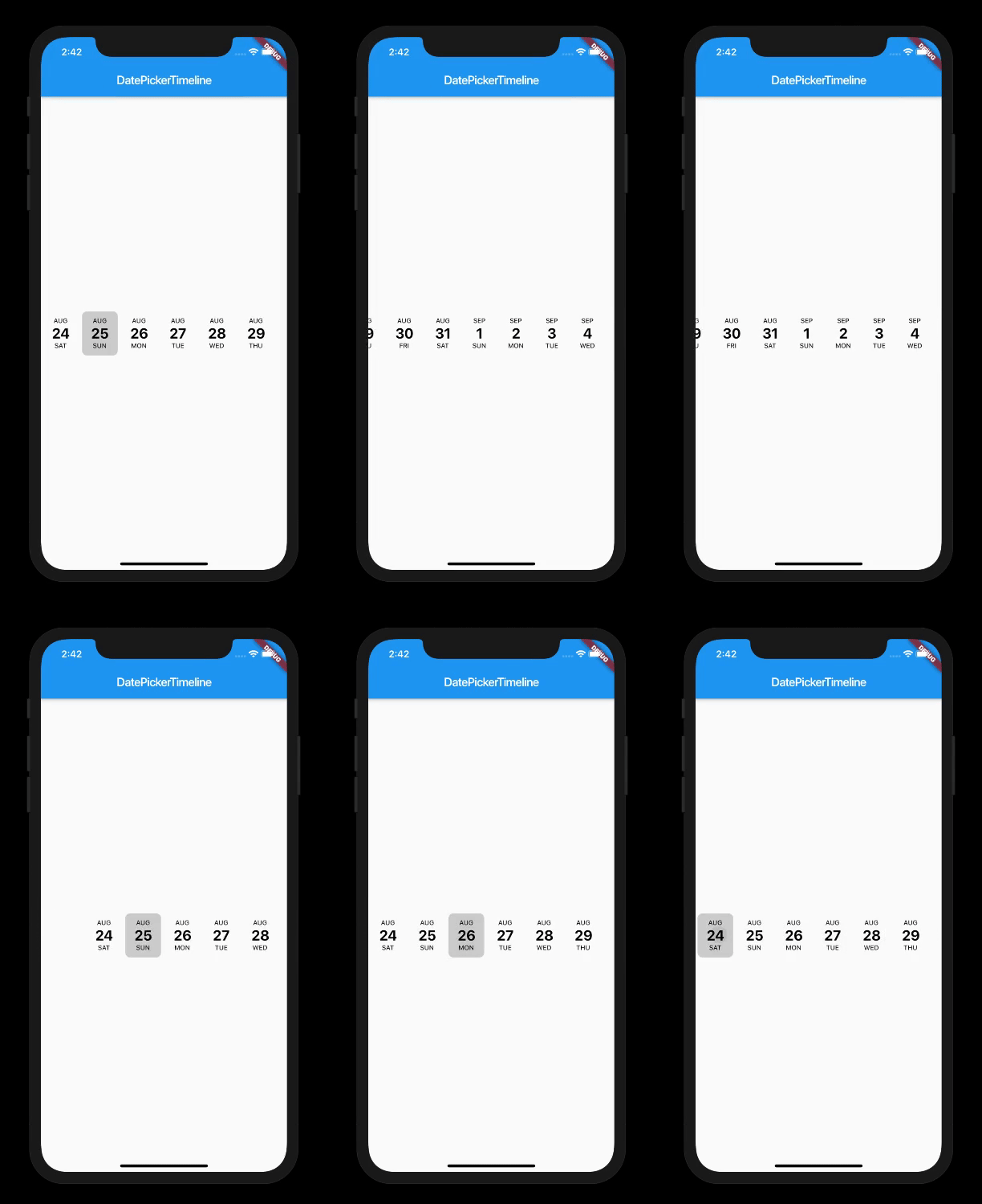
如何使用
在您的 dart 文件中导入以下包
import 'package:date_picker_timeline/date_picker_timeline.dart';
用法
此版本破坏了向后兼容性
使用 DatePicker 组件
Column(
    mainAxisAlignment: MainAxisAlignment.center,
    children: <Widget>[
      DatePicker(
        DateTime.now(),
        initialSelectedDate: DateTime.now(),
        selectionColor: Colors.black,
        selectedTextColor: Colors.white,
        onDateChange: (date) {
          // New date selected
          setState(() {
            _selectedValue = date;
          });
        },
      ),
    ],
)
构造函数
DatePicker(
    this.startDate, {
    Key key,
    this.width,
    this.height,
    this.controller,
    this.monthTextStyle,
    this.dayTextStyle,
    this.dateTextStyle,
    this.selectedTextColor,
    this.selectionColor,
    this.deactivatedColor,
    this.initialSelectedDate,
    this.activeDates,
    this.inactiveDates,
    this.daysCount,
    this.onDateChange,
    this.locale = "en_US",
}) : super(key: key);


