
Flutter Bootstrap 5
此包允许使用 gRPC 作为纯 Dart 实现的 Google Speech API。通过 gRPC 的支持,您还可以使用 Google Speech API 的流式转录功能。
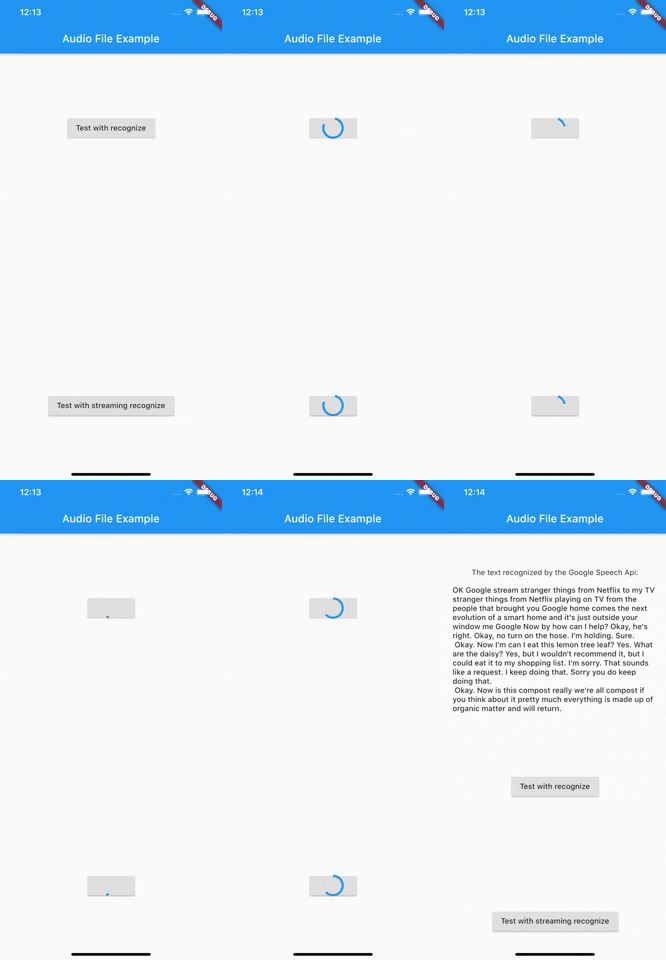
演示识别
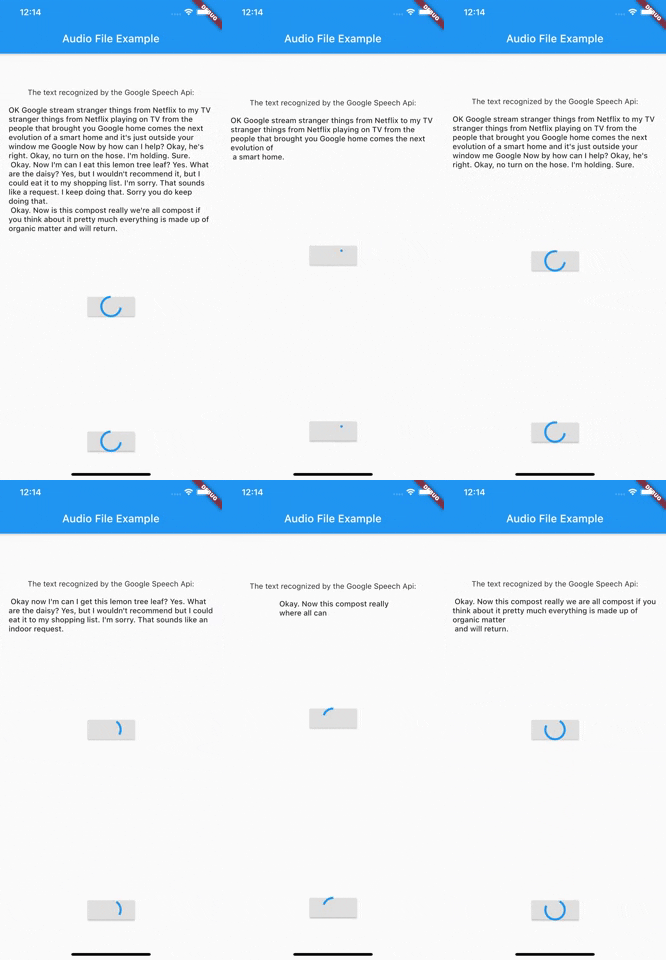
演示流式传输
入门
通过服务账号进行身份验证
有两种方法可以使用服务账号登录。第一种方法是直接传输 Json 文件。请确保文件确实存在于您指定的路径中,并且文件具有 .json 扩展名。
    import 'package:google_speech/speech_client_authenticator.dart';

    final serviceAccount = ServiceAccount.fromFile(File('PATH_TO_FILE'));
第二种方法是直接将 Json 数据作为字符串传递。例如,这可以用于先从外部服务加载数据,而不必将其直接保存在应用程序中。
    final serviceAccount = ServiceAccount.fromString(r'''{YOUR_JSON_STRING}''');

    /// OR load the data from assets

    final serviceAccount = ServiceAccount.fromString(
        '${(await rootBundle.loadString('assets/test_service_account.json'))}');
成功连接 ServiceAccount 后,您就可以开始使用 API 了。
初始化 SpeechToText
    import 'package:google_speech/google_speech.dart';

    final speechToText = SpeechToText.viaServiceAccount(serviceAccount);
使用 recognize 转录文件
定义 RecognitionConfig
    final config = RecognitionConfig(
                         encoding: AudioEncoding.LINEAR16,
                         model: RecognitionModel.basic,
                         enableAutomaticPunctuation: true,
                         sampleRateHertz: 16000,
                         languageCode: 'en-US');
获取音频文件的内容
     Future<List<int>> _getAudioContent(String name) async {
       final directory = await getApplicationDocumentsDirectory();
       final path = directory.path + '/$name';
       return File(path).readAsBytesSync().toList();
     }

    final audio = await _getAudioContent('test.wav');
最后发送请求
final response = await speechToText.recognize(config, audio);
使用 streamRecognize 转录文件
定义 StreamingRecognitionConfig
final streamingConfig = StreamingRecognitionConfig(config: config, interimResults: true);
将音频文件内容获取为流 || 或直接从麦克风输入获取音频流
     Future<Stream<List<int>>> _getAudioStream(String name) async {
       final directory = await getApplicationDocumentsDirectory();
       final path = directory.path + '/$name';
       return File(path).openRead();
     }

    final audio = await _getAudioStream('test.wav');
最后发送请求
    final responseStream = speechToText.streamingRecognize(streamingConfig, audio);
    responseStream.listen((data) {
        // listen for response
    });
更多信息可以在官方 Google Cloud Speech 文档中找到。
收到空响应 (Issue #25)
如果 google_speech 返回空响应,则此错误很可能与录制的音频文件有关。
您可以在此处找到更多信息 https://cloud.google.com/speech-to-text/docs/troubleshooting#returns_an_empty_response
使用 Google Speech Beta
从 1.1.0 版本开始,google_speech 还支持使用 Google Speech Beta API 中的功能。为此,您只需使用 SpeechToTextBeta 而不是 SpeechToText。
2022 年路线图
- 更新 streamingRecognize 示例
- 添加 Google Speech 限制的错误消息
- 添加 Flutter Web 支持
- 添加 longRunningRecognize 支持(感谢 @spenceralbrecht)
- 添加无限流支持
- 添加更多测试


