
flutter_candlesticks
Flutter 优雅的 OHLC K 线和交易量图表
用法
使用 pub 安装 Flutter 。
| 属性 | 描述 |
|---|---|
| data | 必需。包含开盘价、最高价、最低价、收盘价和交易量的地图列表 |
| enableGridLines | 必需。启用或禁用网格线 |
| volumeProp | 必需。分配给交易量条的容器比例 |
| lineWidth | 默认值 1.0。大多数线的宽度 |
| gridLineAmount | 默认值 5。要绘制的网格线数量。标签自动分配 |
| gridLineWidth | 默认值 0.5。网格线的宽度 |
| gridLineColor | 默认值 Colors.grey。网格线的颜色 |
| gridLineLabelColor | 默认值 Colors.grey。网格线标签的颜色 |
| labelPrefix | 默认值 "$"。网格线标签前的标签。 |
| increaseColor | 默认值 Colors.green。上涨蜡烛的颜色。 |
| decreaseColor | 默认值 Colors.red。下跌蜡烛的颜色。 |
示例
无网格线
new OHLCVGraph(
    data: sampleData,
    enableGridLines: false,
    volumeProp: 0.2
    )
)
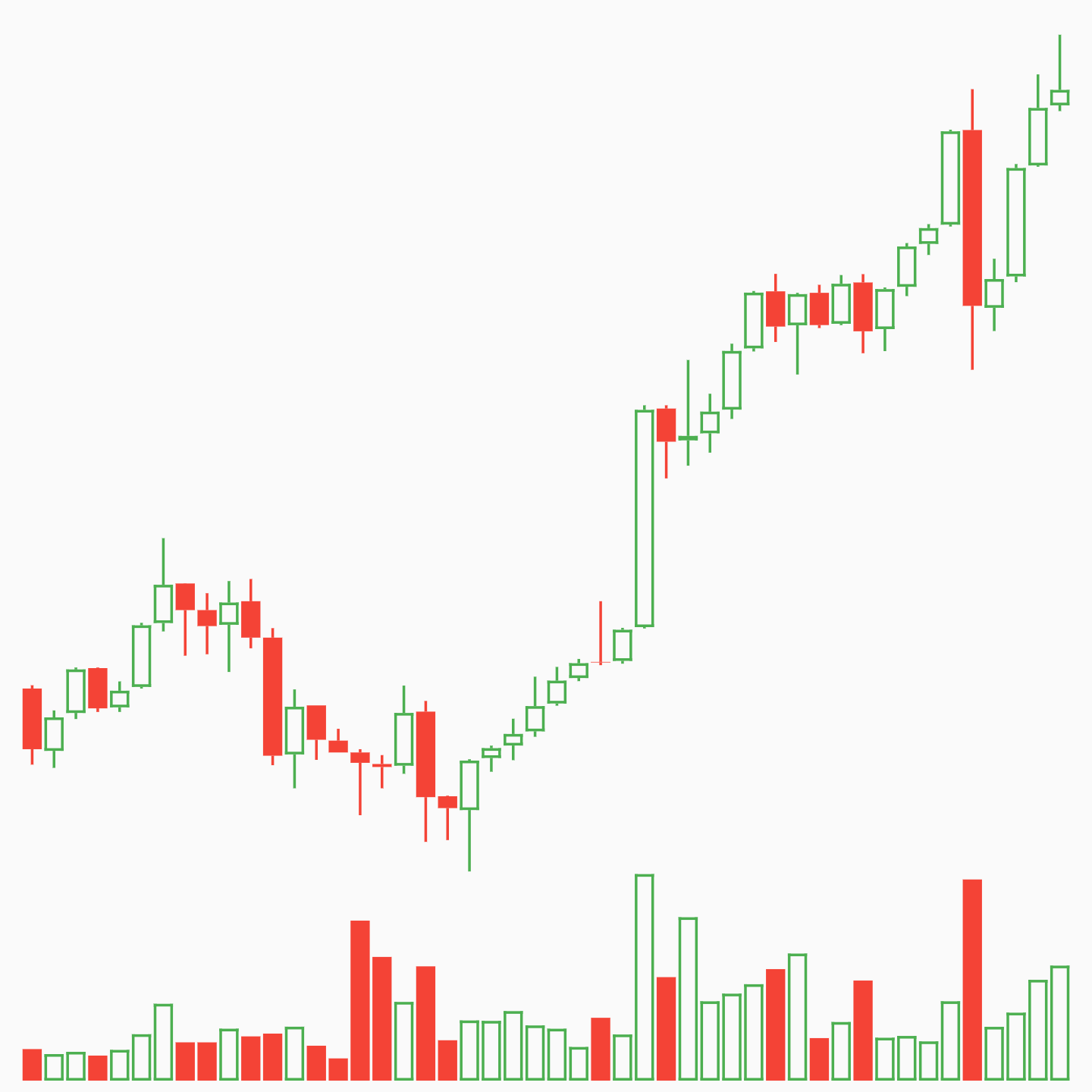
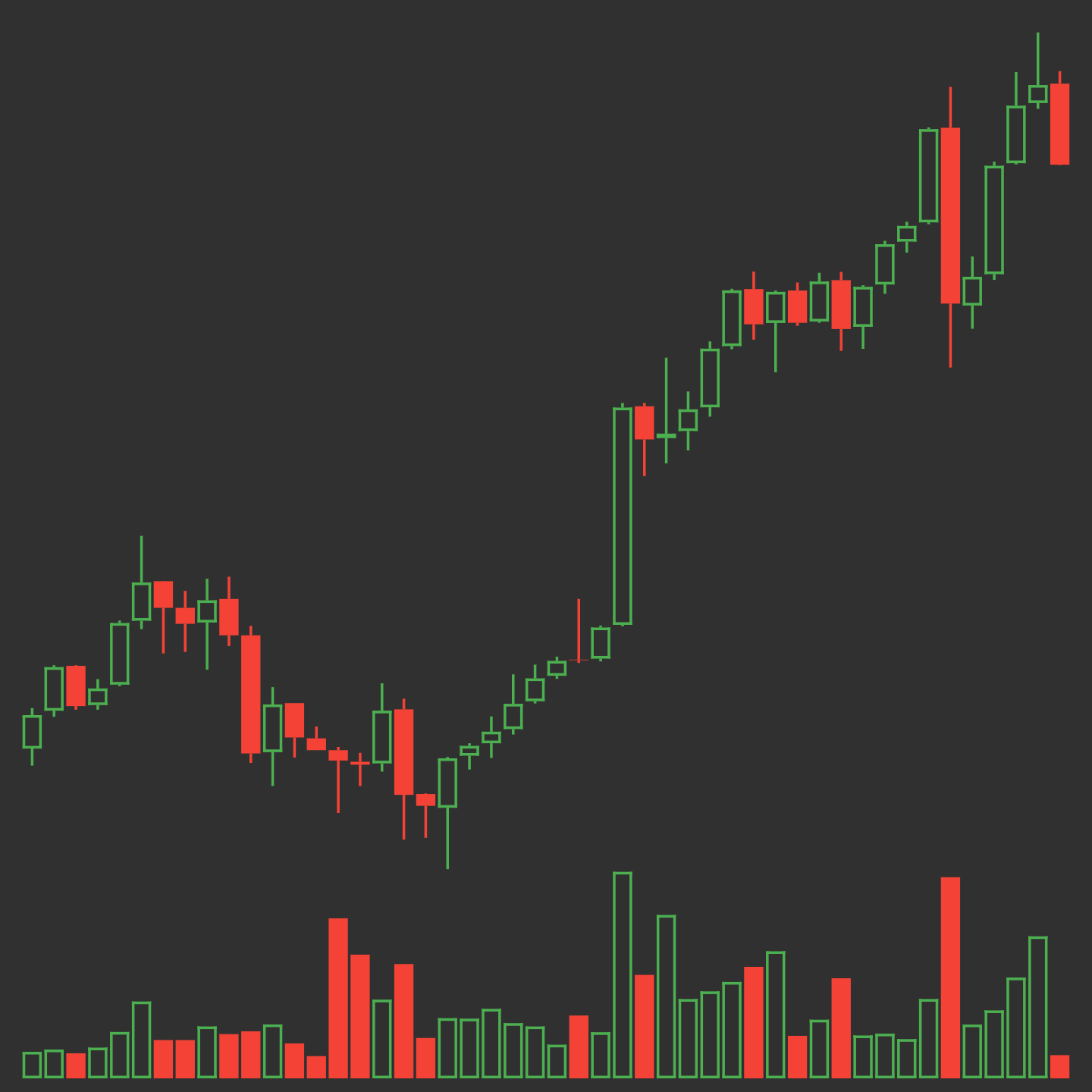
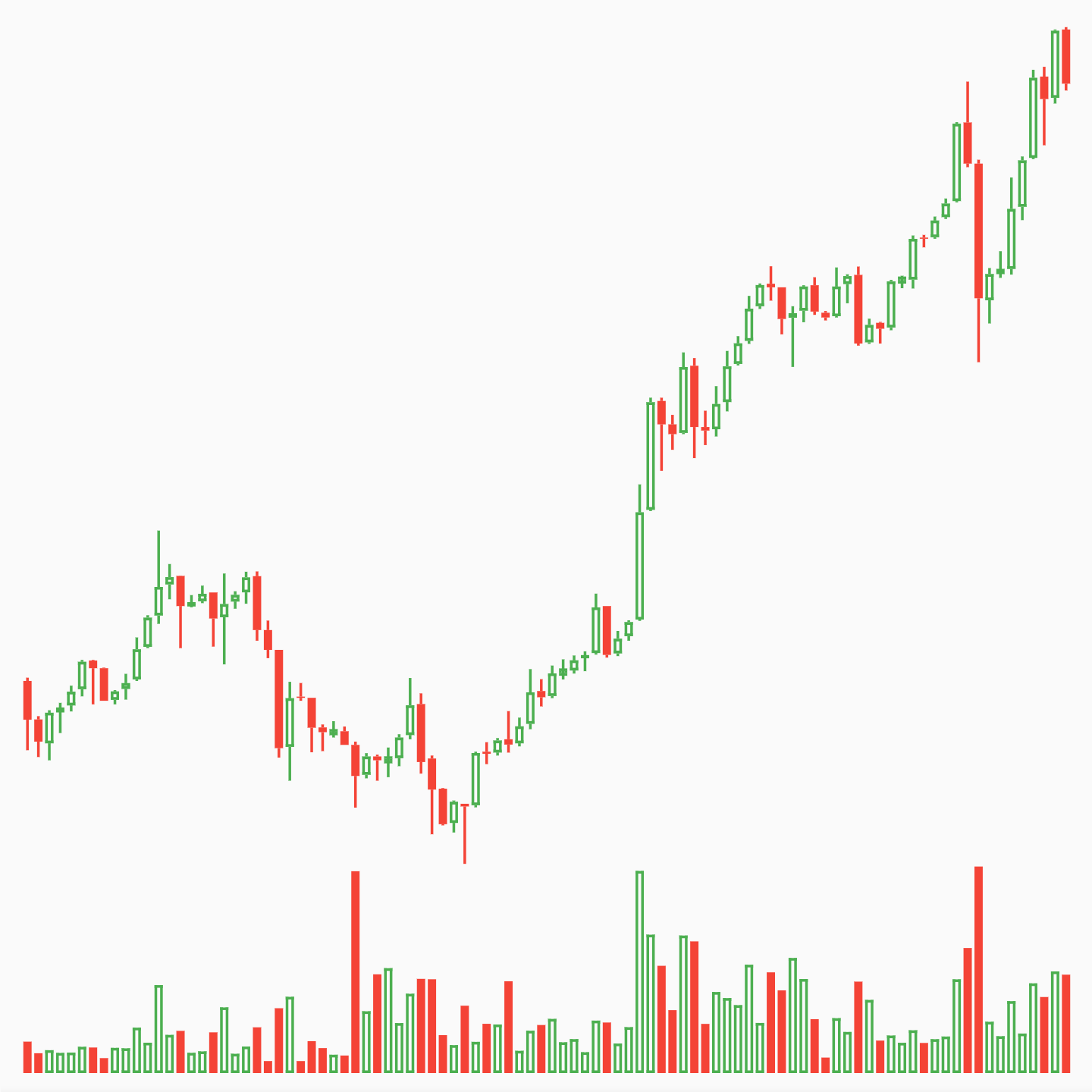
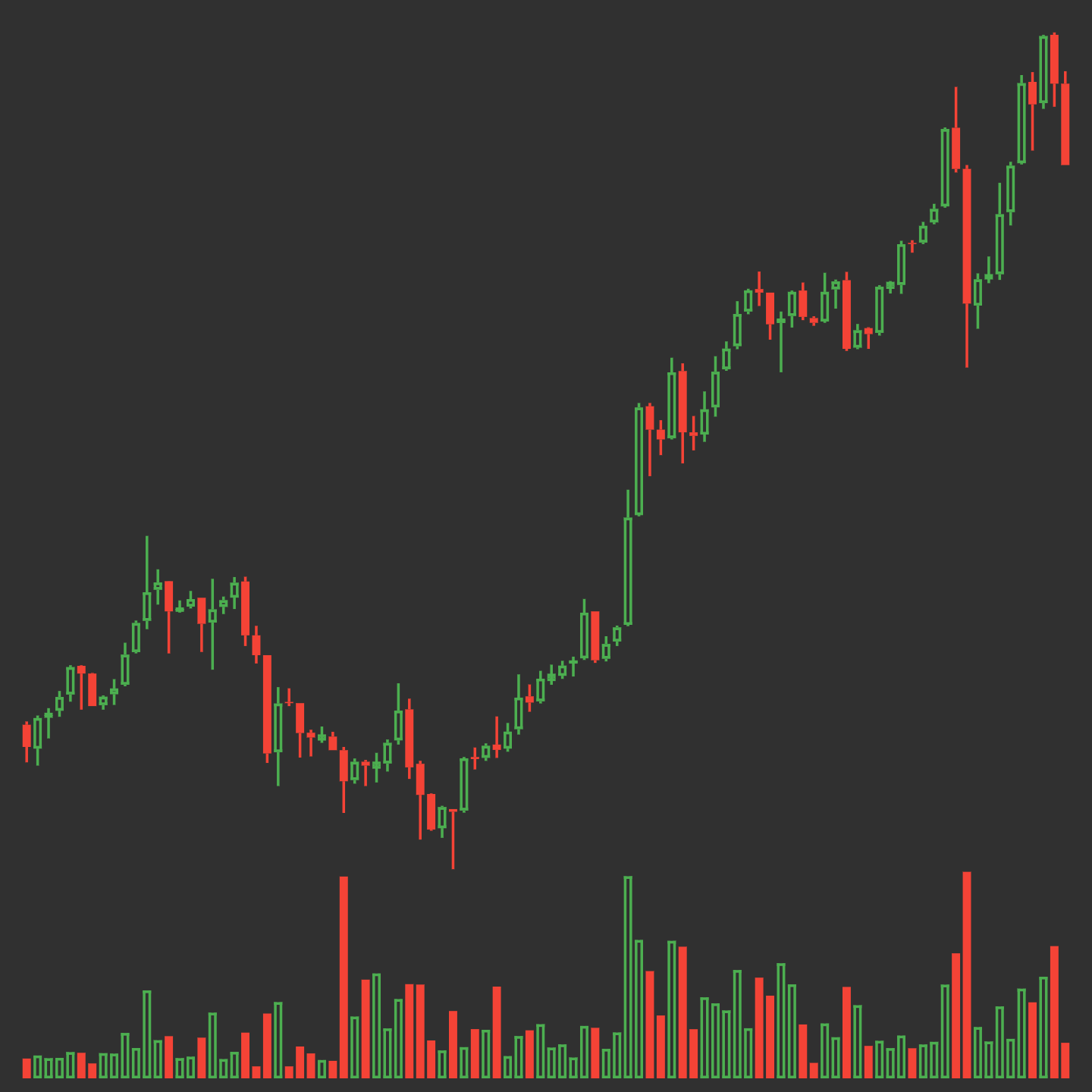
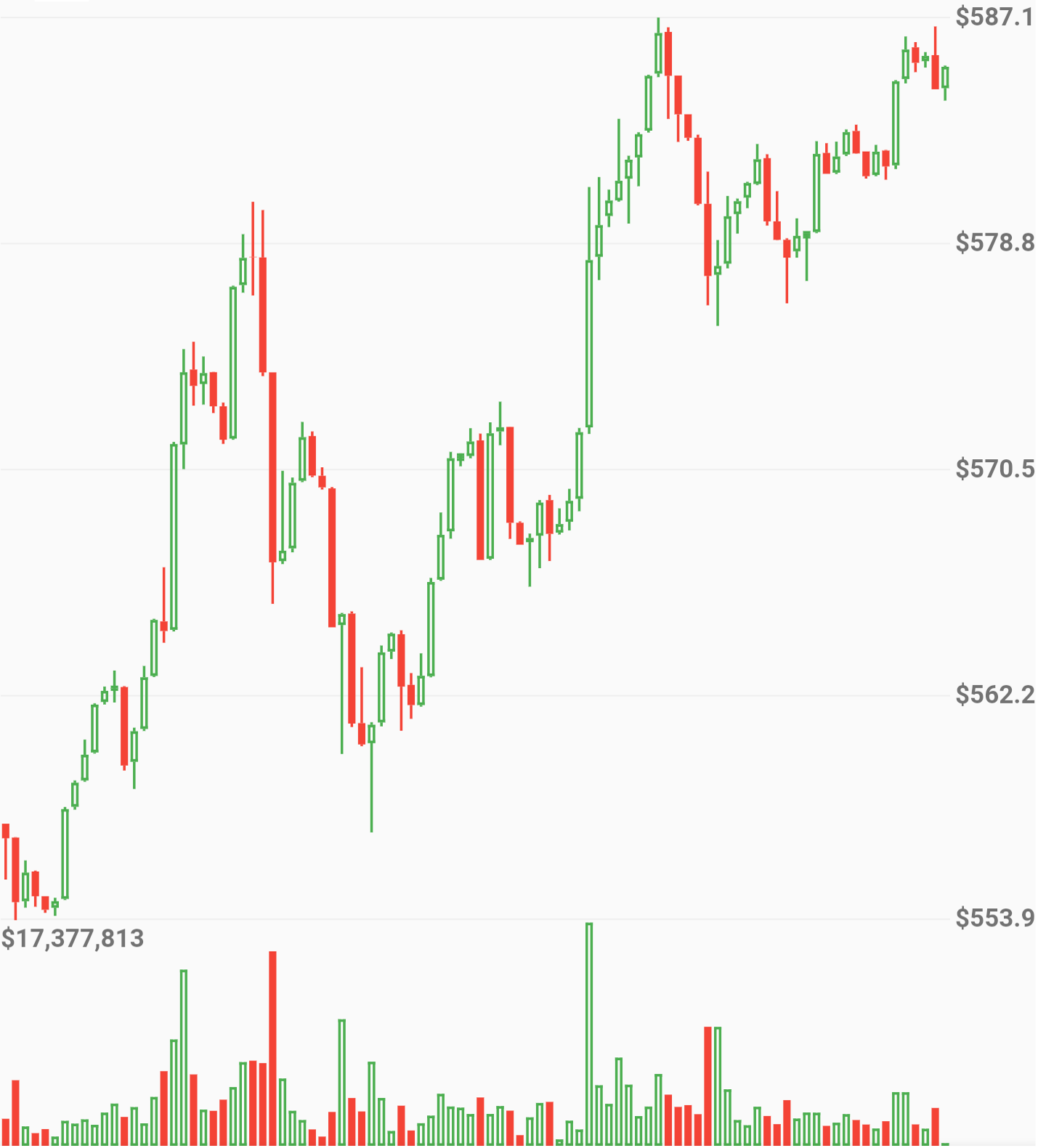
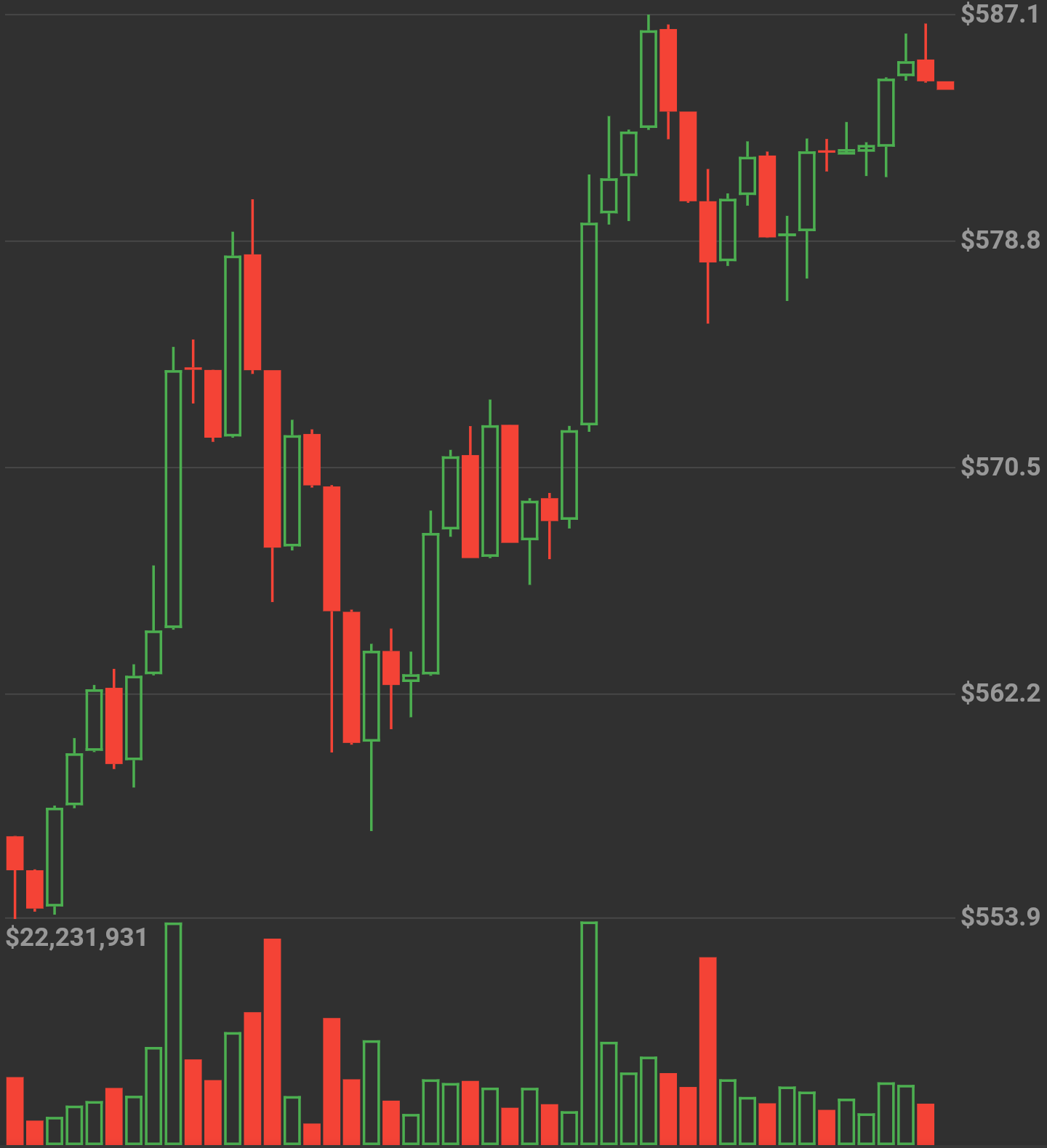
蜡烛尺寸根据数据量动态变化
网格线
new OHLCVGraph(
    data: sampleData,
    enableGridLines: true,
    volumeProp: 0.2,
    gridLineAmount: 5,
    gridLineColor: Colors.grey[300],
    gridLineLabelColor: Colors.grey
    )
)
完整应用示例
import 'package:flutter/material.dart';
import 'package:flutter_candlesticks/flutter_candlesticks.dart';

void main() {
  List sampleData = [
    {"open":50.0, "high":100.0, "low":40.0, "close":80, "volumeto":5000.0},
    {"open":80.0, "high":90.0, "low":55.0, "close":65, "volumeto":4000.0},
    {"open":65.0, "high":120.0, "low":60.0, "close":90, "volumeto":7000.0},
    {"open":90.0, "high":95.0, "low":85.0, "close":80, "volumeto":2000.0},
    {"open":80.0, "high":85.0, "low":40.0, "close":50, "volumeto":3000.0},
  ];

  runApp(
    new MaterialApp(
      home: new Scaffold(
        body: new Center(
          child: new Container(
            height: 500.0,
            child: new OHLCVGraph(
                data: sampleData,
                enableGridLines: false,
                volumeProp: 0.2
            ),
          ),
        ),
      )
    )
  );
}


