
Flutter For Wordpress
使用 Flutter 构建的跨平台 WordPress 新闻应用。

安装
在实现应用程序之前,您需要拥有一个WordPress网站。
如果您已经拥有WordPress网站,请按照以下简单步骤构建您自己的WordPress Flutter应用程序。
编辑您的WordPress主题
通过在主题的最后添加以下代码来编辑WordPress的functions.php文件。如果未执行此步骤,应用程序将无法正常运行。
function flutter_news_rest_prepare_post($data, $post, $request)
{
    $_data = $data->data;
    $video = get_post_meta($post->ID, 'td_post_video', true);
    if ($video) {
        $_data["custom"] = get_post_meta($post->ID, 'td_post_video', true);
    } else {
        $_data["custom"]["td_video"] = "";
    }
    $featured_image_id  = $_data['featured_media'];
    $featured_image_url = get_the_post_thumbnail_url($post->ID, "original");

    if ($featured_image_url) {
        $_data['custom']["featured_image"] = $featured_image_url;
    } else {
        $_data['custom']["featured_image"] = "";
    }

    $_data['custom']["author"]["name"]   = get_author_name($_data['author']);
    $_data['custom']["author"]["avatar"] = get_avatar_url($_data['author']);

	$categories = get_the_category($_data["id"]);
	$_data['custom']["categories"] = $categories;

    $data->data = $_data;

    return $data;
}

add_filter('rest_prepare_post', 'flutter_news_rest_prepare_post', 10, 3);
编辑常量
在./lib/common/constants.dart文件中更改常量。有关类别名称和ID,请参考您的WordPress网站。
// Your wordpress website URL
const String WORDPRESS_URL = "https://flutterblog.crumet.com";

// Featured category ID (for Home Screen top section)
const int FEATURED_ID = 2;

// Tab 2 page category name
const String PAGE2_CATEGORY_NAME = "Lifestyle";

// Tab 2 page category ID
const int PAGE2_CATEGORY_ID = 6;

// Custom categories in search tab
// Array in format
// ["Category Name", "Image Link", "Category ID"]
const List<dynamic> CUSTOM_CATEGORIES = [
  ["Lifestyle", "assets/boxed/lifestyle.png", 6],
  ["Fashion", "assets/boxed/fashion.png", 12],
  ["Music", "assets/boxed/music.png", 14],
  ["Photography", "assets/boxed/photography.png", 15],
  ["Sport", "assets/boxed/sport.png", 13],
  ["World", "assets/boxed/world.png", 11],
  ["Health", "assets/boxed/health.png", 8],
  ["Travel", "assets/boxed/travel.png", 7],
  ["Recipies", "assets/boxed/recipies.png", 10],
];
推送通知(可选)
此项目使用Firebase消息进行推送通知。
要集成Firebase的推送通知,请按照以下步骤操作
- 转到Firebase控制台
- 生成并下载google-services.json文件
- 将google-services.json文件放置在android/app文件夹内
- 现在应该准备好了。测试您的推送通知。
有关更多说明,请阅读此处的文档:https://pub.dev/packages/firebase_messaging
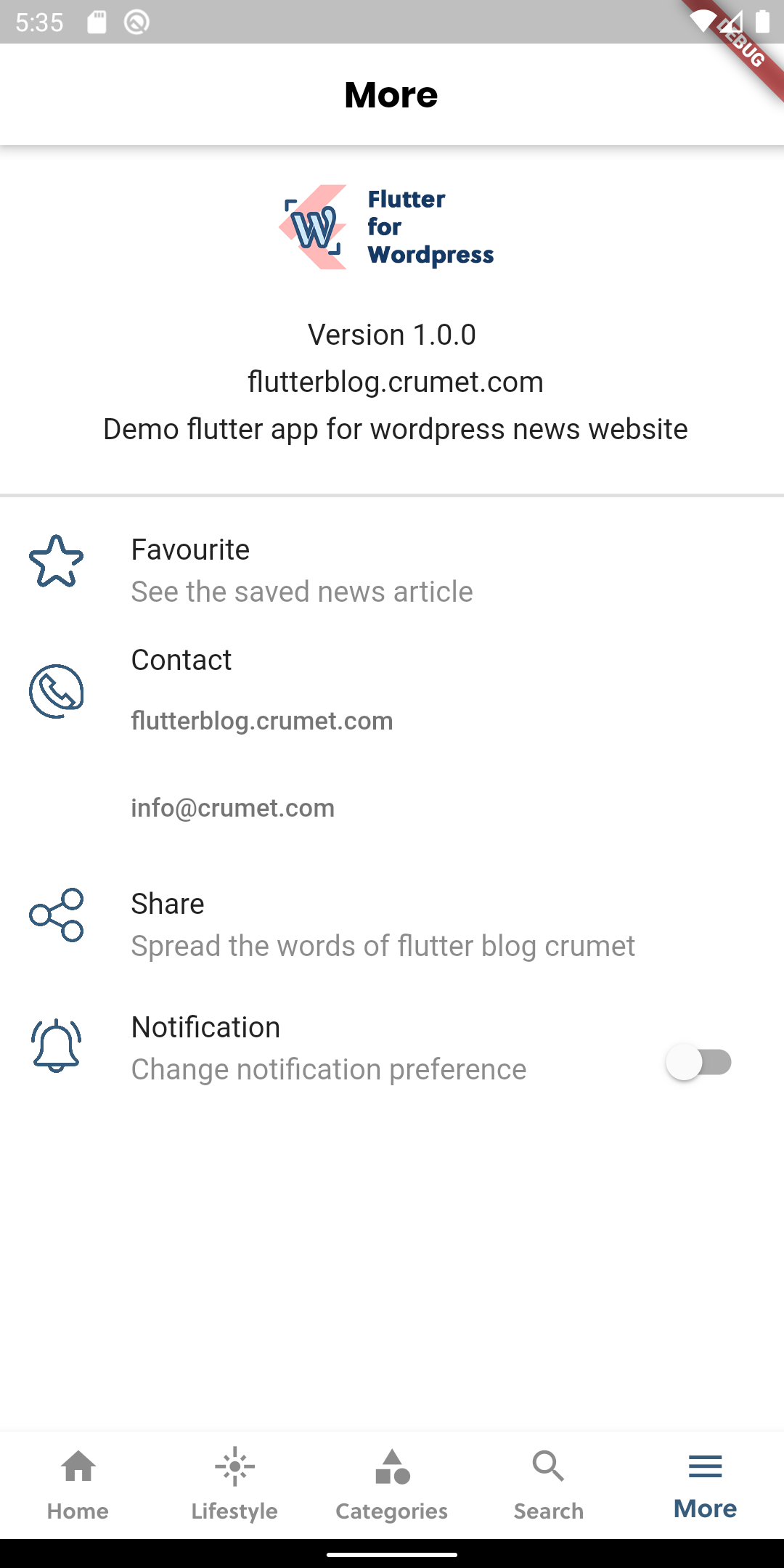
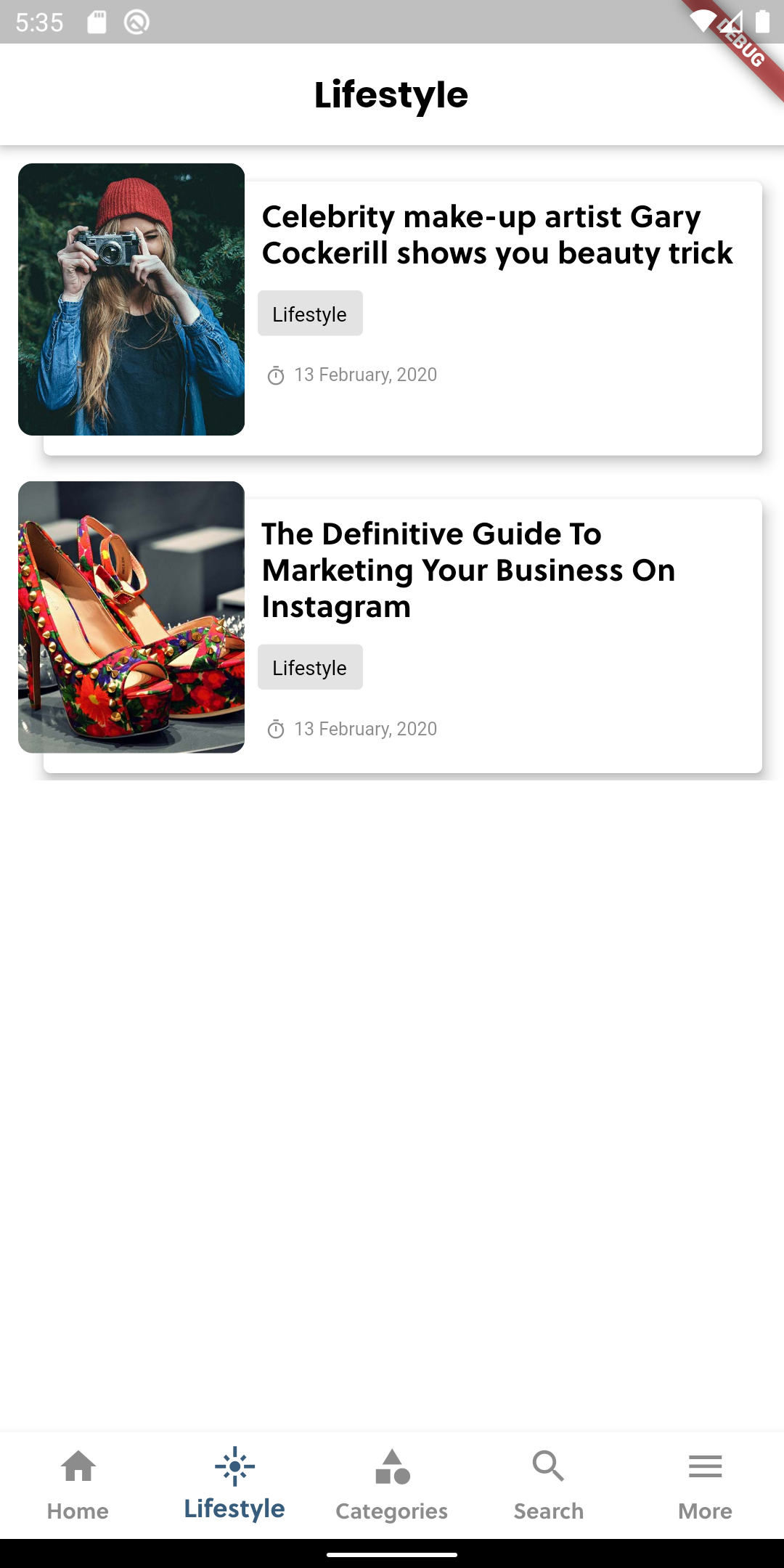
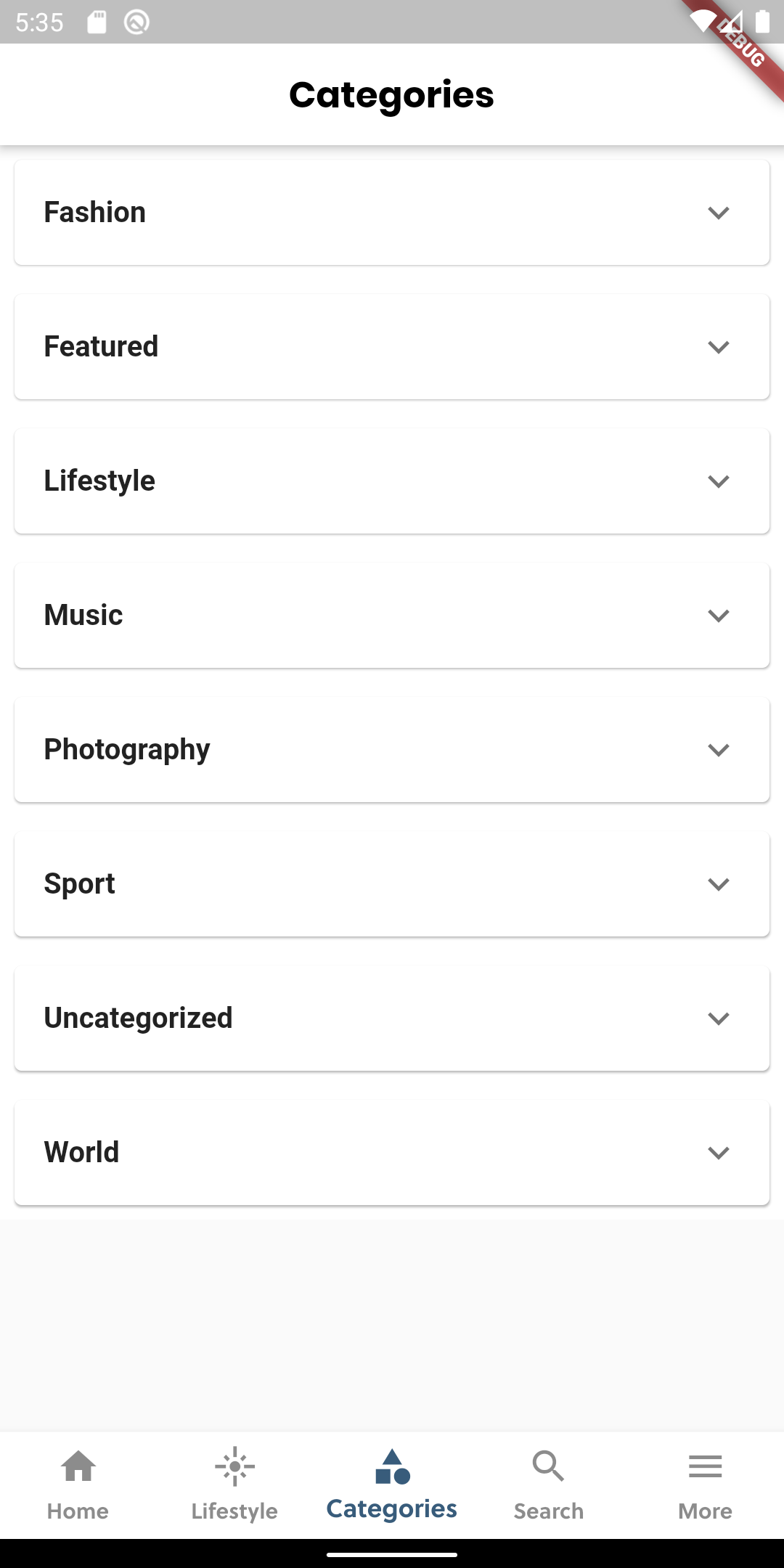
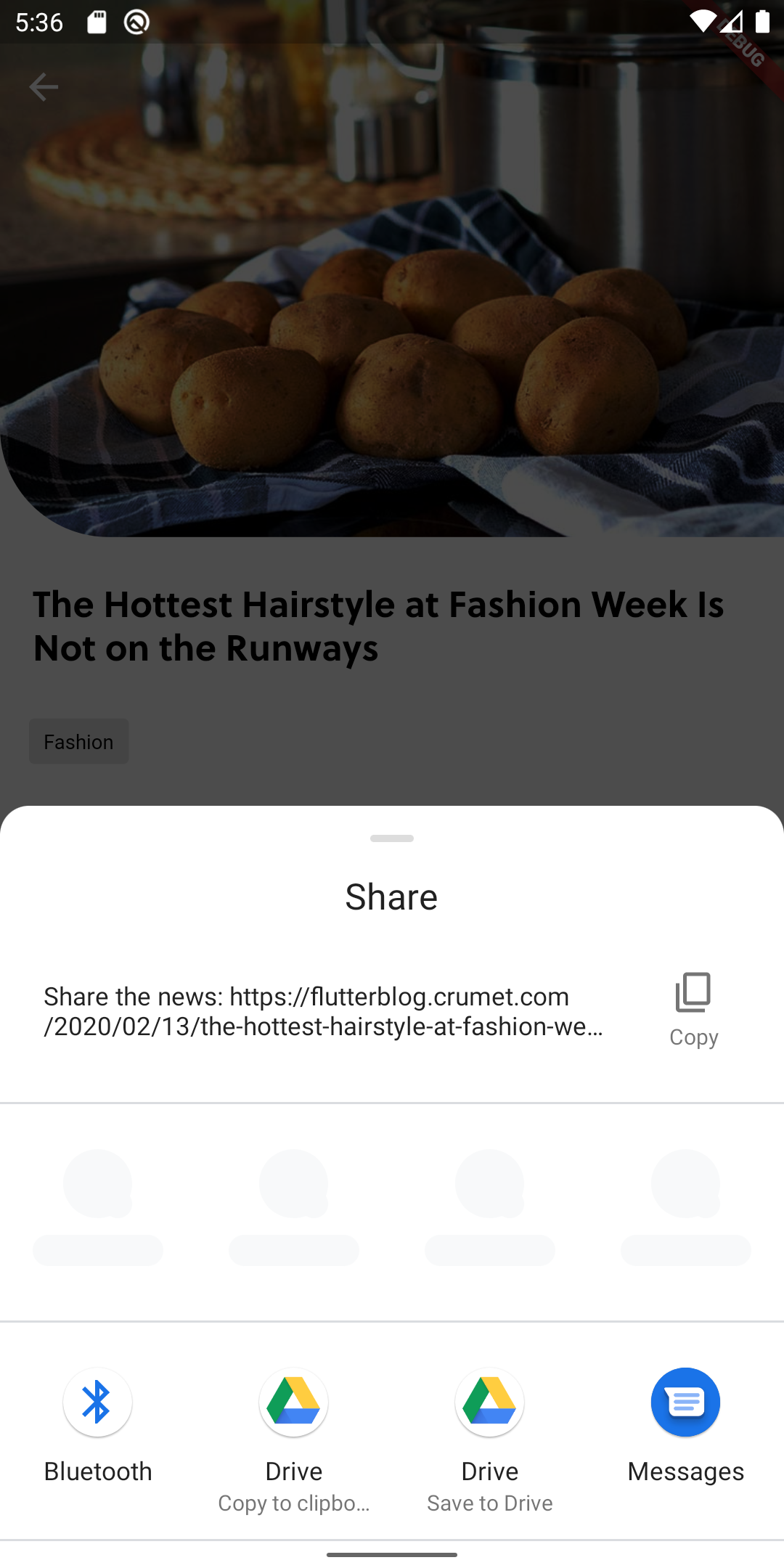
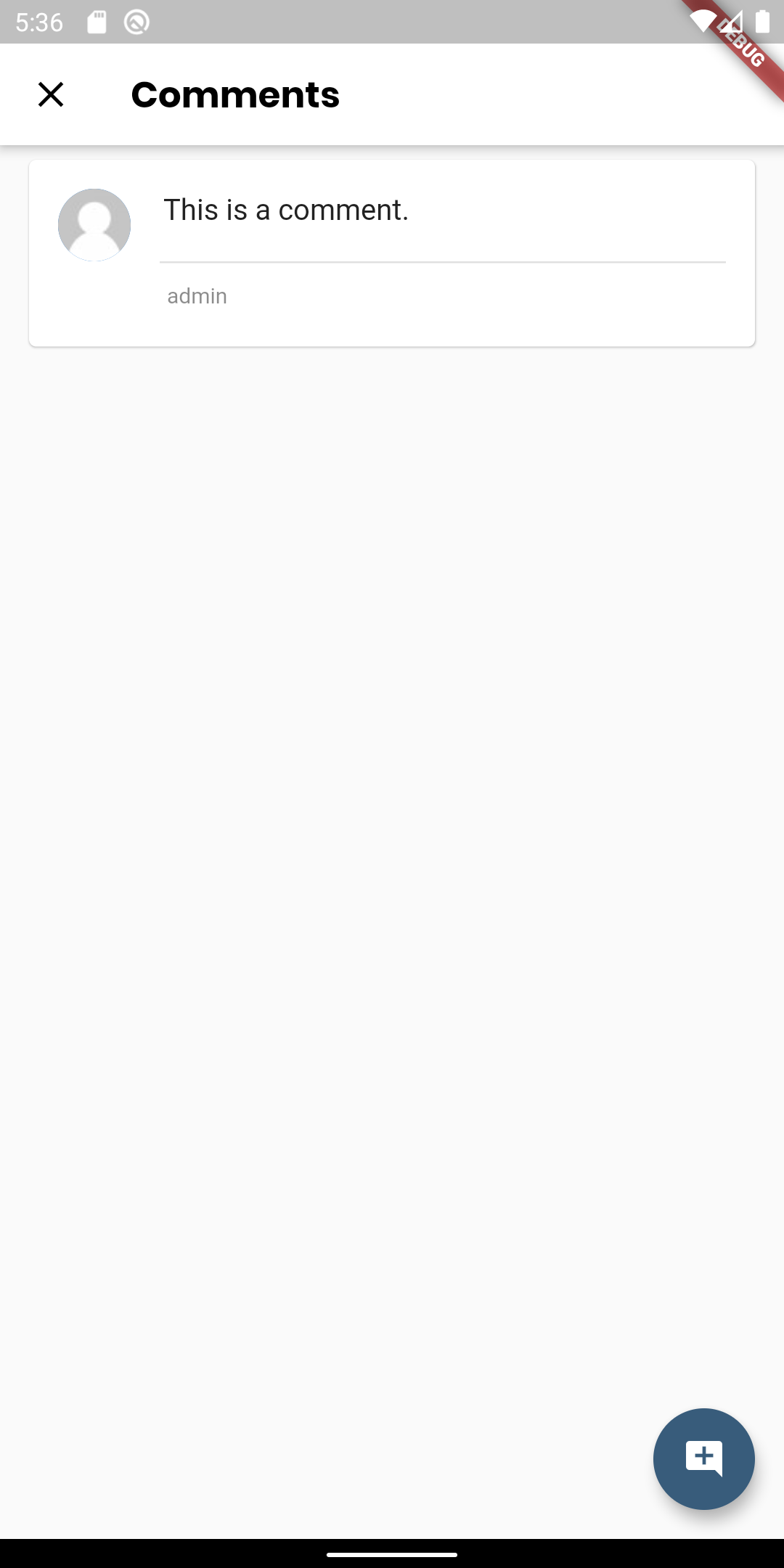
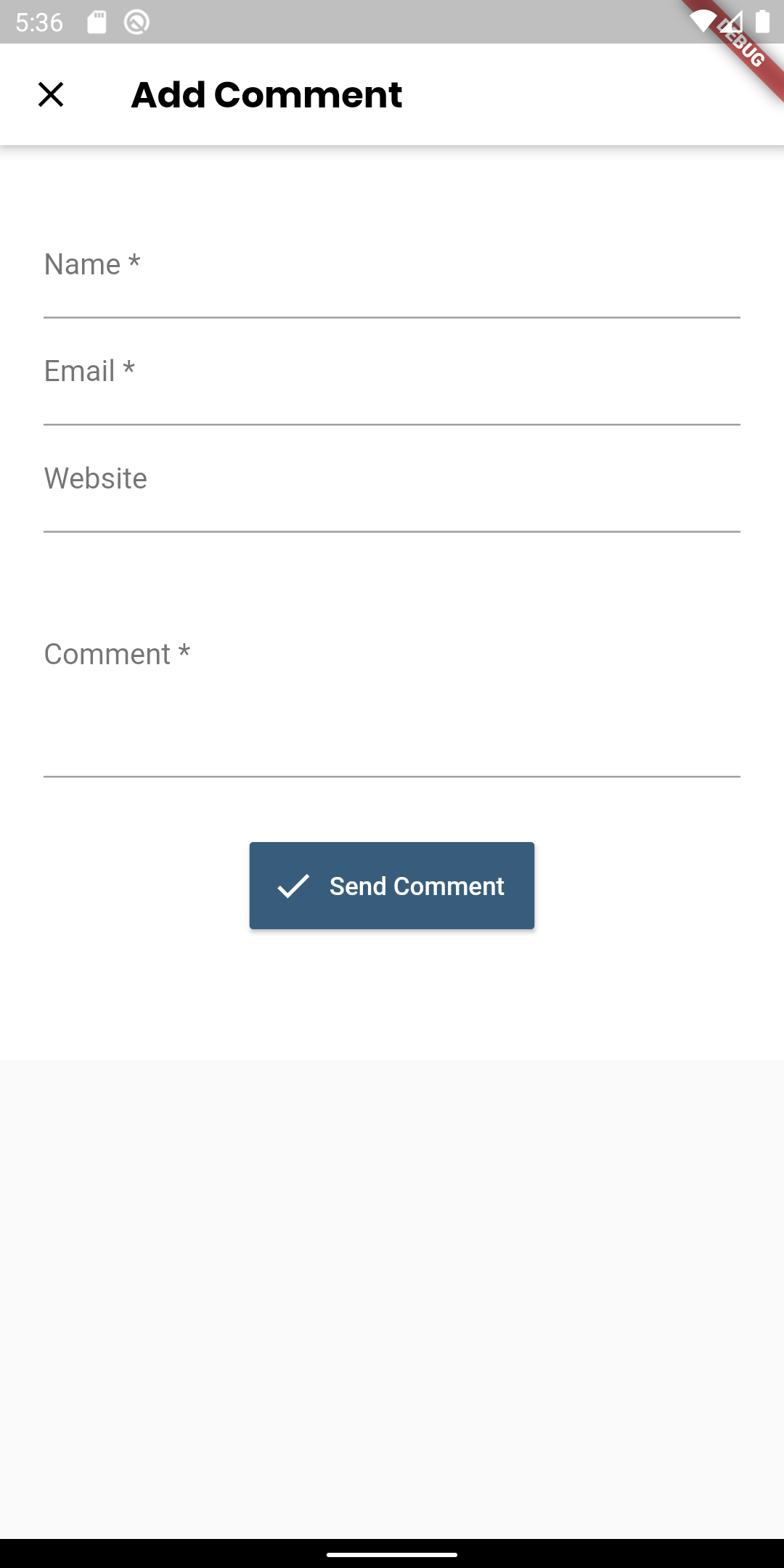
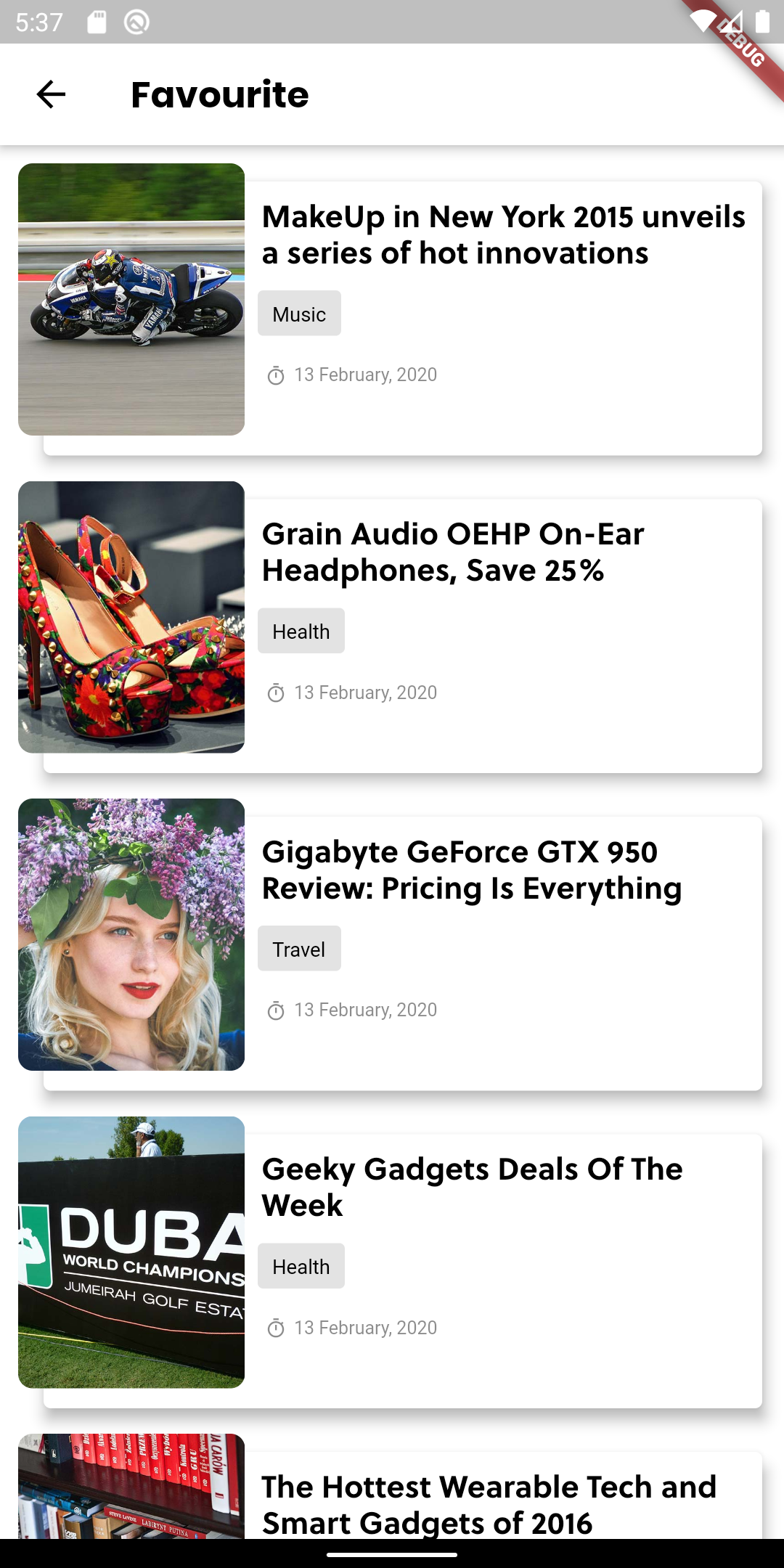
截图
 |
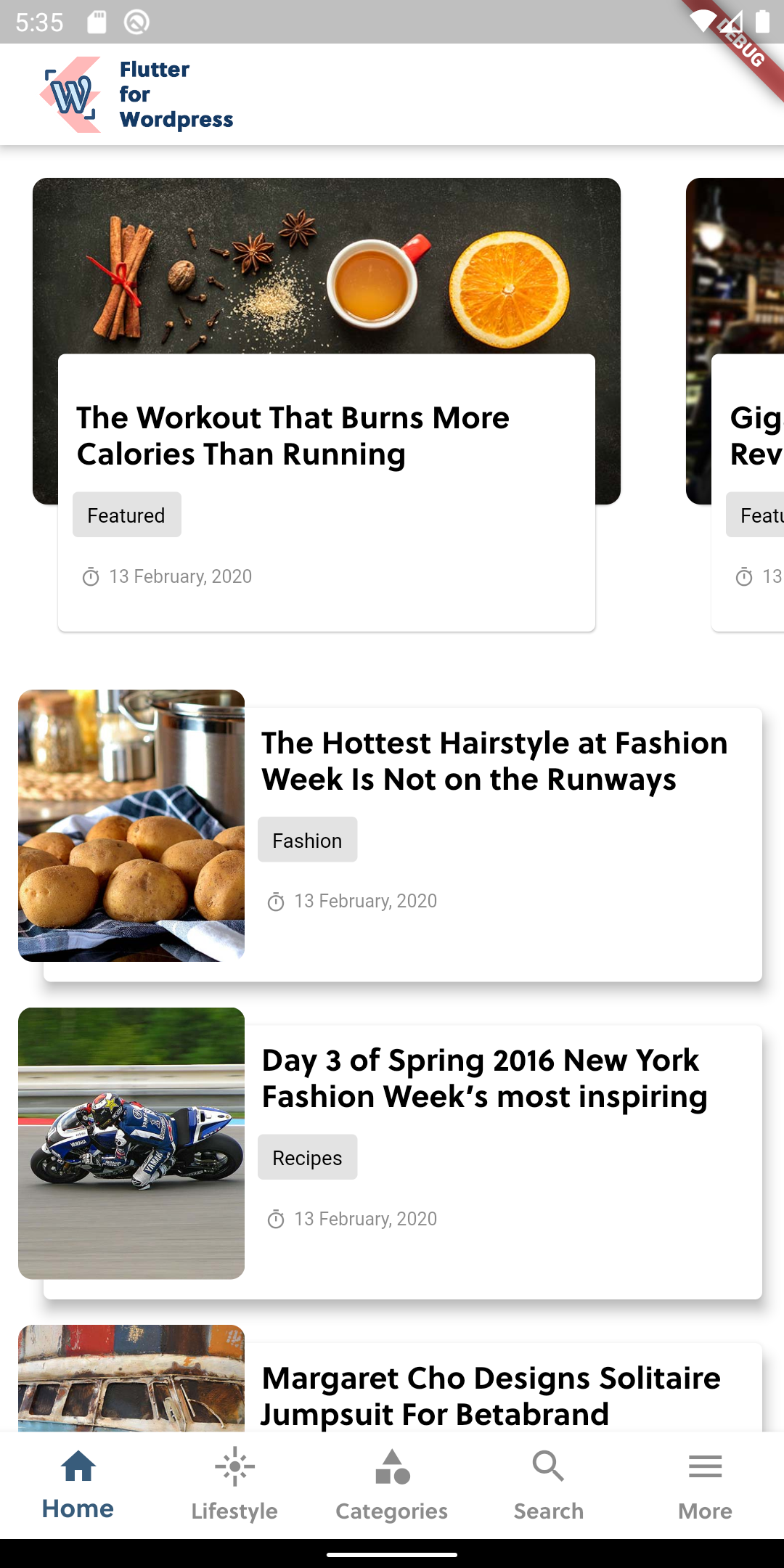 |
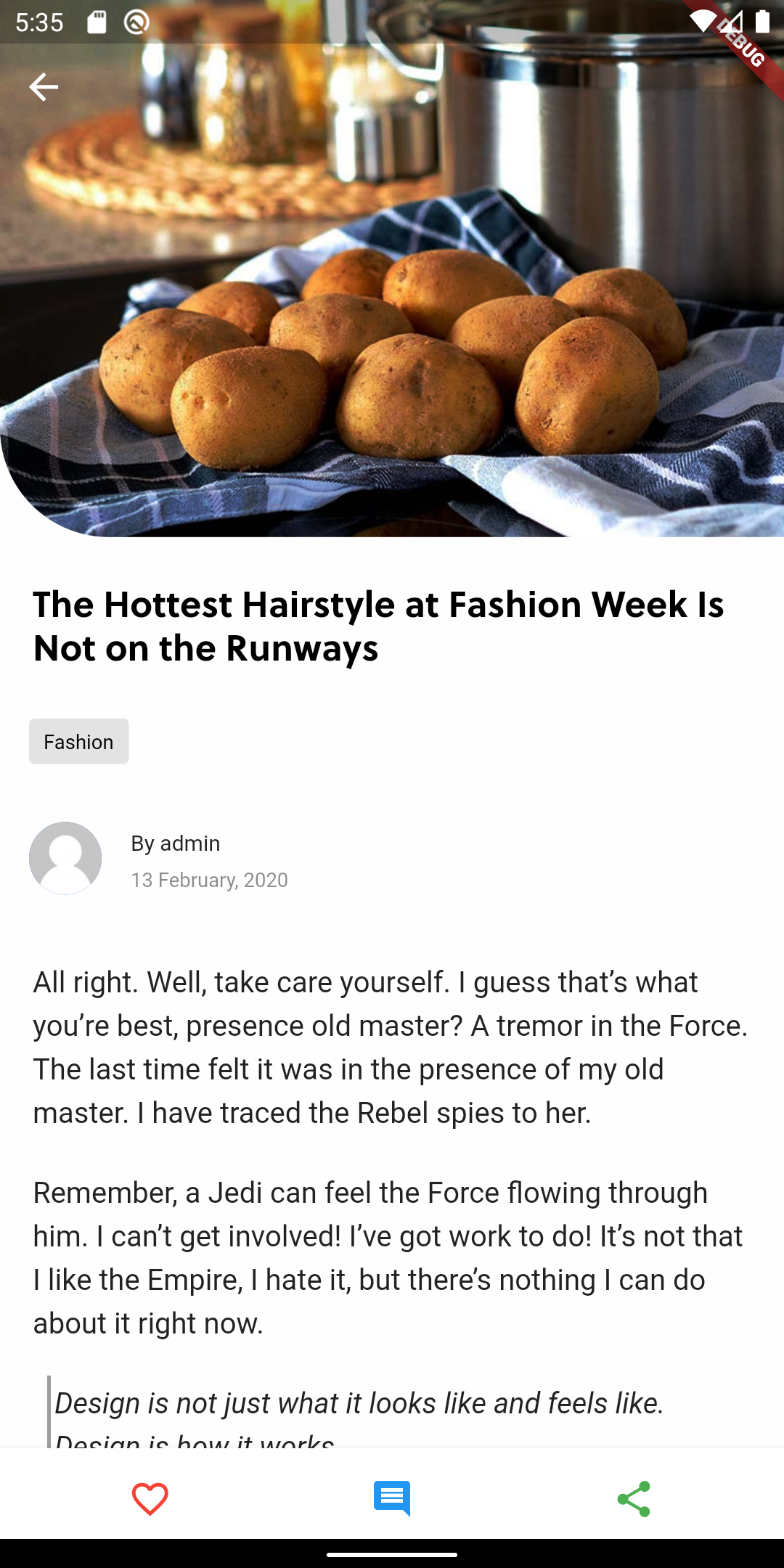 |
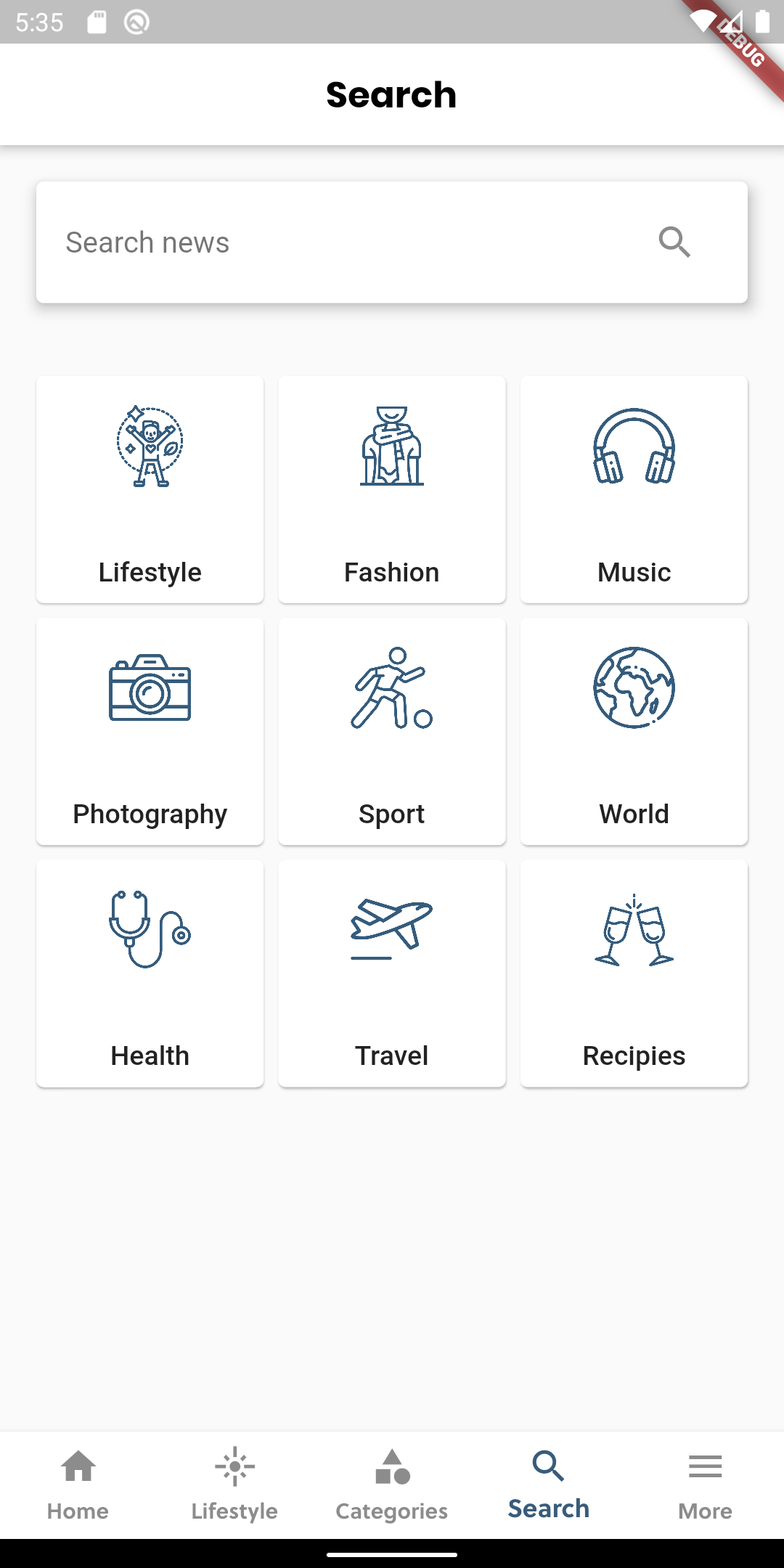 |
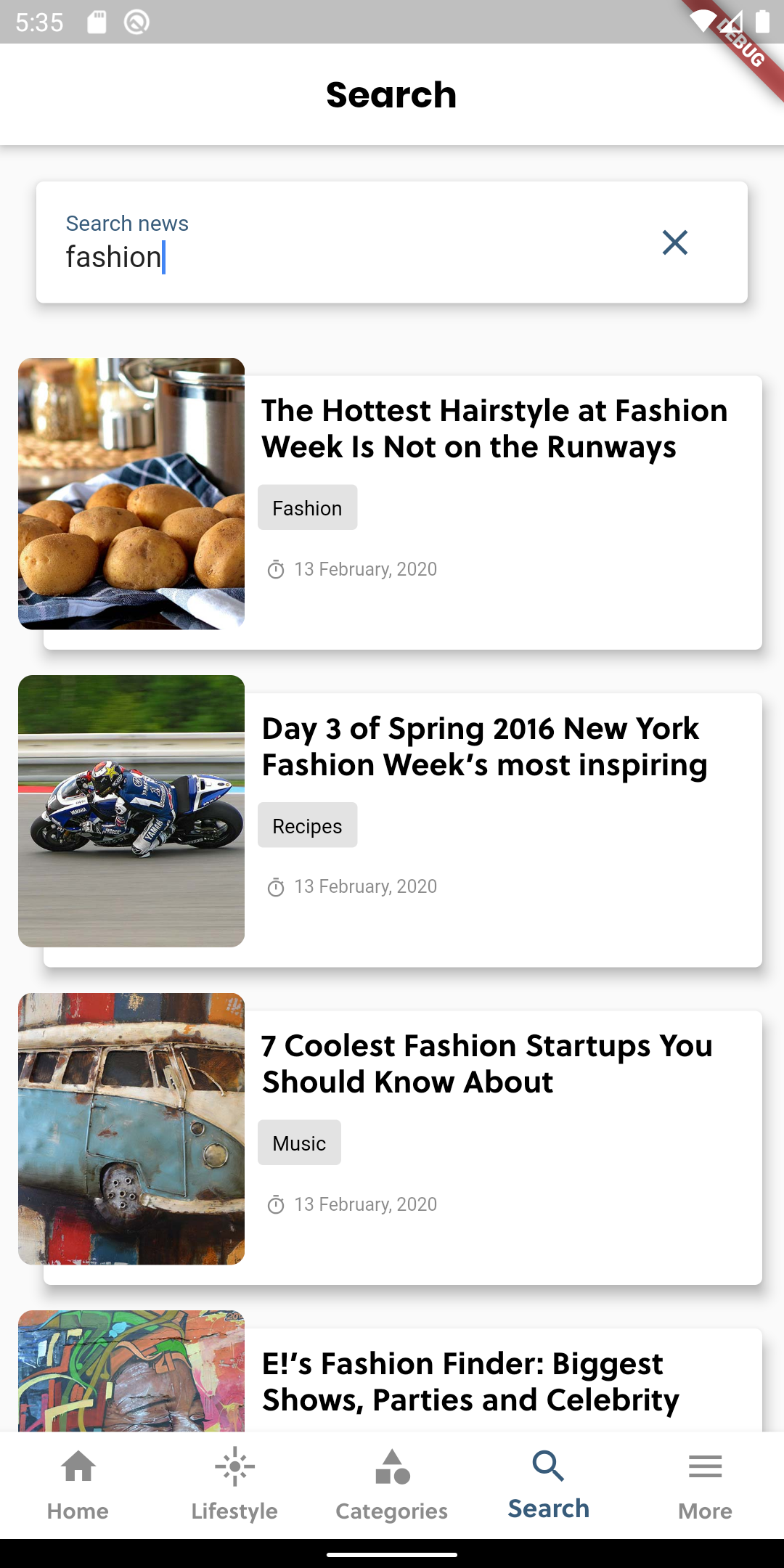 |
 |
 |
 |
 |
 |
 |
 |


