

HacktoberFest 存储库 (? 给我一个Star!?)
此存储库正在参与 Hacktoberfest 2021。
这是一个对新手友好的存储库,你可以在这里完成你的第一个Pull Request。
只需遵循正确的格式,即可成功合并你的第一个PR。
? 什么是 Hacktoberfest?
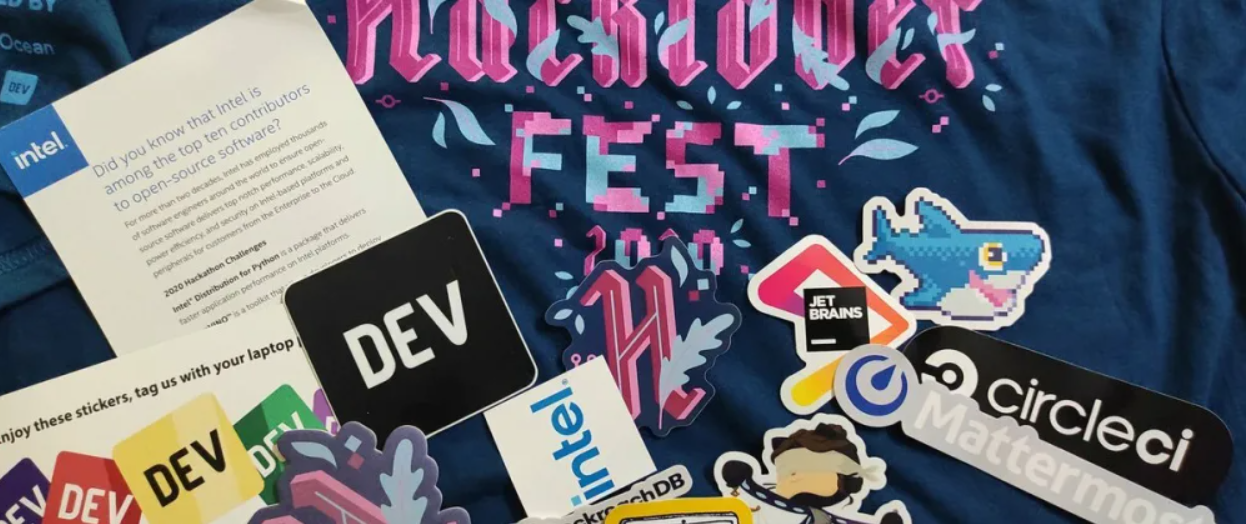
这是由 Digital Ocean 和 GitHub 赞助的一个为期一个月的活动,从10月1日至10月31日,旨在让更多人参与到开源项目中。向任何公开的GitHub存储库提交你的第一个Pull Request,为开源社区做出贡献。
? 为开源项目贡献并赢取你的 Hacktoberfest 礼品(免费T恤和好礼)。
你需要创建4个Pull Request (PR) 来赢取礼品。
不确定如何完成你的第一个Pull Request?别担心。我们来帮你开始。
如何为这个存储库贡献 ❓
你只需要提交你的名字以及你的 Hacktoberfest 经验。
选择以下任一方式开始贡献。
⚠️ 开始之前,请务必注意 ⚠️
1) 通过网站本身贡献。✨
2) 通过命令行界面贡献。 ✨
? 网站实时预览可在 此处 查看
? Android 应用可从 此处 下载

✨ 通过网站本身贡献说明。 ✨
1.
Star and Fork this Repository using the button at the top right corner
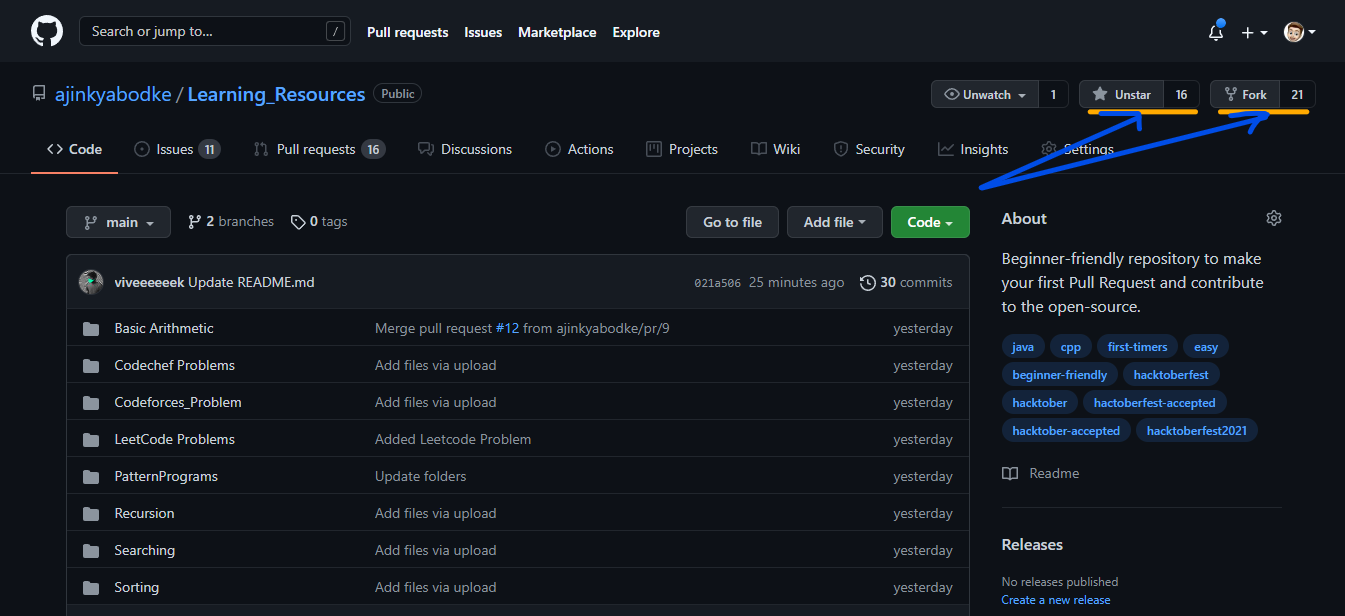
Open the cloned repository
-
进入 assets/user.data.json 文件
Click on the edit option present on the right side
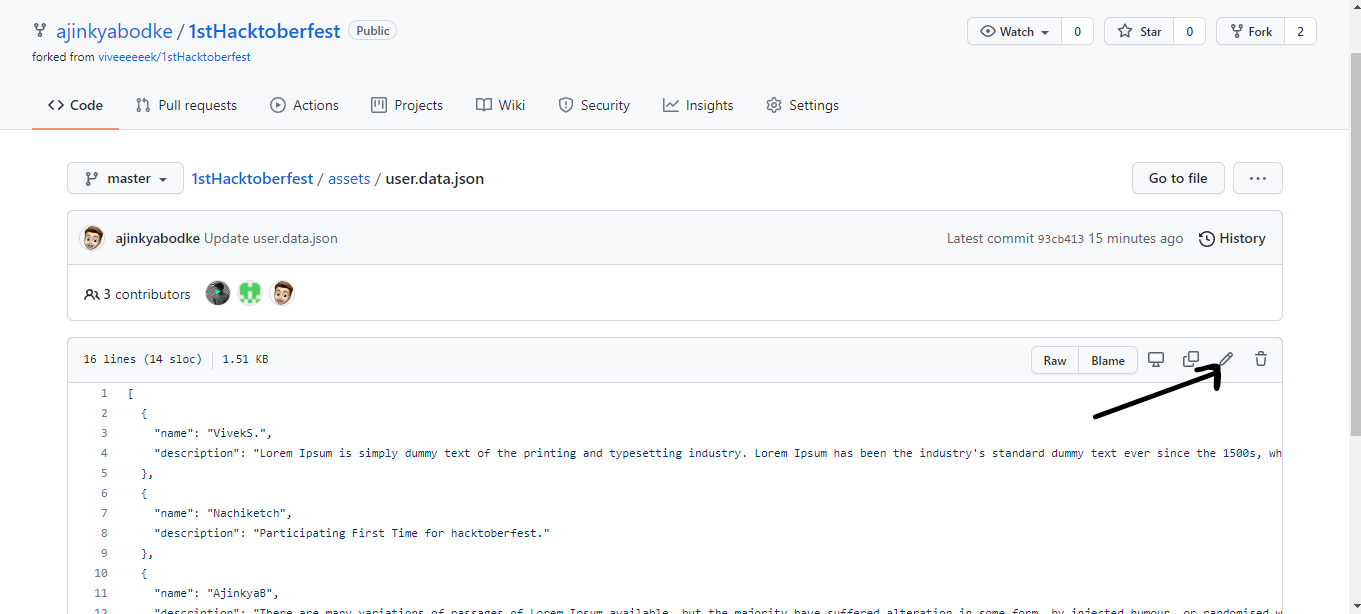
- 然后,按照给出的格式,在现有条目下方添加新条目来修改内容
    {
    "name": "Existing Entry Name",
    "description": "Existing entry experience here."
    },
    {
    "name": "Your Name",
    "description": "Enter your experience here."
    }
Click on commit changes button present below the text editor
Go to the Pull Request Page

Click on the "New Pull Request" button

Review the changes in the Pull Request and then Create Pull Request
Once you successfully submit the Pull Request,our team would verify it and merge your Pull Request
✨ 通过命令行贡献说明。 ✨
Fork this Repository using the button at the top
Clone your forked repository to your pc ( git clone "url from clone option.")
Create a new branch for your modifications (git checkout -b branch-name)
- 进入 assets/user.data.json 文件并进行修改
    {
    "name": "Your Name",
    "description": "Enter your experience here."
    }
按照上面的示例添加你的数据并保存。
Add your files (git add .)
commit (git commit -m "message")
push (git push origin branch-name)
Create a pull request with label
⚠️ 重要
在开始贡献之前,请务必明确以下几点:
- 给此存储库点Star(对你的PR被合并很重要。)
- 不要提交垃圾PR,例如只在文件中添加点(.)。
- 确保你为存储库增加了价值。


