

尝试为Flutter Web和桌面实现更好的滚动。
包含键盘、MButton和自定义鼠标滚轮滚动。
入门
示例
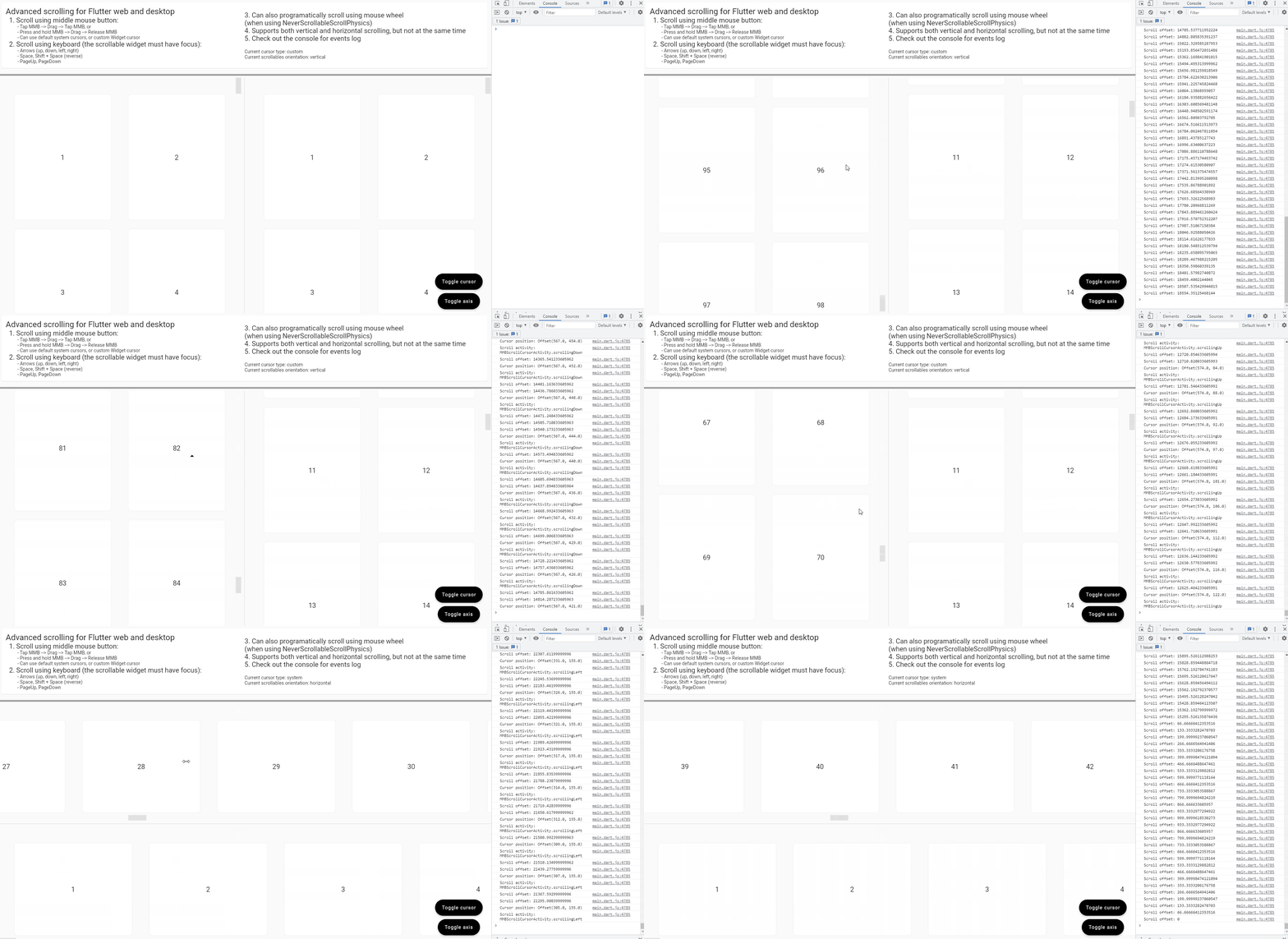
用法和功能
(来自示例应用)
final controller = ScrollController();

...

ImprovedScrolling(
      scrollController: controller,
      onScroll: (scrollOffset) => debugPrint(
        'Scroll offset: $scrollOffset',
      ),
      onMMBScrollStateChanged: (scrolling) => debugPrint(
        'Is scrolling: $scrolling',
      ),
      onMMBScrollCursorPositionUpdate: (localCursorOffset, scrollActivity) => debugPrint(
            'Cursor position: $localCursorOffset\n'
            'Scroll activity: $scrollActivity',
      ),
      enableMMBScrolling: true,
      enableKeyboardScrolling: true,
      enableCustomMouseWheelScrolling: true,
      mmbScrollConfig: MMBScrollConfig(
        customScrollCursor: useSystemCursor ? null : const DefaultCustomScrollCursor(),
      ),
      keyboardScrollConfig: KeyboardScrollConfig(
        arrowsScrollAmount: 250.0,
        homeScrollDurationBuilder: (currentScrollOffset, minScrollOffset) {
          return const Duration(milliseconds: 100);
        },
        endScrollDurationBuilder: (currentScrollOffset, maxScrollOffset) {
          return const Duration(milliseconds: 2000);
        },
      ),
      customMouseWheelScrollConfig: const CustomMouseWheelScrollConfig(
        scrollAmountMultiplier: 2.0,
      ),
      child: ScrollConfiguration(
        behavior: const CustomScrollBehaviour(),
        child: GridView(
          controller: controller,
          physics: const NeverScrollableScrollPhysics(),
          scrollDirection: axis,
          padding: const EdgeInsets.all(24.0),
          gridDelegate: const SliverGridDelegateWithMaxCrossAxisExtent(
            maxCrossAxisExtent: 400.0,
            mainAxisExtent: 400.0,
          ),
          children: buildScrollableItemList(axis),
        ),
      ),
    );
要求
ImprovedScrollingWidget必须作为您的可滚动Widget(List/Grid/SingleChildScrollView/etc)的父级添加。- 您必须创建同一个滚动控制器并将其提供给
ImprovedScrollingWidget和您的可滚动Widget。
- 可选:如果您想在鼠标滚轮旋转时通过编程方式滚动,而不让框架管理滚动,您可以将
physics: NeverScrollableScrollPhysics()设置为您的可滚动Widget,然后将enableCustomMouseWheelScrolling: true设置为ImprovedScrolling以启用此功能。
功能
-
使用键盘滚动(箭头、Page{Up, Down}、空格键、Home、End)
您需要设置
enableKeyboardScrolling: true,然后可以使用keyboardScrollConfig: KeyboardScrollConfig(...)来配置滚动量、持续时间和曲线。 -
使用鼠标中键滚动(“自动滚动”)
您需要设置
enableMMBScrolling: true,然后可以使用mmbScrollConfig: MMBScrollConfig(...)来配置滚动延迟、速度、加速度以及光标外观和大小。还有一个
DefaultCustomScrollCursor类,这是一个默认的自定义光标实现。 -
使用鼠标滚轮进行编程滚动
您需要设置
enableCustomMouseWheelScrolling: true,然后可以使用customMouseWheelScrollConfig: CustomMouseWheelScrollConfig(...)来配置滚动速度、持续时间、曲线和节流时间。 -
使用左右箭头或Shift+鼠标滚轮进行水平滚动
需要设置
enableKeyboardScrolling: true和enableCustomMouseWheelScrolling: true。
回调
除了上述功能外,ImprovedScrolling Widget还提供了一些回调。
// Triggers whenever the ScrollController scrolls, no matter how or why
onScroll: (double scrollOffset) => debugPrint(
  'Scroll offset: $scrollOffset',
),

// Triggers whenever the middle mouse button scrolling feature is activated or deactivated
onMMBScrollStateChanged: (bool scrolling) => debugPrint(
  'Is scrolling: $scrolling',
),

// Triggers whenever the cursor is moved on the scrollable area, while the
// middle mouse button feature is active and is scrolling
//
// We also get the current scroll activity (idle or moving up/down/left/right)
// at the time the cursor moves
onMMBScrollCursorPositionUpdate: (
  Offset localCursorOffset,
  MMBScrollCursorActivity scrollActivity,
) => debugPrint(
    'Cursor position: $localCursorOffset\n'
    'Scroll activity: $scrollActivity',
 ),


