arkit_flutter_plugin
注意:ARKit仅支持搭载A9或更高版本处理器(iPhone 6s/7/SE/8/X,iPad 2017/Pro)的移动设备,运行iOS 11及以上版本。部分功能需要iOS 12或更高版本。
用法
依赖它
遵循Dart Packages网站上的安装说明。
更新Info.plist
ARKit使用设备摄像头,所以不要忘记提供NSCameraUsageDescription。您可以在Info.plist中这样指定:
    <key>NSCameraUsageDescription</key>
    <string>Describe why your app needs AR here.</string>
更新Podfile
在ios文件夹的顶层,取消注释Podfile中的第二行,并将iOS最低版本从9.0更改为适当的版本。
支持的最低iOS版本为11.0,但如果您需要图像锚点,请使用11.3;对于图像跟踪配置或面部跟踪,请设置为12.0;对于身体跟踪,最低版本必须为13.0。
从
# platform :ios, '9.0'
到
platform :ios, '11.0'
注意:如果首次运行时出现cocoapods错误,请删除ios文件夹中的Podfile.lock文件。在终端中打开ios文件夹并运行
pod install
编写应用
最简单的代码示例
import 'package:flutter/material.dart';
import 'package:arkit_plugin/arkit_plugin.dart';
import 'package:vector_math/vector_math_64.dart';

void main() => runApp(MaterialApp(home: MyApp()));

class MyApp extends StatefulWidget {
  @override
  _MyAppState createState() => _MyAppState();
}

class _MyAppState extends State<MyApp> {
  ARKitController arkitController;

  @override
  void dispose() {
    arkitController?.dispose();
    super.dispose();
  }

  @override
  Widget build(BuildContext context) => Scaffold(
      appBar: AppBar(title: const Text('ARKit in Flutter')),
      body: ARKitSceneView(onARKitViewCreated: onARKitViewCreated));

  void onARKitViewCreated(ARKitController arkitController) {
    this.arkitController = arkitController;
    final node = ARKitNode(
        geometry: ARKitSphere(radius: 0.1), position: Vector3(0, 0, -0.5));
    this.arkitController.add(node);
  }
}
结果

示例
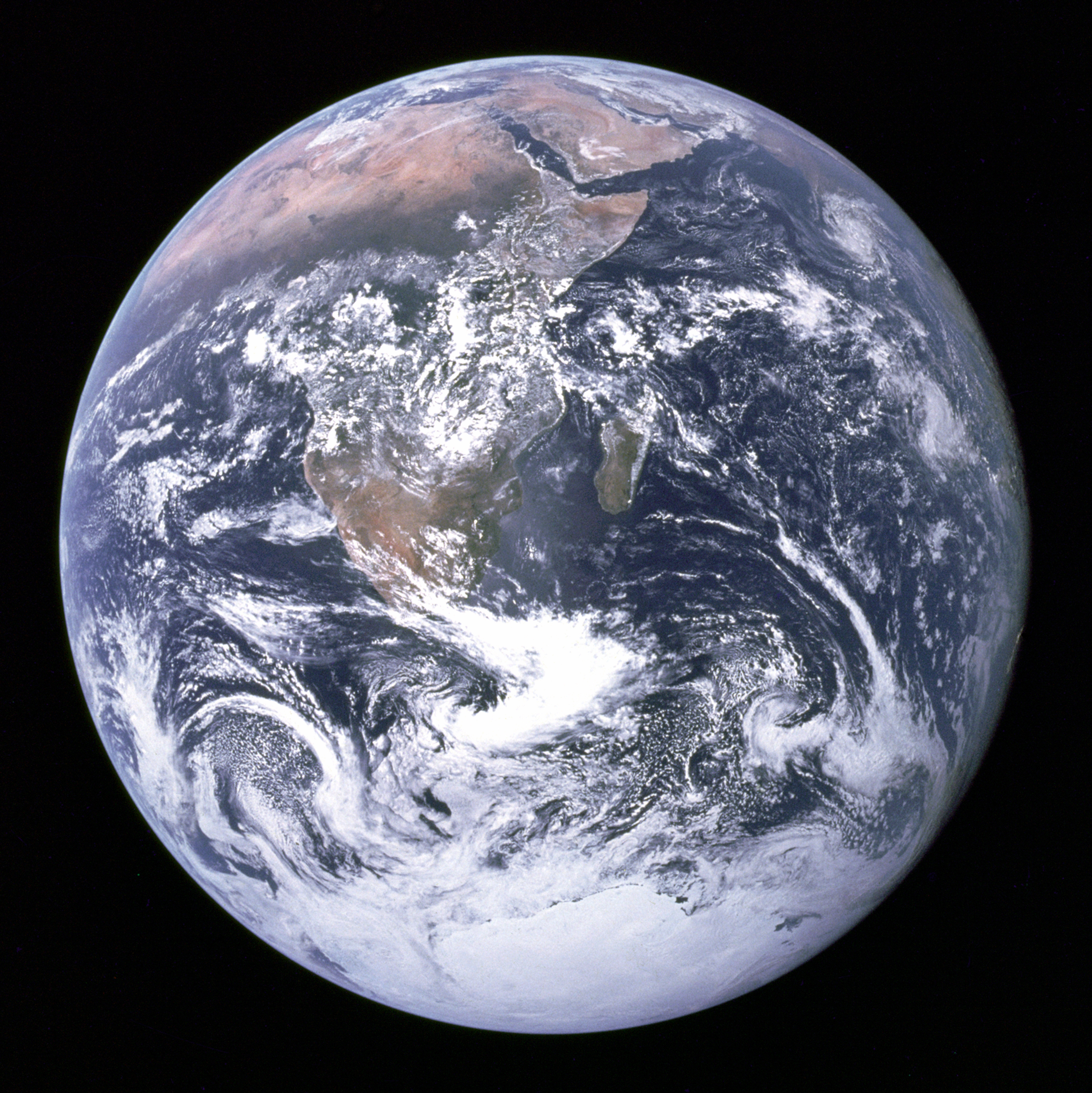
我强烈建议您查看Example文件夹中的示例。您可以在插件的Example文件夹中找到一些示例。有些示例依赖于这张地球图片。
| 名称 | 描述 | 链接 | 演示 |
|---|---|---|---|
| Hello World | 最简单的具有不同几何形状的场景。 | code | |
| 检查配置 | 显示设备支持的AR配置类型。 | code | |
| 地球 | 具有图像纹理和旋转动画的球体。 | code | |
| 点击 | 处理点击事件的球体。 | code | |
| Midas | 通过点击将墙壁、地板和地球本身变成金色。 | code | |
| 平面检测 | 检测水平平面。 | code | |
| 距离跟踪 | 检测水平平面并在其上跟踪距离。 | code | |
| 测量 | 测量距离 | code | |
| 物理 | 具有动态和静态物理的球体和平面。 | code | |
| 图像检测 | 检测地球照片并在其附近放置一个3D对象。 | code | |
| 网络图片检测 | 检测火星照片并在其附近放置一个3D对象。 | code | |
| 自定义光照 | 带有自定义光点的Hello World场景。 | code | |
| 光照估算 | 估算并应用周围的光照。 | code | |
| 自定义对象 | 在平面上放置自定义对象。 | code | |
| 遮挡 | 在水平和垂直平面后不可见的球体。 | code | |
| 操作 | 具有捏合和旋转事件的自定义对象。 | code | |
| 面部跟踪 | 面部遮罩示例。 | code | |
| 全景 | 360度照片。 | code | |
| 视频 | 360度视频。 | code | |
| 自定义动画 | 自定义对象动画。移植自https://github.com/eh3rrera/ARKitAnimation | code | |
| Widget投影 | AR中的Flutter小部件 | code | |
| 实时更新 | 每帧调用一次函数 | code | |
| 快照 | 拍摄AR内容的照片 | code |
如果您更喜欢视频,这里是“Flutter中的AR”视频播放列表。
UX建议
您可能想在建立AR会话之前检查设备功能。请参阅Check Support示例以了解实现细节。
在提交AppStore之前
该插件支持TrueDepth API。如果您没有使用它,您的应用将被Apple拒绝。因此,您需要通过修改Podfile文件来删除任何TrueDepth功能。
post_install do |installer|
  installer.pods_project.targets.each do |target|
    target.build_configurations.each do |config|
      ... # Here are some configurations automatically generated by flutter

      config.build_settings['OTHER_SWIFT_FLAGS'] = '-DDISABLE_TRUEDEPTH_API'
    end
  end
end
常见问题
- 这个插件可以在Android上使用吗?
不可以,因为ARKit在Android上不可用。您可能想尝试ARCore插件。 - 当我多次打开AR场景时,我的应用崩溃了。为什么?
很可能因为您没有调用ARKit控制器上的dispose方法。 - 我需要的一个功能已合并到存储库中,但在pub.dev上不可用。如何使用最新版本?
您可以通过将pubspec.yaml依赖项更改为以下内容来使用最新版本:
dependencies:
  arkit_plugin:
    git: git://github.com/olexale/arkit_flutter_plugin.git