
flutter_libphonenumber
一个libphonenumber的包装器,集成了来自以下库的功能
使用以下原生库
| 平台 | 库 | 版本 |
|---|---|---|
| Android | libphonenumber | 8.12.10 |
| iOS | PhoneNumberKit | 3.2.0 |
这个库的主要优点是它允许你选择性地同步格式化电话号码,而无需通过平台调用libphonenumber。
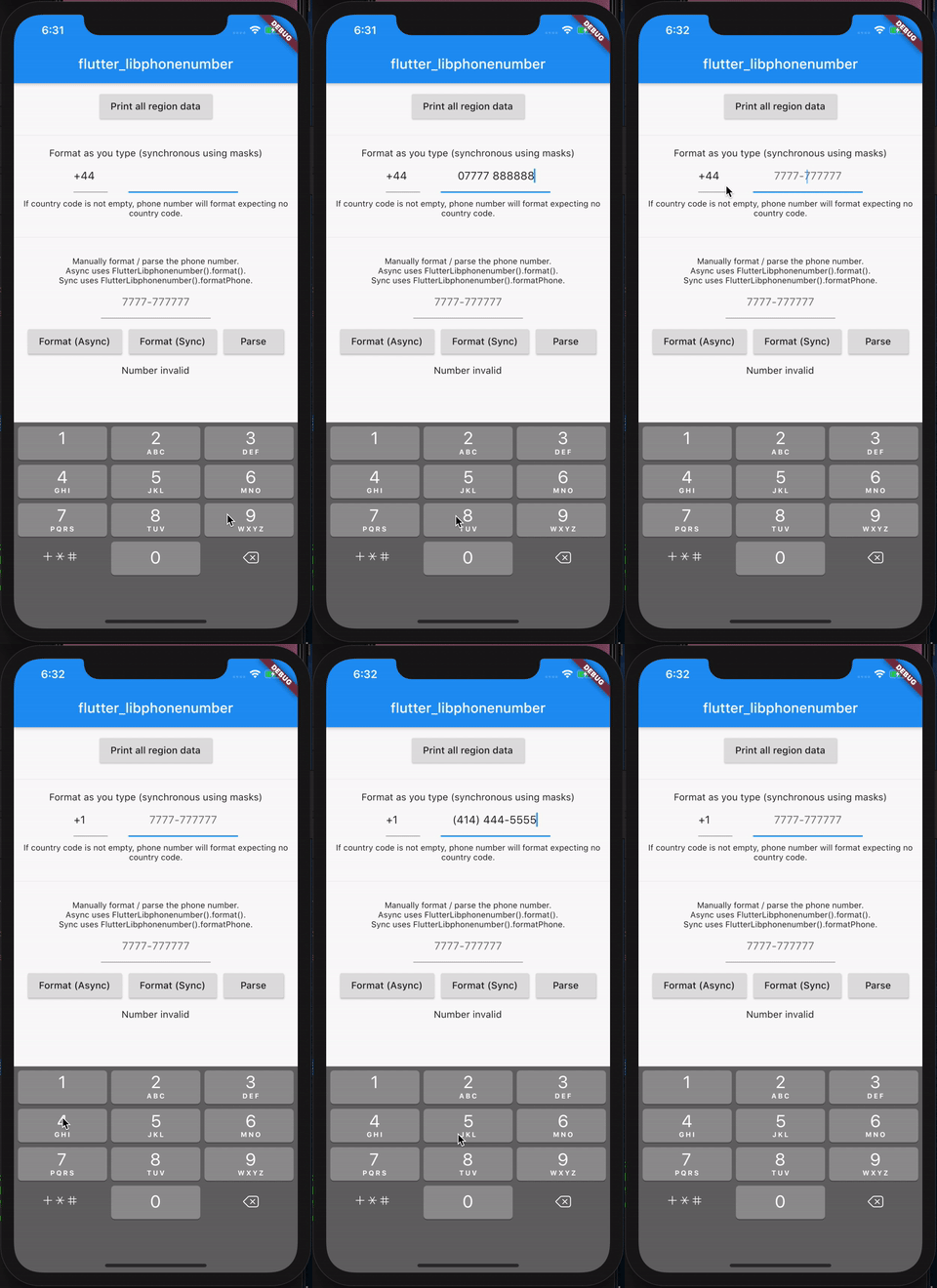
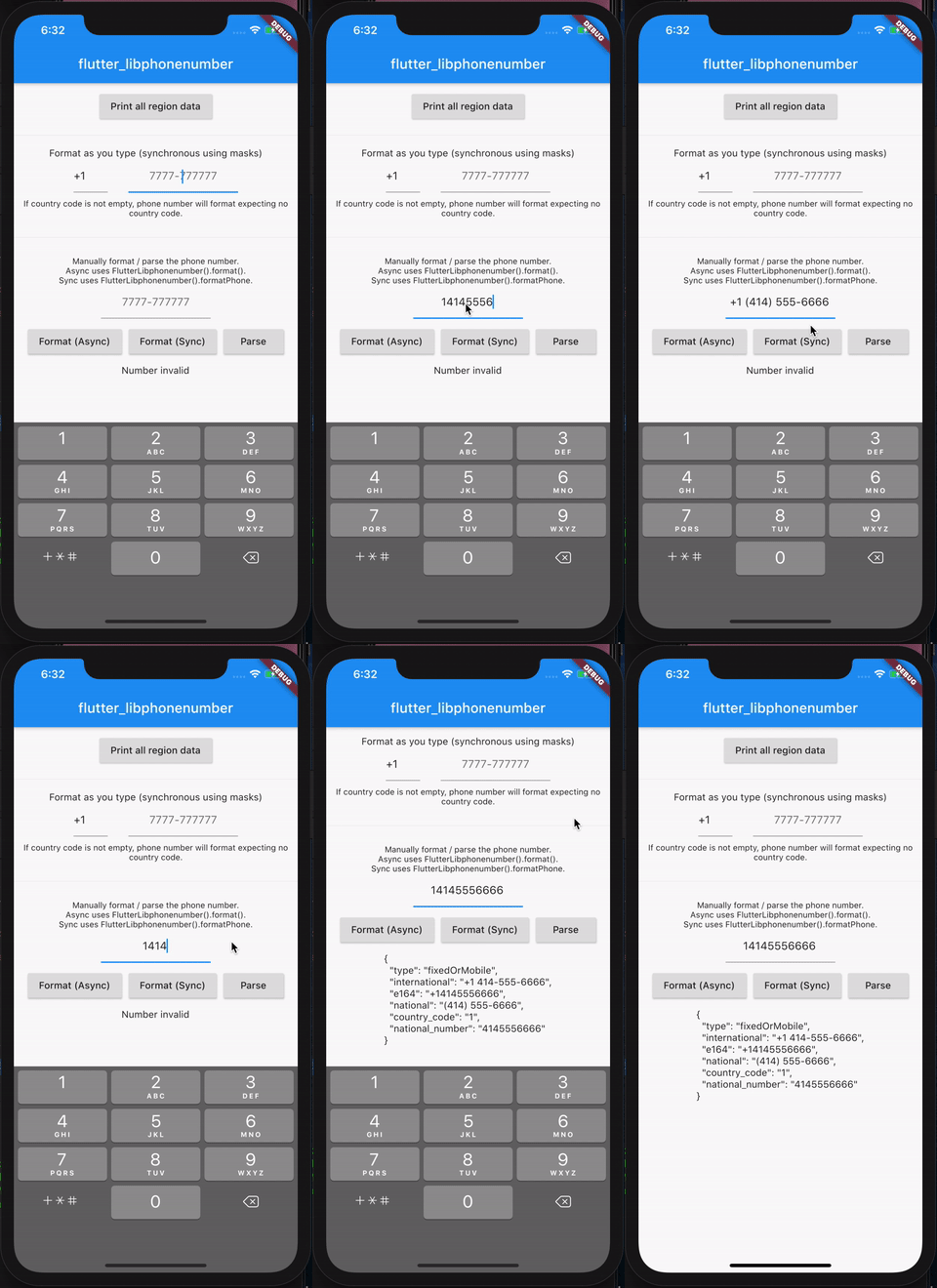
入门
首先,你需要调用 `init` 函数。这将加载libphonenumber提供的设备上所有可用的区域,以构建每个国家的格式化掩码,使用libphonenumber的示例号码。
如果你不运行init函数,那么`formatNumberSync`将只返回传入的内容,而不格式化任何内容,因为没有任何掩码可用。
我们使用与`flutter_multi_formatter`相同的掩码方法,但我们不是静态定义所有国家掩码,而是从libphonenumber动态拉取,以便随着时间的推移自动维护掩码。
你可以选择在调用`RunApp`之前在应用初始化时执行此操作,或者使用`FutureBuilder`,就像示例应用程序所演示的那样。
await FlutterLibphonenumber().init();
同步格式化号码
通常,对libphonenumber的format函数的调用是异步的,而你可能不想
在每次需要格式化电话号码时重新构建UI。
为了解决这个问题,我们在`init()`调用期间加载libphonenumber中所有支持的电话区域的示例号码的掩码。然后,我们可以使用这个掩码同步地格式化一个e164格式的电话号码,如下所示:
final rawNumber = '+14145556666';
final formattedNumber = FlutterLibphonenumber().formatPhone(rawNumber); // +1 414-555-6666
CountryManager
当你调用init时,这个库将使用以下类存储国家和电话元数据的列表
class CountryWithPhoneCode {
  final String phoneCode                            // '44',
  final String countryCode                          // 'GB',
  final String exampleNumberMobileNational          // '07400 123456',
  final String exampleNumberFixedLineNational       // '0121 234 5678',
  final String phoneMaskMobileNational              // '00000 000000',
  final String phoneMaskFixedLineNational           // '0000 000 0000',
  final String exampleNumberMobileInternational     // '+44 7400 123456',
  final String exampleNumberFixedLineInternational  // '+44 121 234 5678',
  final String phoneMaskMobileInternational         // '+00 0000 000000',
  final String phoneMaskFixedLineInternational      // '+00 000 000 0000',
  final String countryName                          // 'United Kingdom';
}
要访问此国家列表,你可以这样获取
final countries = CountryManager().countries; // List<CountryWithPhoneCode>
final defaultLocale = CountryManager().deviceLocaleCountryCode // US
API 参考
以下是所有可用函数的参考。
Future<void> init({Map<String, CountryWithPhoneCode> overrides})
在格式化任何内容之前必须调用。这会加载设备上所有可用的国家,并调用`getAllSupportedRegions()`来交叉引用和组合所有内容,并保存一个`List<CountryWithPhoneCode>`,其中包含每个可用国家及其电话代码/掩码。
可选地提供一个覆盖映射,其中键是国家代码(例如 `GB` 或 `US`),值是一个`CountryWithPhoneCode`对象,它将替换从libphonenumber拉取的数据。如果你想自定义给定国家的掩码数据,这很有用。
Future<Map<String, CountryWithPhoneCode>> getAllSupportedRegions()
返回设备上所有可用的区域,以一个映射的形式,其中每个键是区域代码,值是一个`CountryWithPhoneCode`对象,包含所有移动和固定电话的掩码/示例号码,用于国家/国际格式、电话代码、区域代码和国家名称。
示例响应
{
  "UK": [CountryWithPhoneCode()],
  "US": [CountryWithPhoneCode()]
}
Future<Map<String, String>> format(String phone, String region)
使用libphonenumber格式化号码。在底层,它使用了“AsYouType”格式化器。根据你的结果,你可能希望使用`formatNumberSync()`来利用电话号码掩码。
将返回解析/格式化后的号码,如下所示:
{
    formatted: "1 (414) 444-4444",
}
Future<Map<String, dynamic>> parse(String phone, {String region})
解析一个号码,如果号码是完整的,则返回与该号码相关的一些元数据。号码必须是有效且完整的e164格式才能被视为有效。
如果号码无效,将抛出错误。
示例响应
{
    country_code: 49,
    e164: '+4930123123123',
    national: '030 123 123 123',
    type: 'mobile',
    international: '+49 30 123 123 123',
    national_number: '030123123123',
}
String formatNumberSync(String phone, {PhoneNumberType phoneNumberType = PhoneNumberType.mobile})
使用掩码同步格式化号码。必须已经运行了`init()`函数来预填充掩码数据,否则将返回原始的`phone`值。
可选地指定电话号码类型以进行格式化(`mobile`与`fixedLine`)。当一个国家有多种电话号码格式时,这很有用,你可能想将其格式化为适合固定电话或移动电话的格式。
示例响应
"1 (414) 444-4444"
Future<FormatPhoneResult> formatParsePhonenumberAsync(String phoneNumber, CountryWithPhoneCode country, {phoneNumberType = PhoneNumberType.mobile})
异步格式化电话号码与libphonenumber。它将返回格式化后的号码,如果它是一个有效/完整的号码,它还将在`e164`字段中返回e164值。它使用libphonenumber的parse函数来验证号码是否有效。这在你想在一个步骤中格式化号码并检查其有效性时很有用。
可选地传递一个`PhoneNumberType`以使用移动(默认)或固定线路掩码格式化号码。
如果号码无效,`e164`将为null。
class FormatPhoneResult {
  String formattedNumber; // 1 (414) 444-4444
  String e164; // +14144444444
}
TextInputFormatter LibPhonenumberTextFormatter(...)
文本格式化器接受三个可选参数
- `ValueChanged<CountryWithPhoneCode> onCountrySelected`是一个回调函数,当格式化器已自动确定电话号码的国家/地区时将被调用。如果你想实时解析电话号码输入并保存已检测到的国家,这将非常有用。
- `String overrideSkipCountryCode`当提供此参数时,我们将使用提供的国家代码和不带国家代码的掩码来格式化号码。如果你有一个国家代码选择器在另一个文本框中,而你只需要格式化不包含国家代码的号码,这将非常有用。
- `FutureOr Function(String val) onFormatFinished`可选地在此回调中获取所有格式化完成后最终格式化值的通知。如果你想在格式化完成后触发其他操作,这将非常有用。
- `PhoneNumberType phoneNumberType`指定是使用移动电话号码的掩码格式化电话号码,还是使用固定线路格式。可以是`PhoneNumberType.mobile`或`PhoneNumberType.fixedLine`。默认为`PhoneNumberType.mobile`。
- `PhoneNumberFormat phoneNumberFormat`指定是使用国家格式还是国际格式进行格式化。可以是`PhoneNumberFormat.international`或`PhoneNumberFormat.national`。默认为`PhoneNumberFormat.international`。
当你有一个国家选择器在其他地方时,你应该指定`overrideSkipCountryCode`,这样你的文本字段就可以格式化不包含国家代码的号码。如果你有一个下拉菜单来选择国家代码,并在旁边有一个文本字段来输入号码,这将非常有用。
要使用它,只需将`LibPhonenumberTextFormatter()`添加到你的`TextField`的`inputFormatters`列表中即可。
TextField(inputFormatters: [LibPhonenumberTextFormatter(
    onCountrySelected: (country) => print('onCountrySelected: $country'),
    onFormatFinished: (formattedVal) => print('onCountrySelected: $formattedVal')
    overrideSkipCountryCode: 'GB' // Optionally override country to GB and return the number w/o +44. Disabled auto-detection of country and forces using the mask of the provided country.
    phoneNumberType = PhoneNumberType.fixedLine // Optionally format the number as something other than mobile
    phoneNumberFormat = PhoneNumberFormat.international // Optionally format the number in its international or national format pattern.
)])


