简单动画
Simple Animations 是一个强大的软件包,可让您在短时间内创建精美的自定义动画。
- ? 经过全面测试
- ? 文档齐全
- ? 企业级就绪
? 主要特点
- 轻松创建无状态小部件中的自定义动画
- 一次动画化多个属性
- 在几秒钟内创建交错动画
- 简化AnimationController 实例的使用
- 调试动画
⛏️ 入门
按照安装页上的说明将Simple Animations添加到您的项目中
安装页面.
它包含多个功能。每个功能都涵盖了使动画非常简单的不同方面。
| 功能 | 描述 |
|---|---|
| ? 无状态动画 | 用于超级简单地创建自定义动画的小部件。 |
| ? 时间线补间 | 一次动画化多个属性或创建交错动画。 |
| ? Anicoto | 即时设置托管的 AnimationControllers。 |
| ⏯ 动画开发工具 | 逐步调试动画或创建动画。 |
| ? Liquid | 精美的视觉动画,可提高您应用的视觉质量。 |
? 无状态动画
Stateless Animation 提供了一套强大的 Flutter 小部件,隐藏了创建动画中最复杂的部分。
示例:具有动画背景颜色的正方形。
import 'package:flutter/material.dart';
import 'package:simple_animations/simple_animations.dart';
import 'package:supercharged/supercharged.dart';

class MyApp extends StatelessWidget {
  @override
  Widget build(BuildContext context) {
    // create animation widget with type of animated variable
    return PlayAnimation<Color?>(
        tween: Colors.red.tweenTo(Colors.blue), // define tween
        duration: 2.seconds, // define duration
        builder: (context, child, value) {
          return Container(
            color: value, // use animated value
            width: 100,
            height: 100,
          );
        });
  }
}
注意:我们在这里使用 supercharged 扩展。如果您不喜欢它,请参考这个 无依赖示例。
? 时间线补间
Timeline Tween 是一个强大的工具,可让您在单个 Animatable 中补间多个
属性或设计交错动画。
示例:具有多个属性的自定义补间。
import 'package:flutter/material.dart';
import 'package:simple_animations/simple_animations.dart';
import 'package:supercharged/supercharged.dart';

// define animated properties
enum AniProps { width, height, color }

// design tween by composing scenes
final tween = TimelineTween<AniProps>()
  ..addScene(begin: 0.milliseconds, duration: 500.milliseconds)
      .animate(AniProps.width, tween: 0.0.tweenTo(400.0))
      .animate(AniProps.height, tween: 500.0.tweenTo(200.0))
      .animate(AniProps.color, tween: Colors.red.tweenTo(Colors.yellow))
  ..addScene(begin: 700.milliseconds, end: 1200.milliseconds)
      .animate(AniProps.width, tween: 400.0.tweenTo(500.0));
注意:我们在这里使用 supercharged 扩展。如果您不喜欢它,请参考这个 无依赖示例。
? Anicoto
Anicoto 完全管理您的 AnimationController 实例,并处理初始化、配置和处置。不再
有冗余代码。
示例:具有全功能 AnimationController 实例的动画状态小部件。
import 'package:flutter/material.dart';
import 'package:simple_animations/simple_animations.dart';
import 'package:supercharged/supercharged.dart';

class MyWidget extends StatefulWidget {
  @override
  _MyWidgetState createState() => _MyWidgetState();
}

// add AnimationMixin to widget's state
class _MyWidgetState extends State<MyWidget> with AnimationMixin {
  // declare animation variable
  late Animation<double> size;

  @override
  void initState() {
    // connect tween and controller and apply to animation variable
    size = 0.0.tweenTo(200.0).animatedBy(controller);

    controller.play(); // start the animation playback

    super.initState();
  }

  @override
  Widget build(BuildContext context) {
    return Container(
      width: size.value, // use animation variable's value
      height: size.value, // use animation variable's value
      color: Colors.red,
    );
  }
}
⏯ 动画开发工具
厌倦了一遍又一遍地观看相同的动画以微调它?
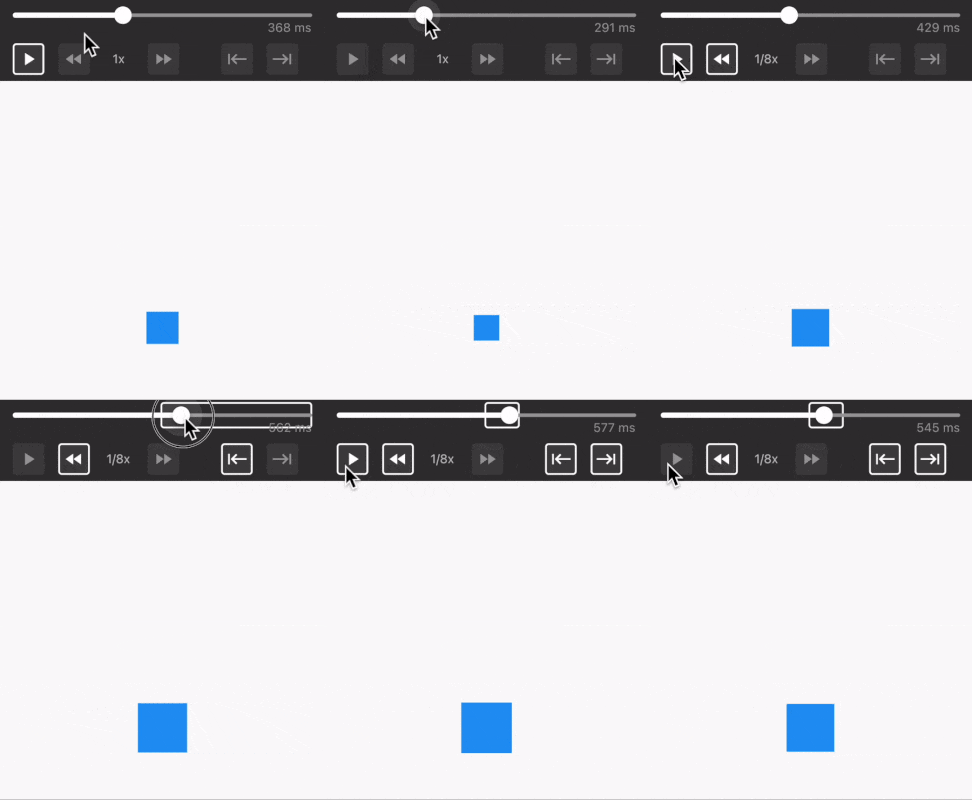
动画开发工具允许您随时暂停、滚动、加速、减速或聚焦于动画的特定
时间间隔。
? Liquid
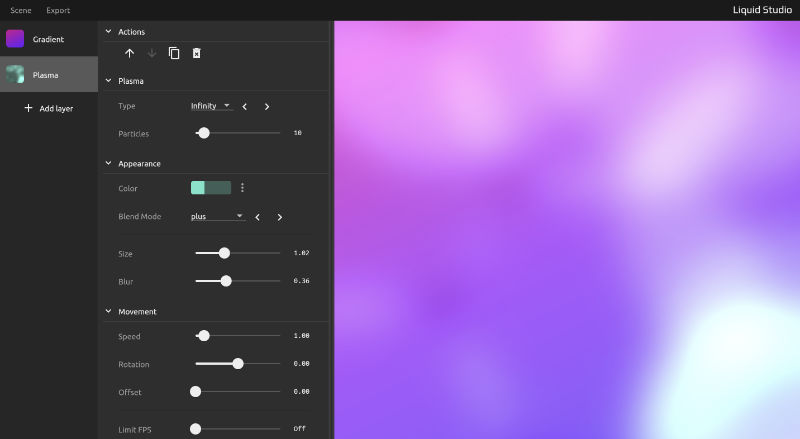
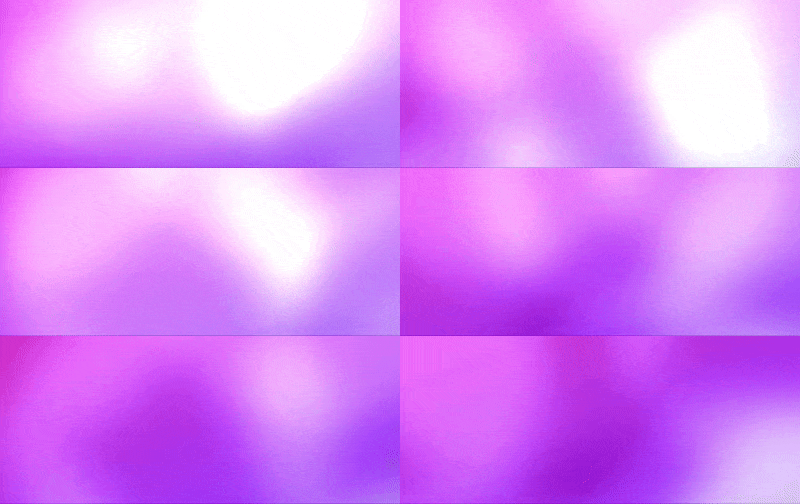
Liquid 提供现成的、令人惊叹的视觉动画,可通过Liquid Studio进行探索和配置。
Liquid Studio。