
loading_progress
一个用于叠加加载进度指示器的 Flutter 小部件。您可以根据需要轻松自定义。
网站示例 >> https://loadingprogress.mustafaturkmen.dev
用法
它非常易于使用。
在 pubspec.yaml 中添加此行
   dependencies:
     overlay_loading_progress: ^1.0.0
导入包
import 'package:overlay_loading_progress/overlay_loading_progress.dart';
通过以下方式开始
OverlayLoadingProgress.start(context);
通过以下方式停止
OverlayLoadingProgress.stop(context);
完整示例
   OverlayLoadingProgress.start(context);
   await Future.delayed(const Duration(seconds: 3));
   OverlayLoadingProgress.stop(context);
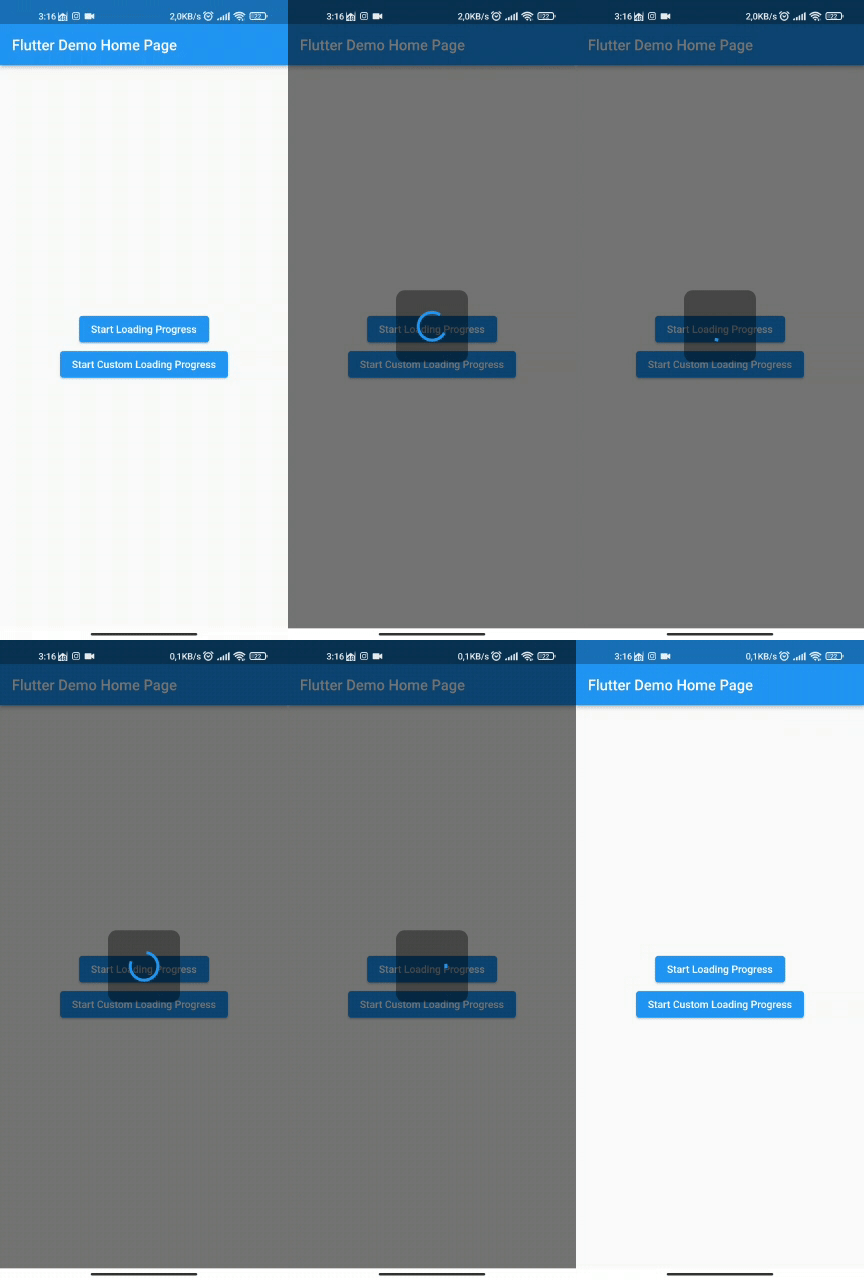
与 Gif 一起使用
   OverlayLoadingProgress.start(context,
     gifOrImagePath: 'assets/loading.gif',
   );
   await Future.delayed(const Duration(seconds: 3));
   OverlayLoadingProgress.stop(context);
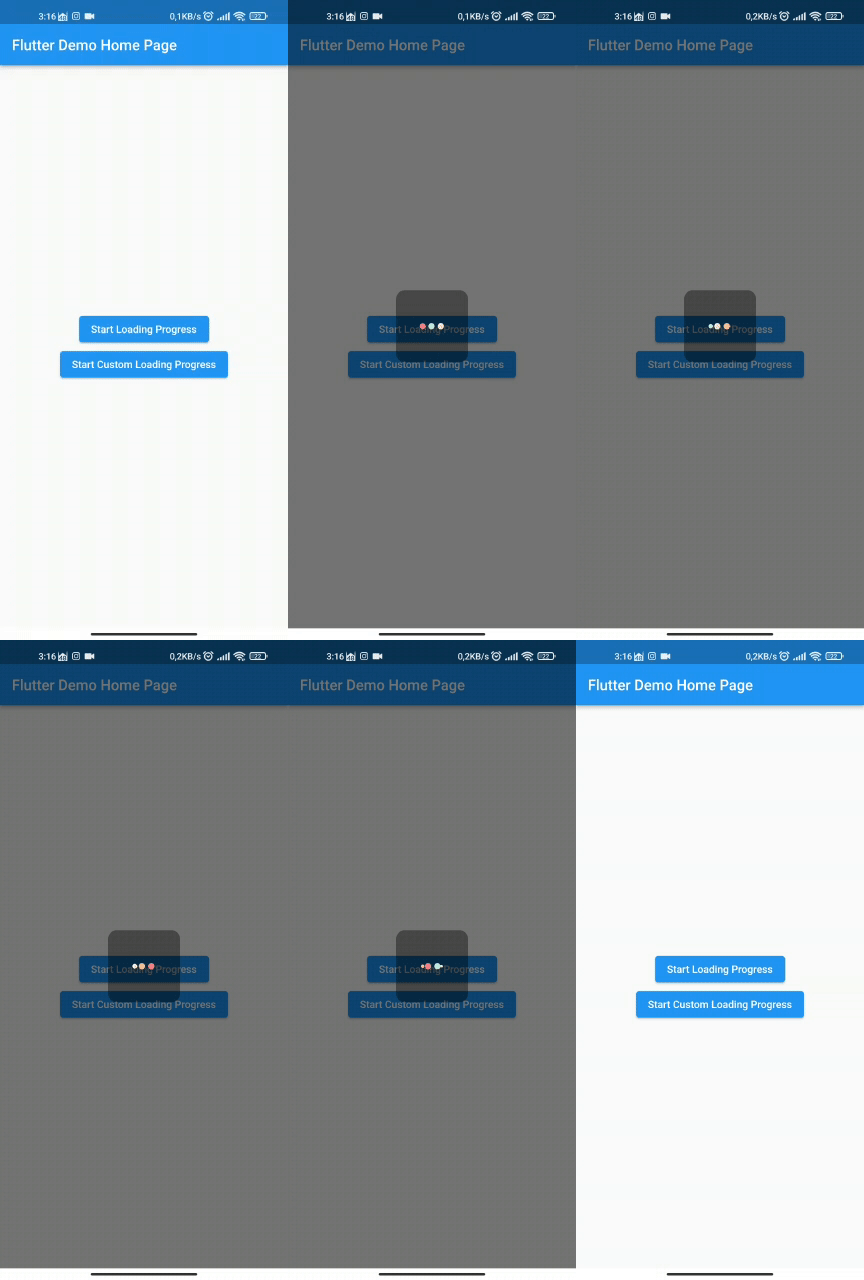
与自定义小部件一起使用
   OverlayLoadingProgress.start(context,
     widget: Container(
       width: MediaQuery.of(context).size.width / 4,
       padding: EdgeInsets.all(MediaQuery.of(context).size.width / 13),
       child: const AspectRatio(
                aspectRatio: 1,
                child: const CircularProgressIndicator(),
             ),
         ),
   );
   await Future.delayed(const Duration(seconds: 3));
   OverlayLoadingProgress.stop(context);


