
原生 iOS 对话框
一个 Flutter 插件,可以轻松显示 CupertinoAlertDialog 或 CupertinoActionSheet 对话框的**原生**等效组件。
用法
要使用此插件,请在 pubspec.yaml 文件中将 native_ios_dialog 添加为依赖项。
Flutter 中的对话框本身就很棒。然而,CupertinoAlertDialog 并不能提供与原生 iOS 对话框相同的体验,所以我创建了这个插件。通过这个插件,您拥有 iOS 提供的所有自定义选项。
对话框类型
- 警报
- 操作表


按钮类型
- 默认值
- 破坏性
- 取消
每个按钮也可以被禁用
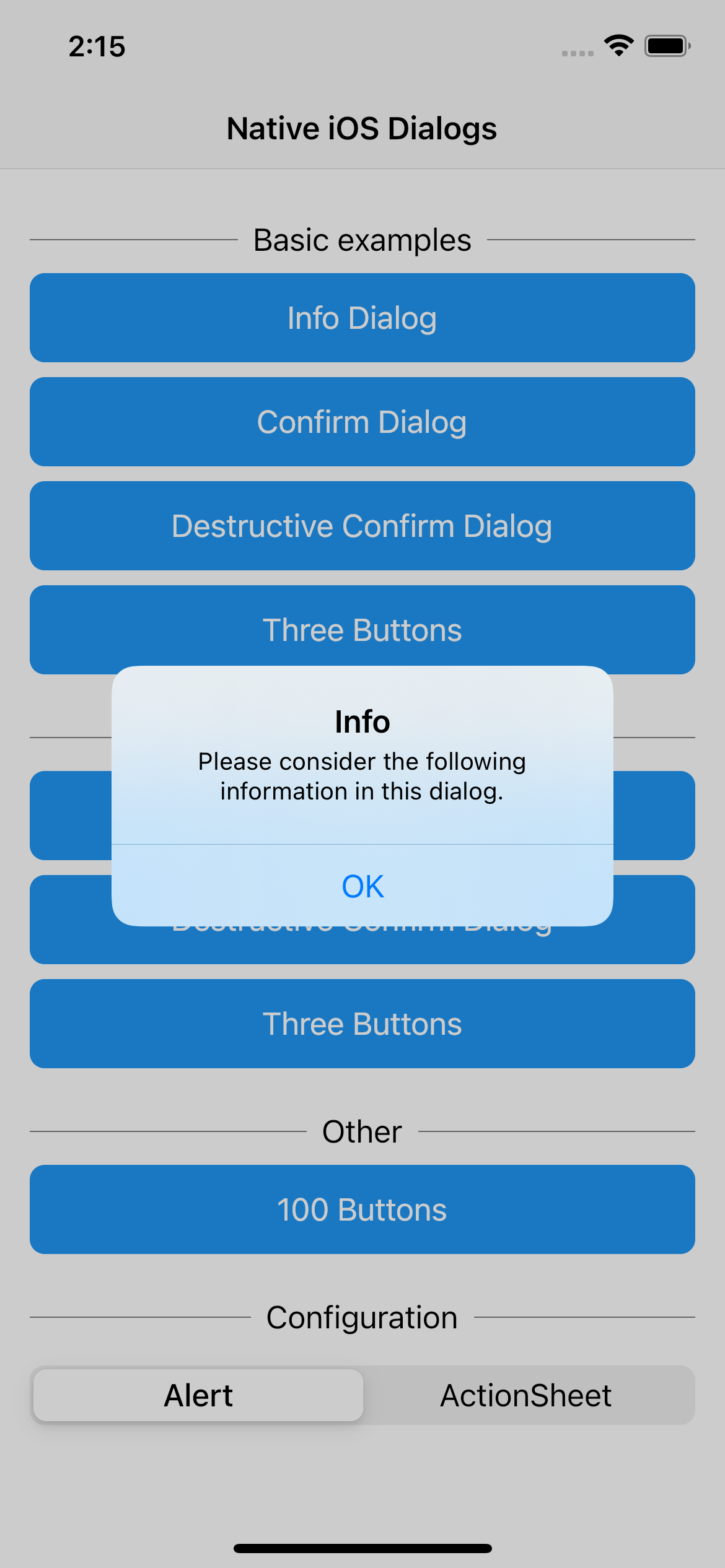
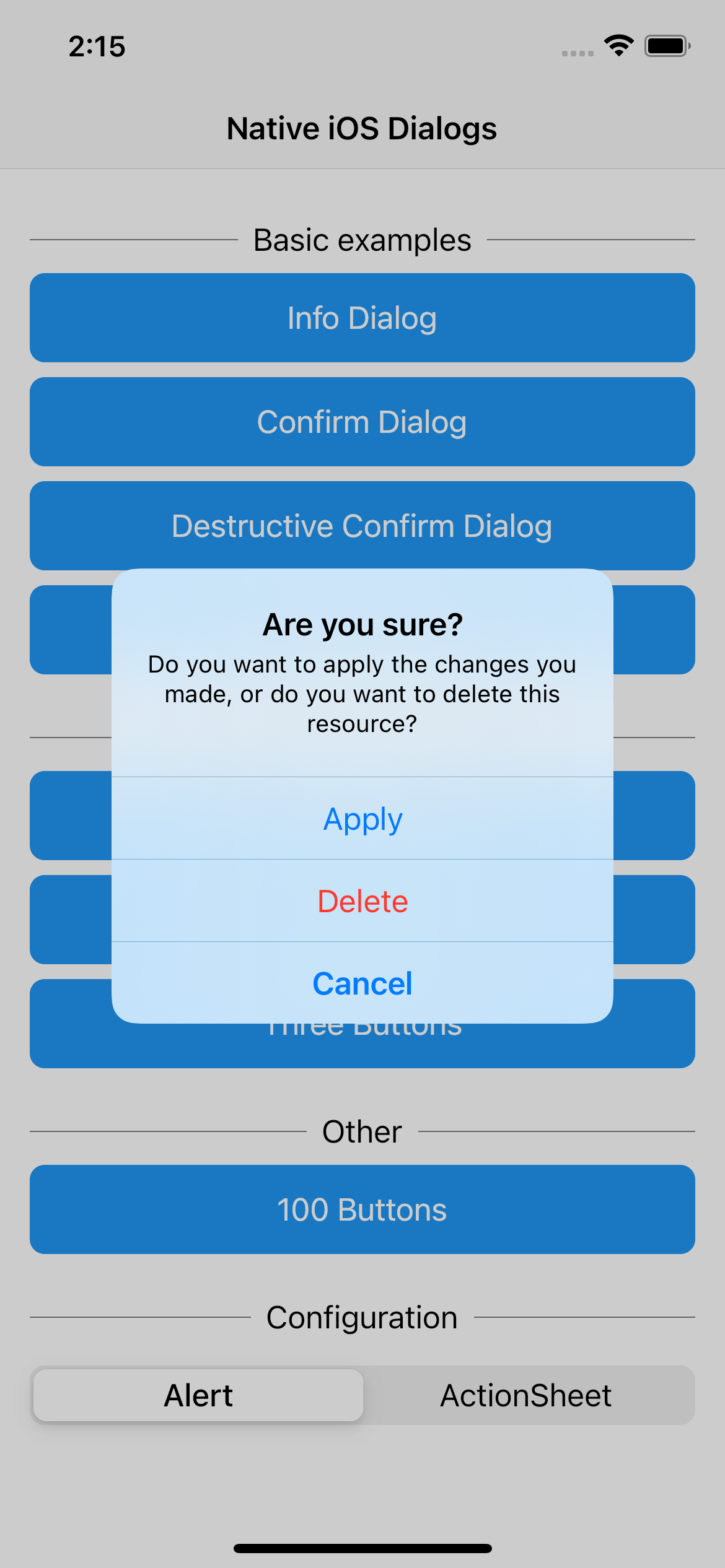

示例用法
信息对话框
NativeIosDialog(title: "Info", message: "Please consider the following information in this dialog.", style: style, actions: [
  NativeIosDialogButton(text: "OK", style: NativeIosDialogButtonStyle.defaultStyle, onPressed: () {}),
]).show();
确认对话框
NativeIosDialog(title: "Confirm", message: "Please confirm the following information in this dialog.", style: style, actions: [
  NativeIosDialogButton(text: "OK", style: NativeIosDialogButtonStyle.defaultStyle, onPressed: () {}),
  NativeIosDialogButton(text: "Cancel", style: NativeIosDialogButtonStyle.cancel, onPressed: () {}),
]).show();


