Playify
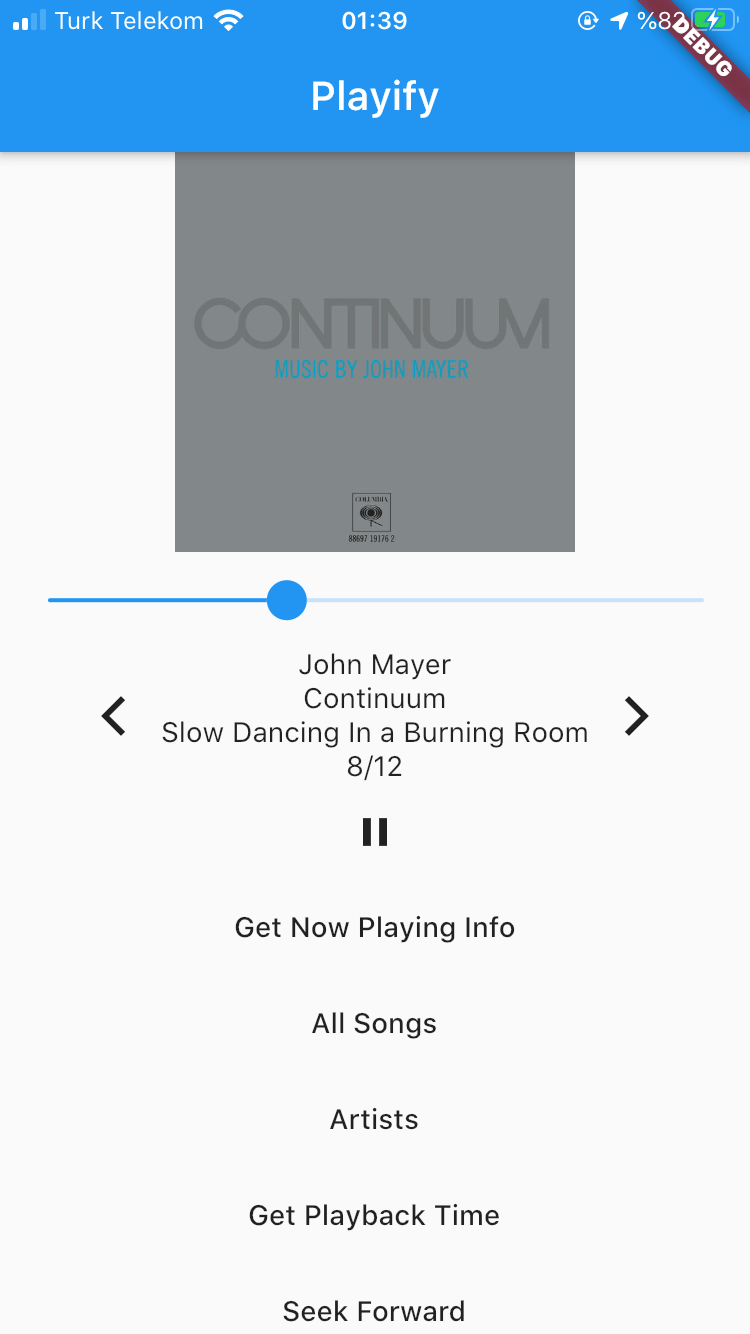
Playify 是一个 Flutter 插件,用于播放/暂停/搜索歌曲,获取音乐元数据以及浏览音乐库。Playify 使用 iOS 的 Media Player Framework 构建,用于从 iOS 的音乐库获取和播放音乐。目前仅支持 iOS,但 Android 支持正在开发中。欢迎 PR。查看 文档。
要求
用法
import 'package:playify/playify.dart';

//Create an instance
Playify myplayer = Playify();

//Play from the latest queue.
await myplayer.play();

//Fetch all songs from iOS's Apple Music.
var artists = await myplayer.getAllSongs(sort: true);

//Fetch song information about the currently playing song in the queue.
var songInfo = await myplayer.nowPlaying();

//Set the queue using songIDs for iOS.
await myplayer.setQueue(songIDs: songIDs);

//Skip to the next song in the queue.
await myplayer.next();

//Skip to the previous song in the queue.
await myplayer.previous();

//Set the playback time of the song.
await myplayer.setPlaybackTime(time);

//Set the shuffle mode.
await myplayer.setShuffleMode(mode);
iOS
-
对于 iOS,Playify 使用 iOS 的 Media Player 框架。这使得 Playify 仅在 iOS >= 10.3 上可用。请确保从 Xcode 中指定您的应用程序支持的最低 iOS 版本。
-
获取所有歌曲: 要从 iPhone 的 Apple Music 库中获取所有歌曲,您可以指定是否对艺术家进行排序。歌曲按曲目编号排序,专辑按字母顺序排序。每张专辑的封面都是单独获取的,您可以指定封面尺寸。封面尺寸越大,消耗的 RAM 越多,获取所需的时间也越长。在我看来,在有 800 多首歌曲的情况下,默认值大约需要 1-2 秒。
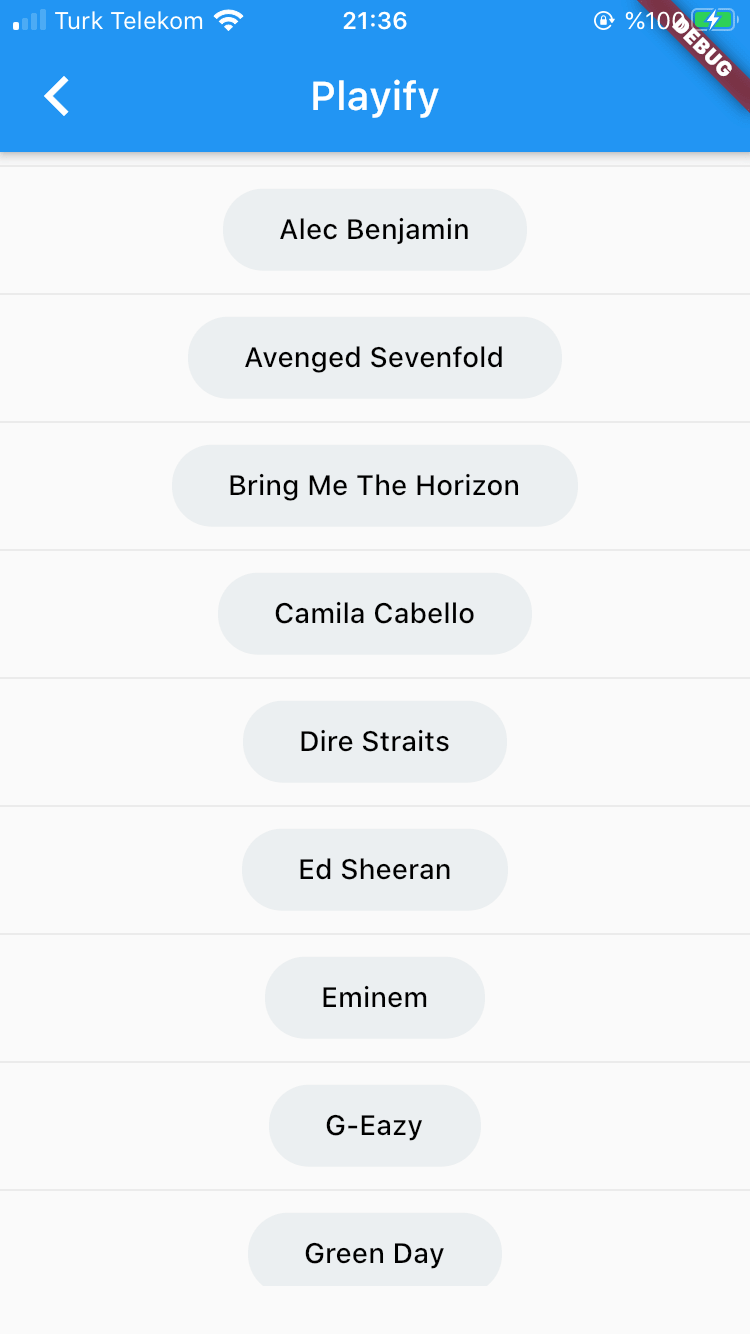
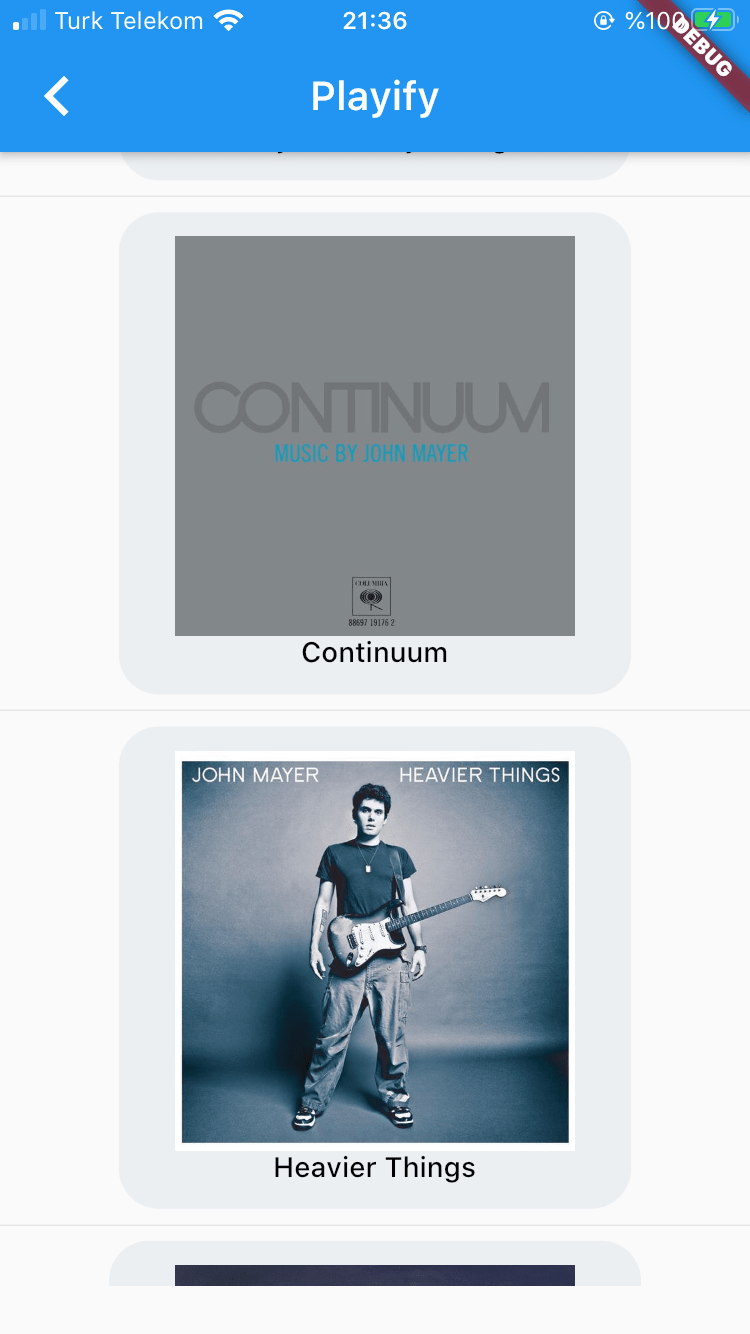
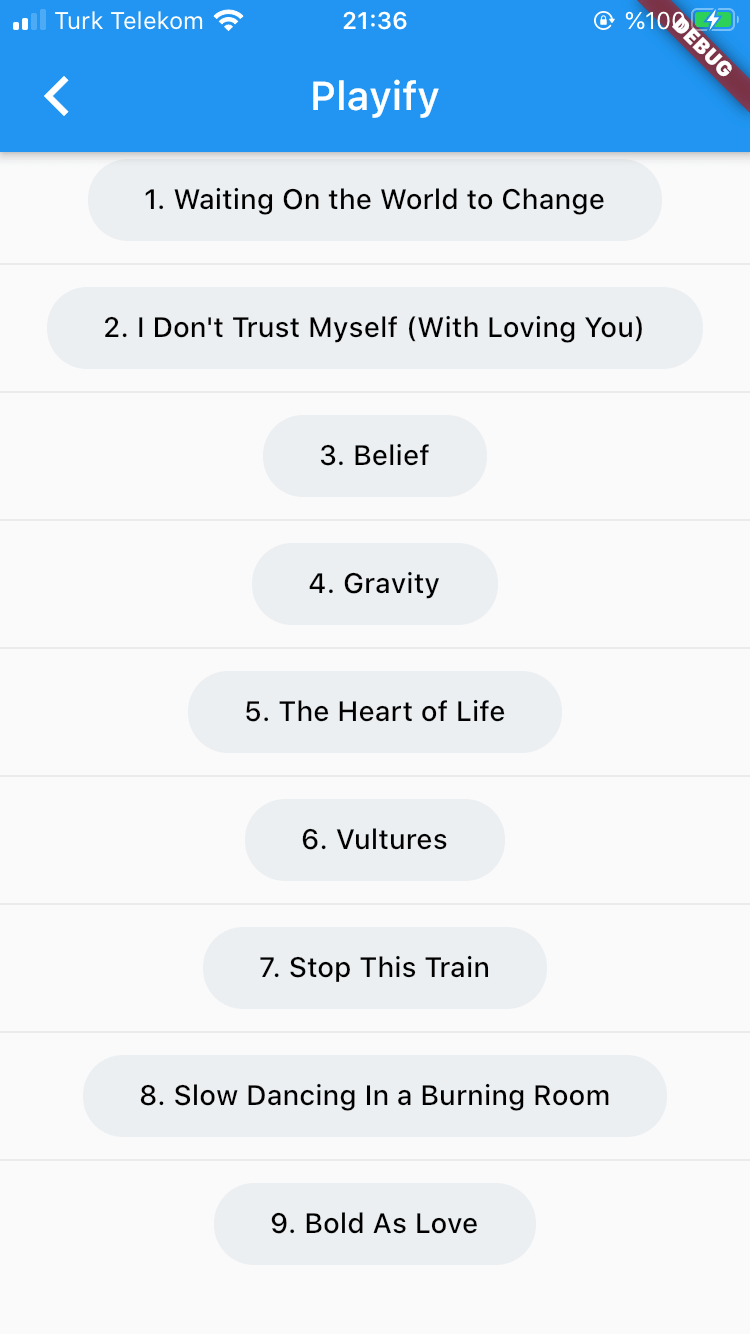
截图