



AnimatedGlitch


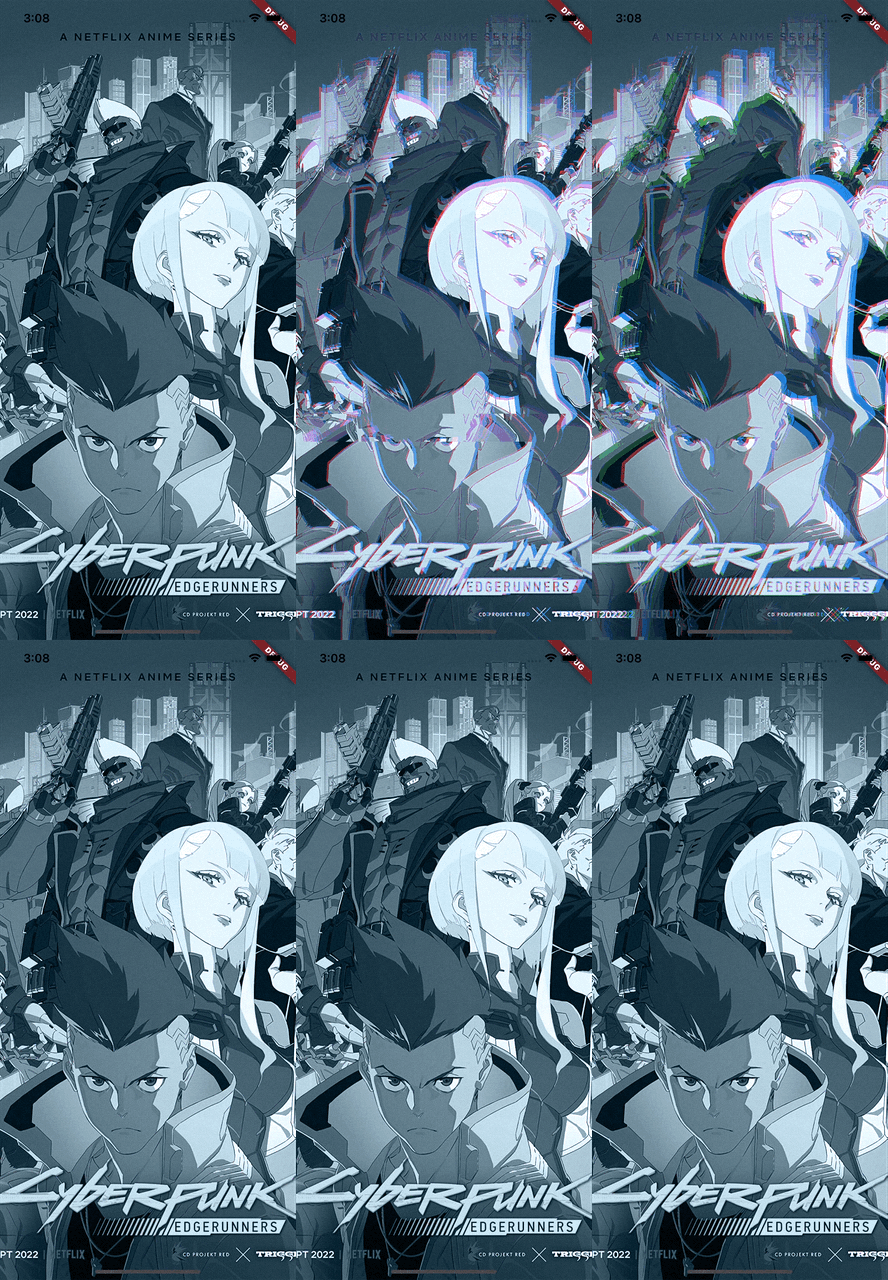
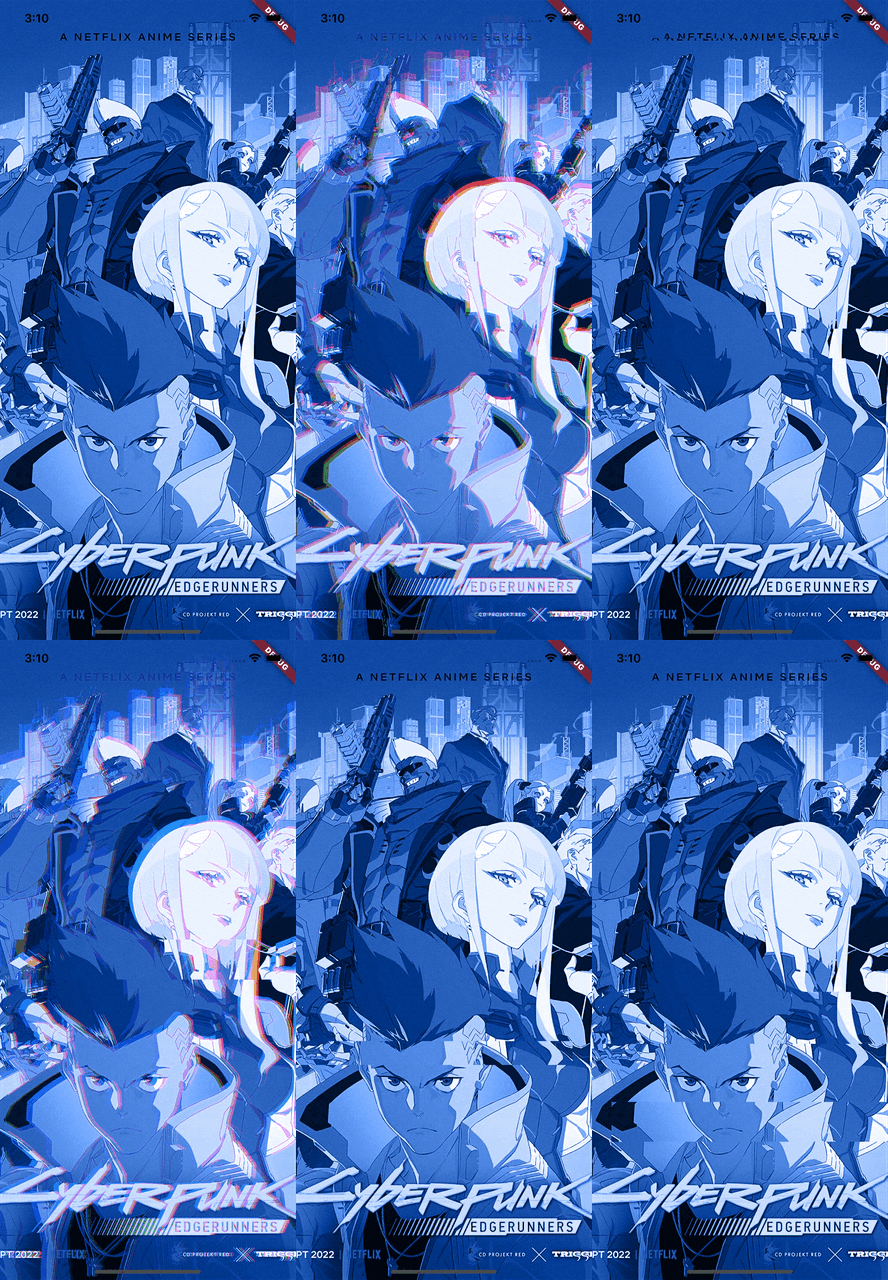
什么是 animated_glitch ?
它是一个 Flutter 框架的开源包,提供了一个动画闪烁效果,可以控制指定的 widget。
入门
安装
在您的 flutter 项目的 pubspec.yaml 文件中,添加以下依赖项
dependencies:
  animated_glitch: <latest_version>
在您的库中添加以下导入
import 'package:animated_glitch/animated_glitch.dart';
设置和用法
用 AnimatedGlitch 包裹您想要的 widget。
final _controller = AnimatedGlitchController(
  frequency: const Duration(milliseconds: 200),
  level: 1.2,
  distortionShift: const DistortionShift(count: 3),
);

@override
Widget build(BuildContext context) {
  return Scaffold(
    body: AnimatedGlitch(
      filters: [
        GlitchColorFilter(
          blendMode: BlendMode.color,
          color: Colors.blue.shade900,
        )
      ],
      controller: _controller,
      child: Image.asset(
        'assets/cyberpunk.jpg',
        fit: BoxFit.cover,
      ),
    ),
  );
}
输出
您可以包裹任何类型的 widget,并且 `glitch effect` 也会被应用。
final _controller = AnimatedGlitchController(
  frequency: const Duration(milliseconds: 200),
  level: 1.2,
  distortionShift: const DistortionShift(count: 3),
);

@override
Widget build(BuildContext context) {
  return Scaffold(
    body: AnimatedGlitch(
      controller: _controller,
      child: Stack(
        alignment: Alignment.center,
        children: [
          Column(
            children: [
              Expanded(
                child: Container(
                  color: Colors.red,
                ),
              ),
              Expanded(
                child: Container(
                  color: Colors.orange,
                ),
              ),
              Expanded(
                child: Container(
                  color: Colors.purple,
                ),
              ),
              Expanded(
                child: Container(
                  color: Colors.yellow,
                ),
              ),
            ],
          ),
          const Icon(
            Icons.person,
            size: 400.0,
          )
        ],
      ),
    ),
  );
}
输出

演示
您可以在 演示 中玩转这些设置。
文档
灵感来自 f_glitch


