
可扩展拖拽浮动按钮
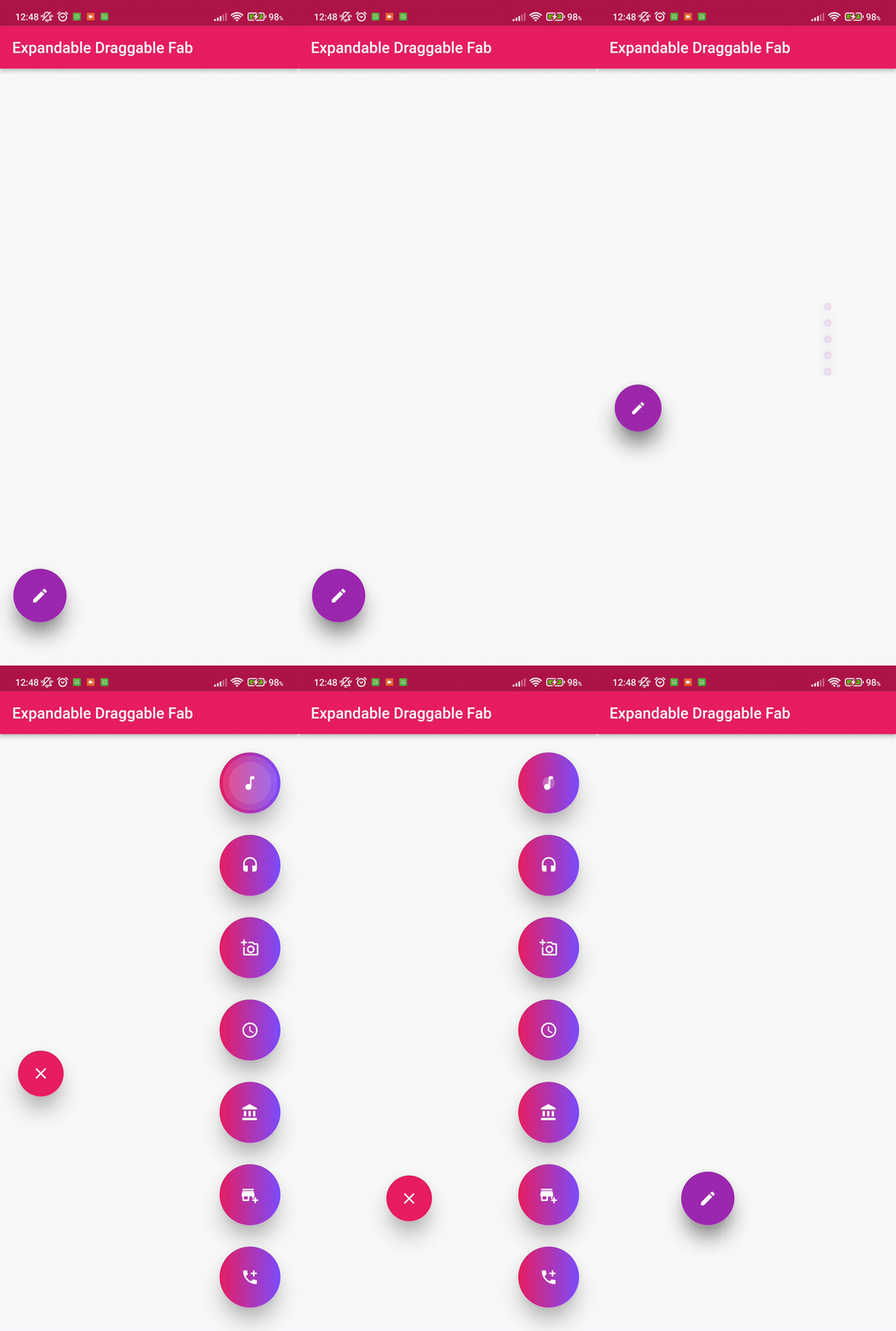
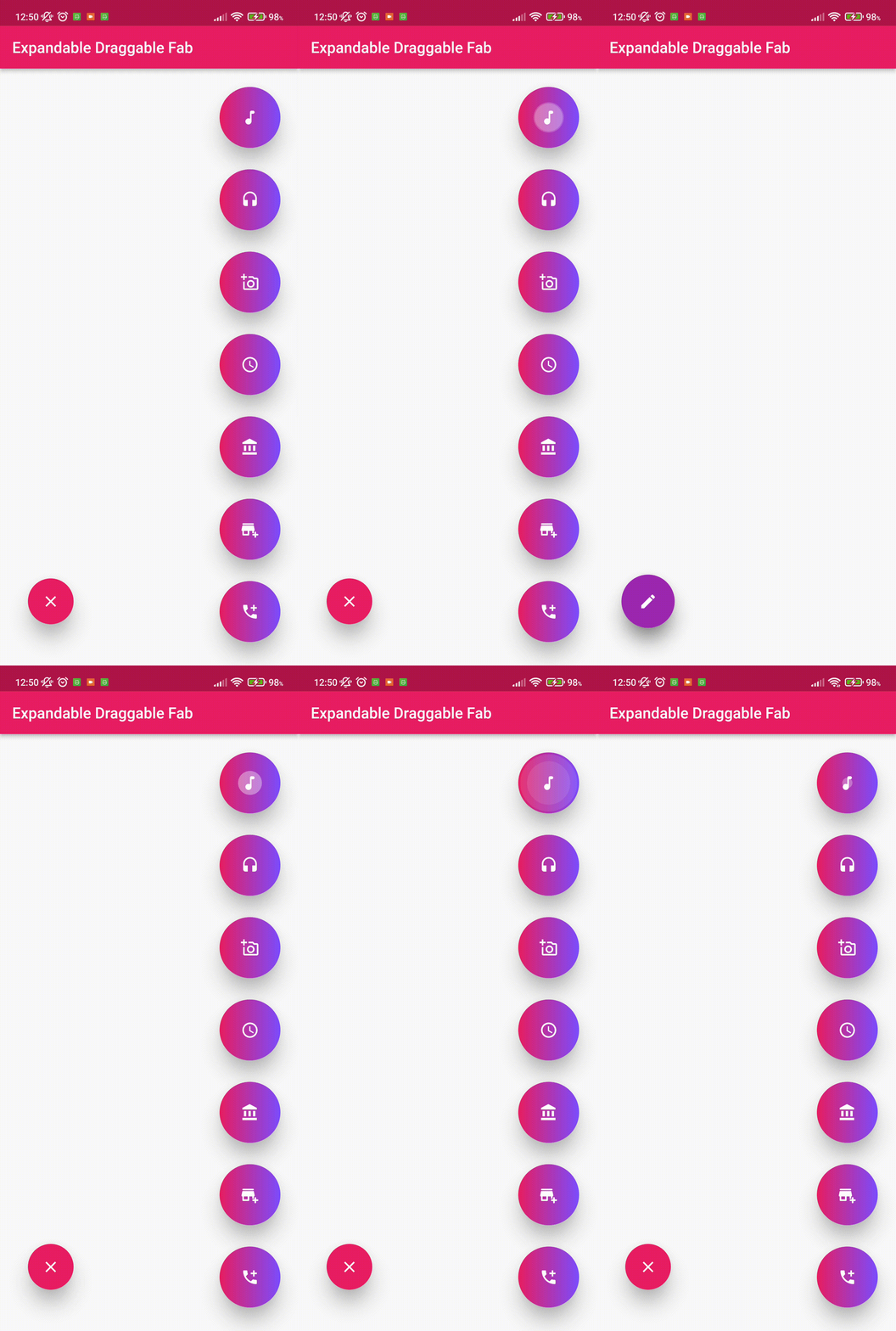
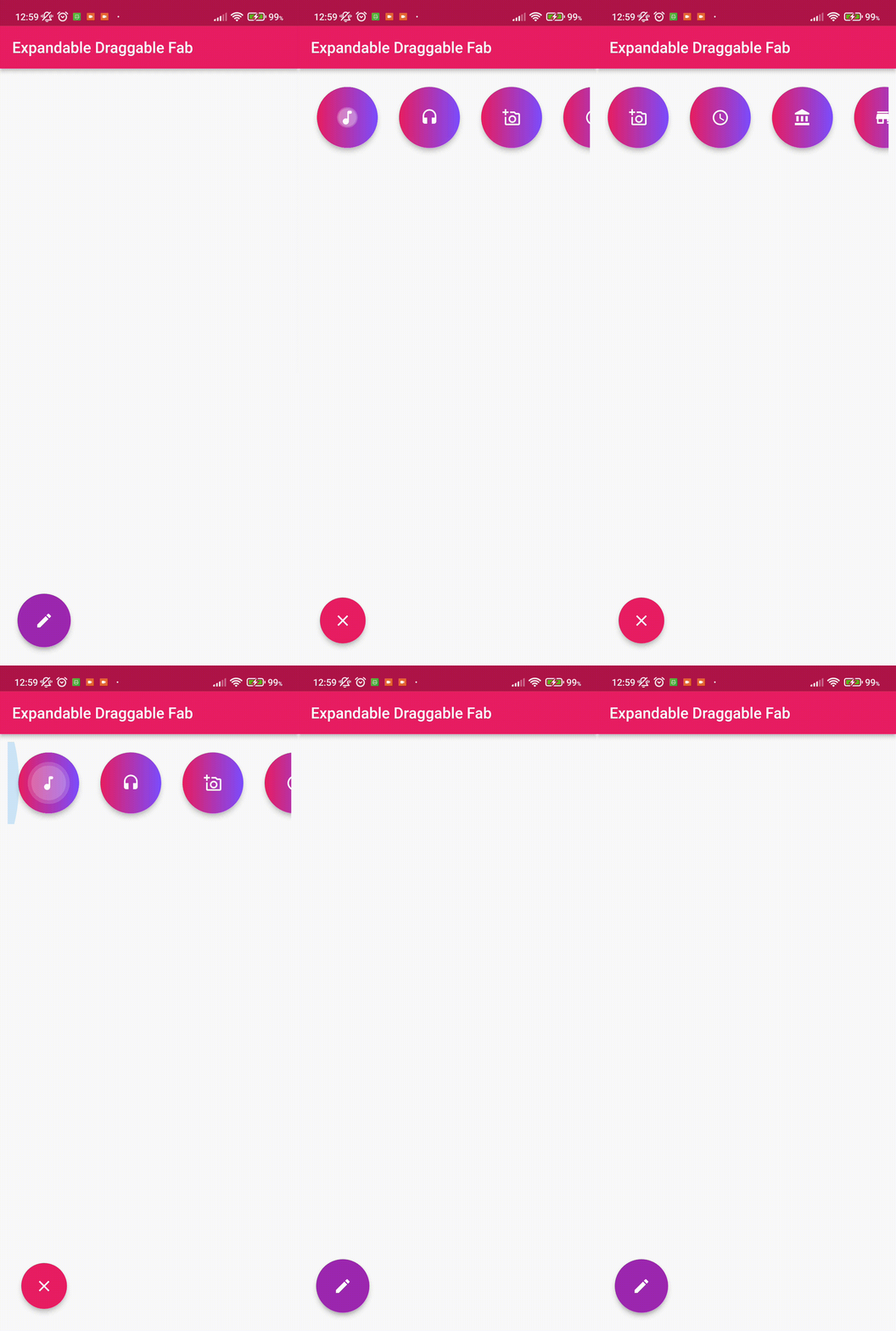
这个 Flutter 包提供了一个带有动画的可扩展和可拖拽的浮动按钮。
## ? 安装
在你的 pubspec.yaml 文件的 dependencies: 部分,添加以下行
dependencies:
  draggable_expandable_fab: <latest version>
要使用最新的更改
  draggable_expandable_fab:
    git:
      url: https://github.com/Tughra/draggable_expandable_fab.git
      ref: master
❔ 用法
导入此类
import 'package:draggable_expandable_fab/draggable_expandable_fab.dart';
为了更好的使用,请替换 Scaffold 的参数。
      floatingActionButtonAnimator: NoScalingAnimation(),
      floatingActionButtonLocation: ExpandableFloatLocation(),
简单实现
Scaffold(
      floatingActionButtonAnimator: NoScalingAnimation(),
      floatingActionButtonLocation: ExpandableFloatLocation(),
      floatingActionButton: ExpandableDraggableFab(childrenCount: 3,
      distance: 100,// Animatiion distance during open and close.
      children: [
        FloatingActionButton(onPressed: (){}),
        FloatingActionButton(onPressed: (){}),
        FloatingActionButton(onPressed: (){}),
      ],),
      body: Container(),
    );
完整实现
   final Size _size = MediaQuery.of(context).size;
    return Scaffold(
      floatingActionButtonAnimator: NoScalingAnimation(),
      floatingActionButtonLocation: ExpandableFloatLocation(),
      floatingActionButton: ExpandableDraggableFab(childrenCount: 3,
        onTab: (){
        debugPrint("Tab");
        },
        childrenTransition: ChildrenTransition.fadeTransation,
        initialOpen: false,
        childrenBoxDecoration: const BoxDecoration(color: Colors.red),
        enableChildrenAnimation: true,
        curveAnimation: Curves.linear,
        reverseAnimation: Curves.linear,
        childrenType: ChildrenType.columnChildren,
        closeChildrenRotate: false,
        childrenAlignment: Alignment.topRight,
        initialDraggableOffset: Offset(_size.width-90,_size.height-100),
      distance: 100,// Animation distance during open and close.
      children: [
        FloatingActionButton(onPressed: (){}),
        FloatingActionButton(onPressed: (){}),
        FloatingActionButton(onPressed: (){}),
      ],),
      body: Container(),
    );


