
Flutter 照片滤镜包
一个适用于 iOS 和 Android 的 Flutter 包,用于给图片应用滤镜。还提供了一组预设滤镜。您也可以创建自己的滤镜。
安装
首先,在您的 pubspec.yaml 文件中将 photofilters 和 image 添加为 依赖项。
iOS
无需配置 – 该插件应该可以直接使用。
Android
无需配置 – 该插件应该可以直接使用。
示例
import 'dart:async';
import 'dart:io';

import 'package:flutter/material.dart';
import 'package:path/path.dart';
import 'package:photofilters/photofilters.dart';
import 'package:image/image.dart' as imageLib;
import 'package:image_picker/image_picker.dart';

void main() => runApp(new MaterialApp(home: MyApp()));

class MyApp extends StatefulWidget {
  @override
  _MyAppState createState() => new _MyAppState();
}

class _MyAppState extends State<MyApp> {
  String fileName;
  List<Filter> filters = presetFiltersList;
  File imageFile;

  Future getImage(context) async {
    imageFile = await ImagePicker.pickImage(source: ImageSource.gallery);
    fileName = basename(imageFile.path);
    var image = imageLib.decodeImage(imageFile.readAsBytesSync());
    image = imageLib.copyResize(image, width: 600);
     Map imagefile = await Navigator.push(
      context,
      new MaterialPageRoute(
        builder: (context) => new PhotoFilterSelector(
              title: Text("Photo Filter Example"),
              image: image,
              filters: presetFiltersList,
              filename: fileName,
              loader: Center(child: CircularProgressIndicator()),
              fit: BoxFit.contain,
            ),
      ),
    );
    if (imagefile != null && imagefile.containsKey('image_filtered')) {
      setState(() {
        imageFile = imagefile['image_filtered'];
      });
      print(imageFile.path);
    }
  }

  @override
  Widget build(BuildContext context) {
    return new Scaffold(
      appBar: new AppBar(
        title: new Text('Photo Filter Example'),
      ),
      body: Center(
        child: new Container(
          child: imageFile == null
              ? Center(
                  child: new Text('No image selected.'),
                )
              : Image.file(imageFile),
        ),
      ),
      floatingActionButton: new FloatingActionButton(
        onPressed: () => getImage(context),
        tooltip: 'Pick Image',
        child: new Icon(Icons.add_a_photo),
      ),
    );
  }
}
UI 屏幕截图
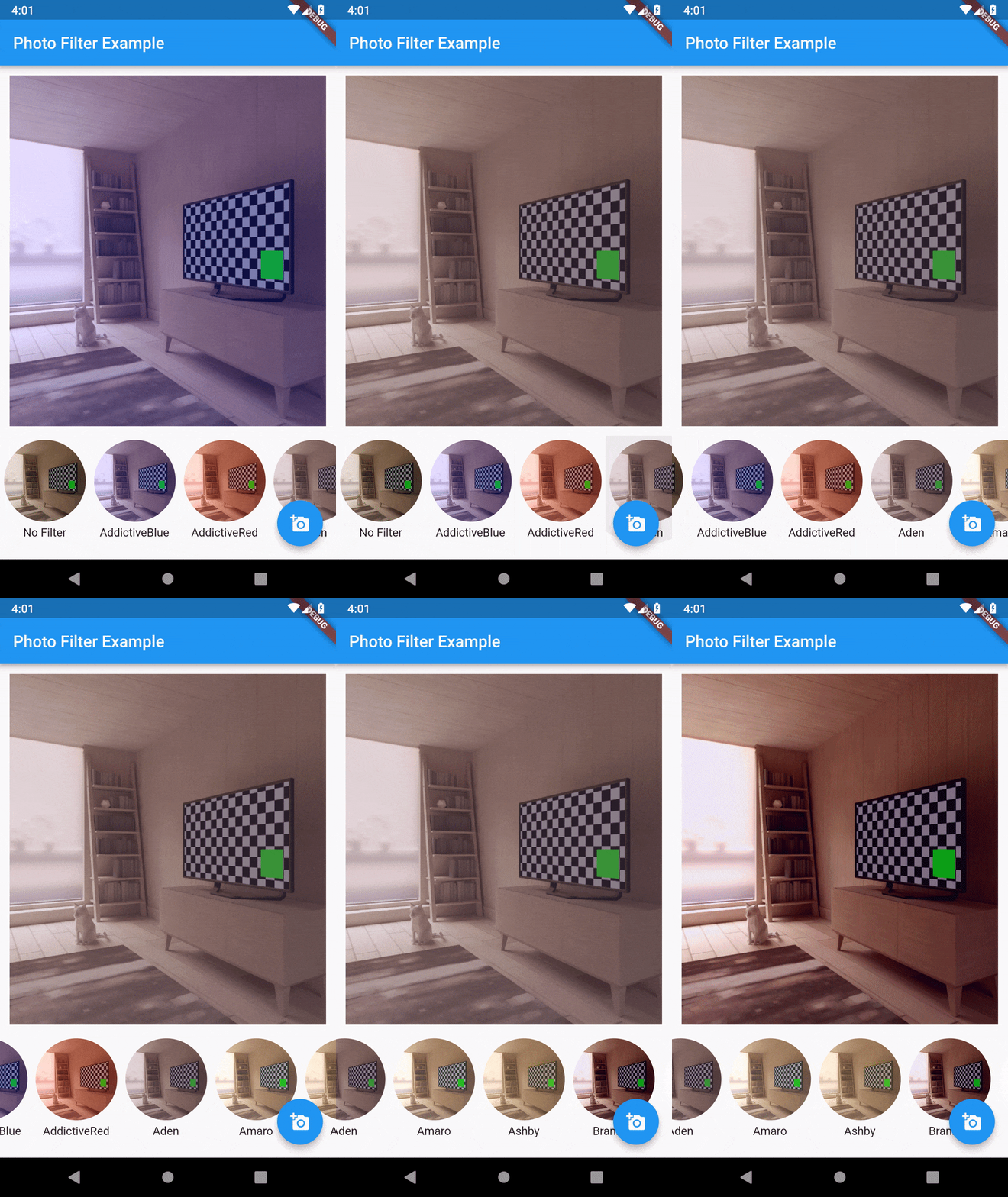
滤镜样本图片
 无滤镜 无滤镜 |
 AddictiveBlue AddictiveBlue |
 AddictiveRed AddictiveRed |
 Aden Aden |
 Amaro Amaro |
 Ashby Ashby |
 Brannan Brannan |
 Brooklyn Brooklyn |
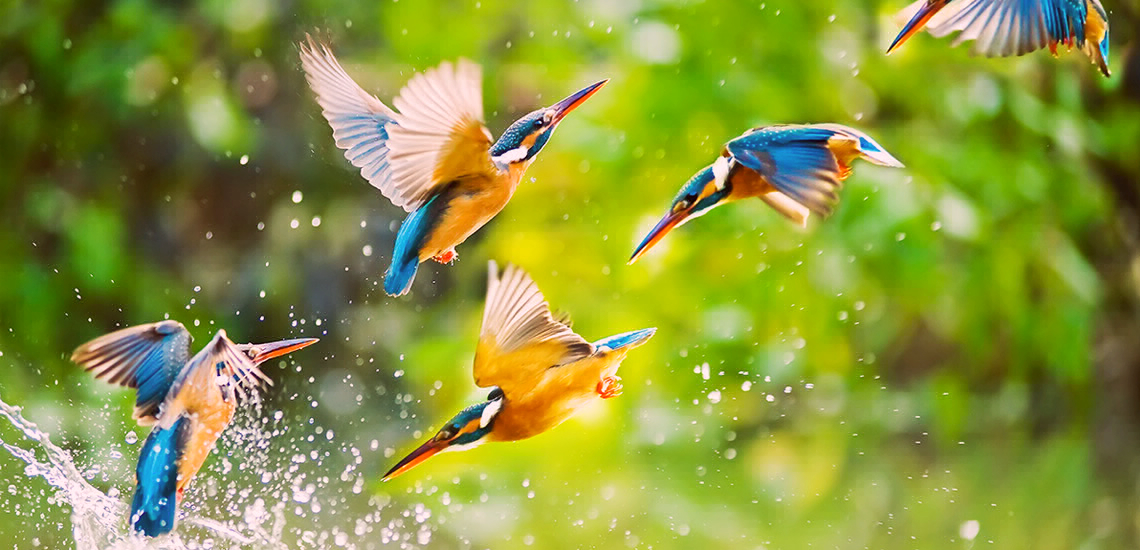 Charmes Charmes |
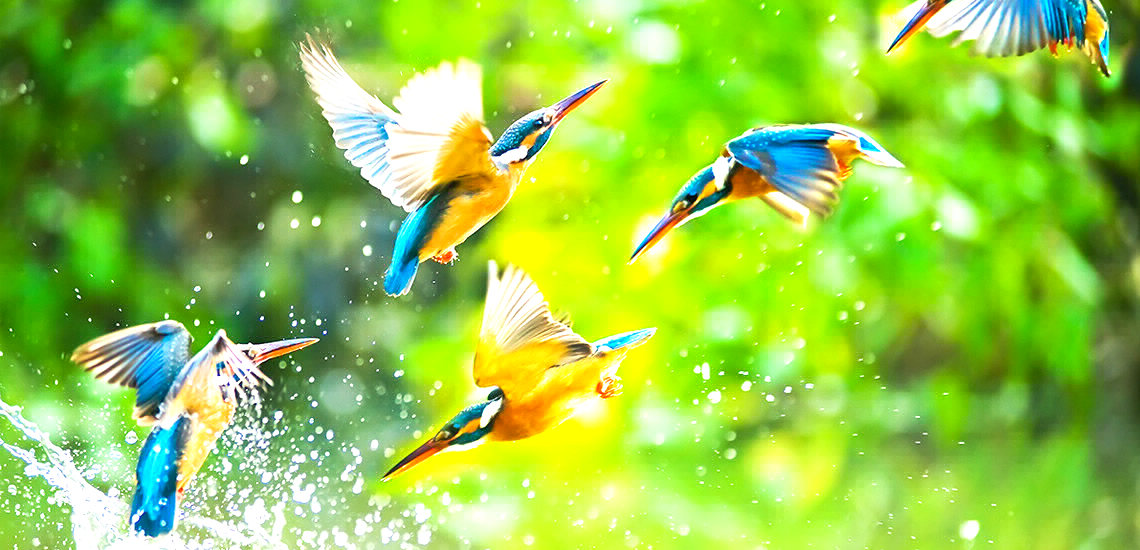 Clarendon Clarendon |
 Crema Crema |
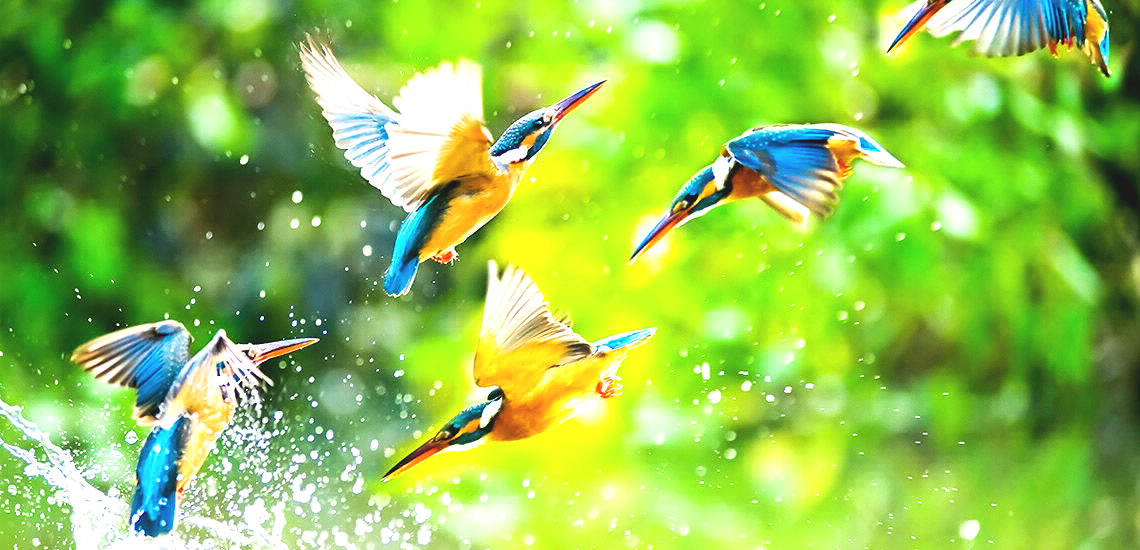 Dogpatch Dogpatch |
 Earlybird Earlybird |
 1977 1977 |
 Gingham Gingham |
 Ginza Ginza |
 Hefe Hefe |
 Helena Helena |
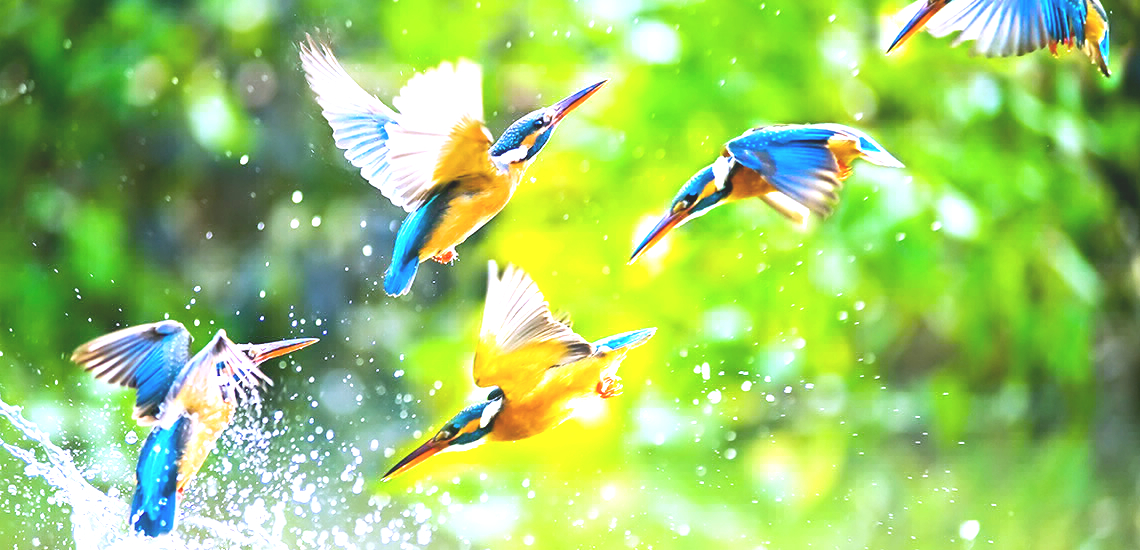 Hudson Hudson |
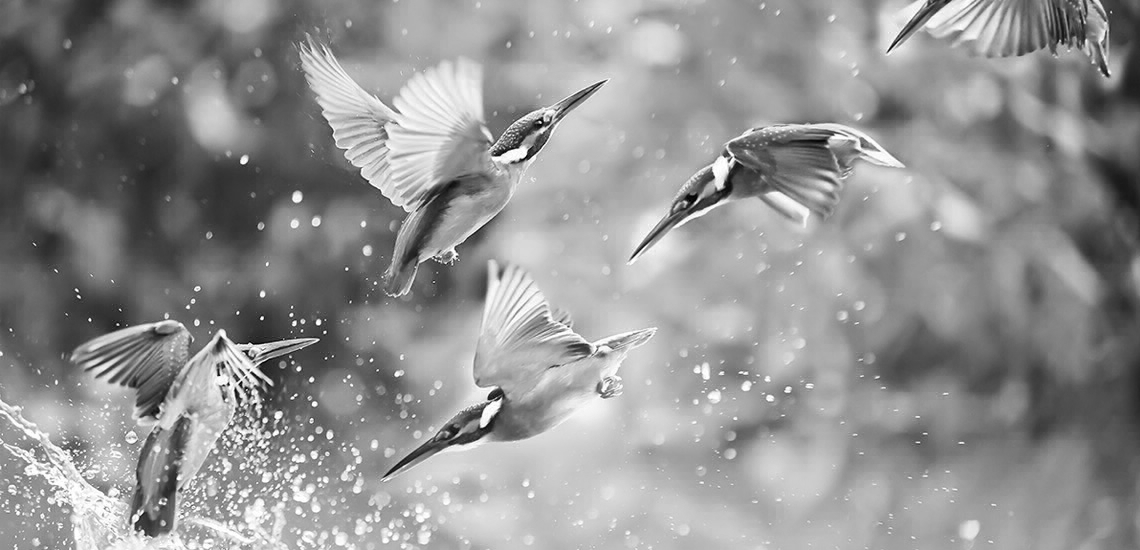 Inkwell Inkwell |
 Juno Juno |
 Kelvin Kelvin |
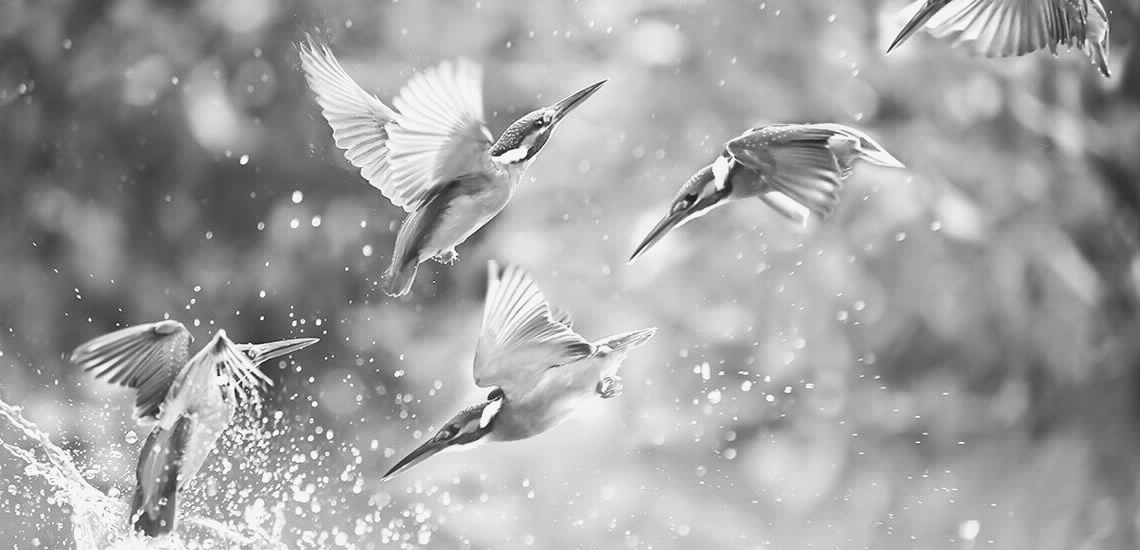 Lark Lark |
 Lo-Fi Lo-Fi |
 Ludwig Ludwig |
 Maven Maven |
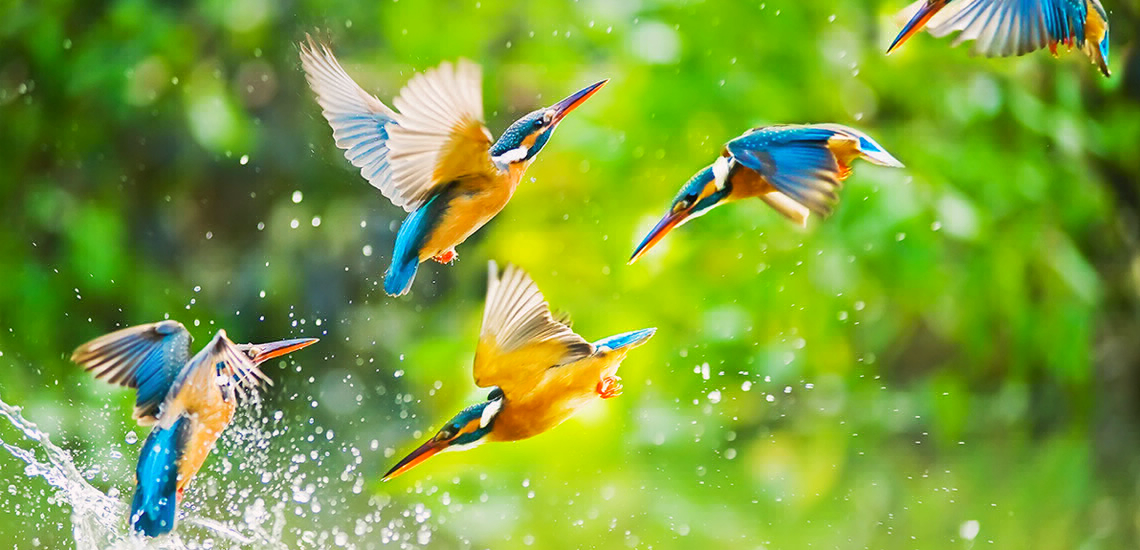 Mayfair Mayfair |
 Moon Moon |
 Nashville Nashville |
 Perpetua Perpetua |
 Reyes Reyes |
 Rise Rise |
 Sierra Sierra |
 Skyline Skyline |
 Slumber Slumber |
 Stinson Stinson |
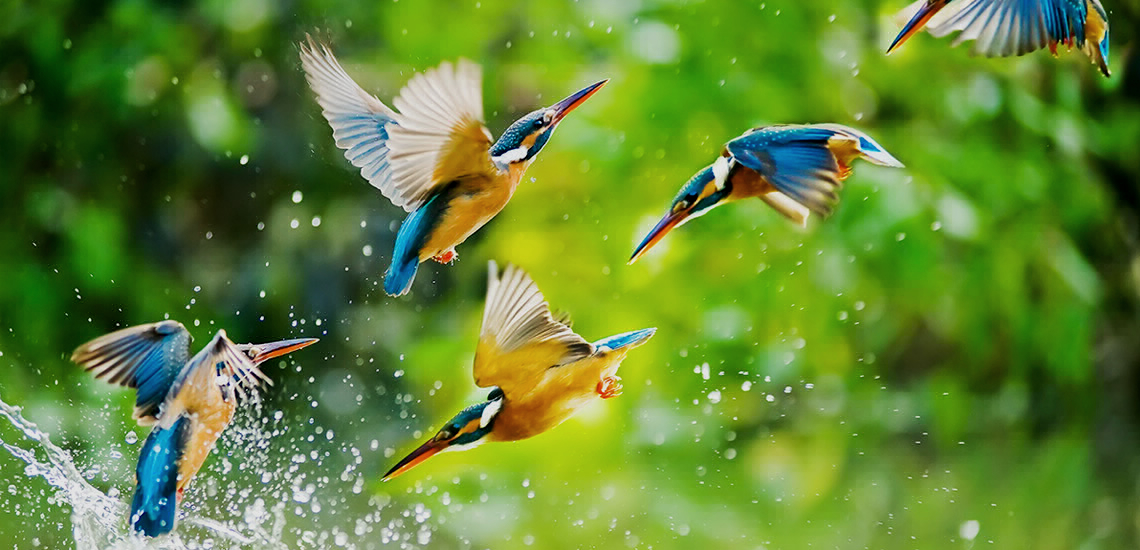 Sutro Sutro |
 Toaster Toaster |
 Valencia Valencia |
 Vesper Vesper |
 Walden Walden |
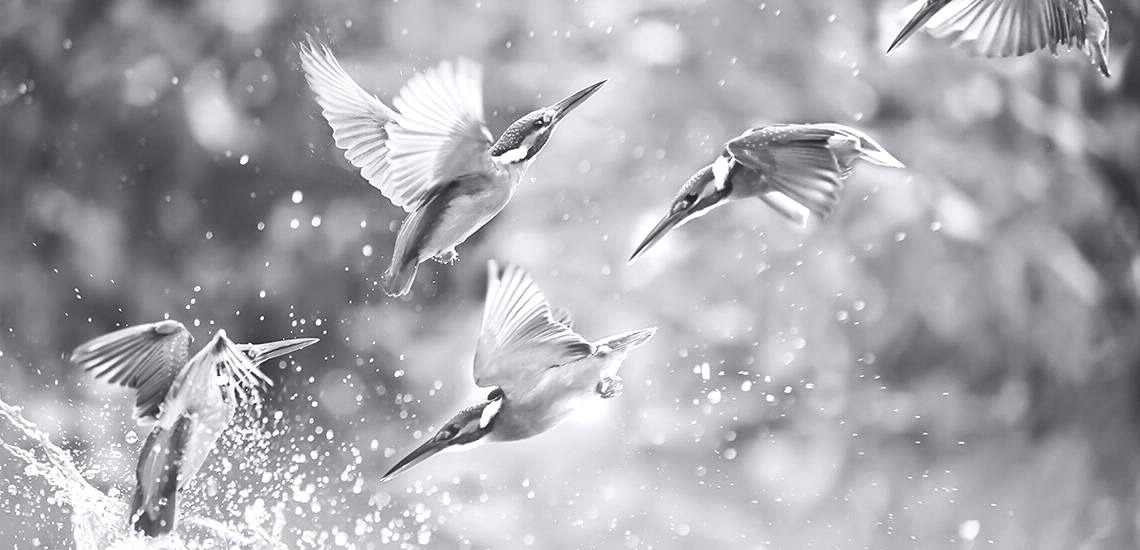 Willow Willow |
 X-Pro II X-Pro II |
卷积滤镜样本图片
 身份 身份 |
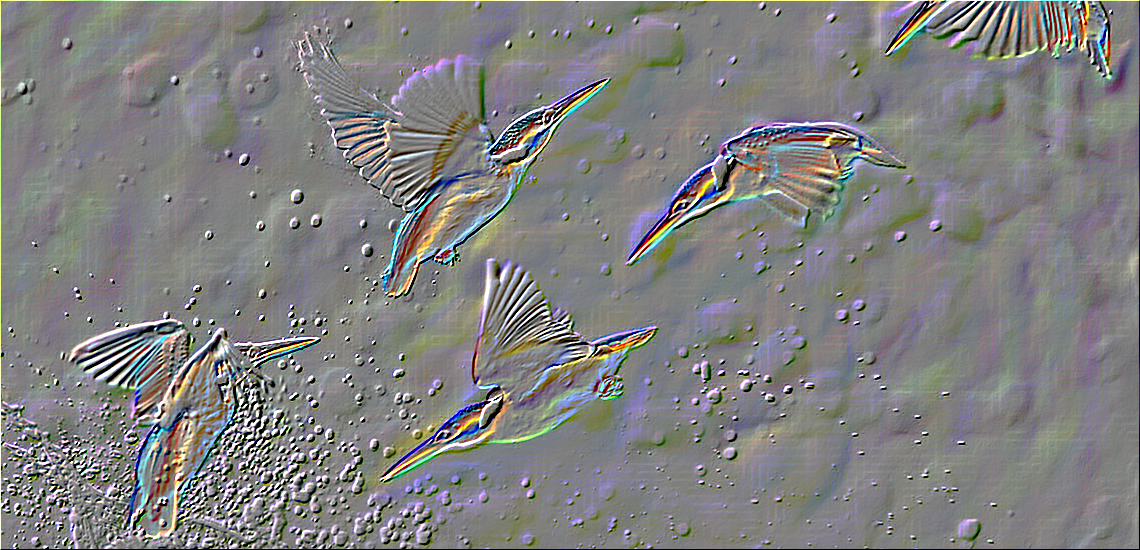 浮雕 浮雕 |
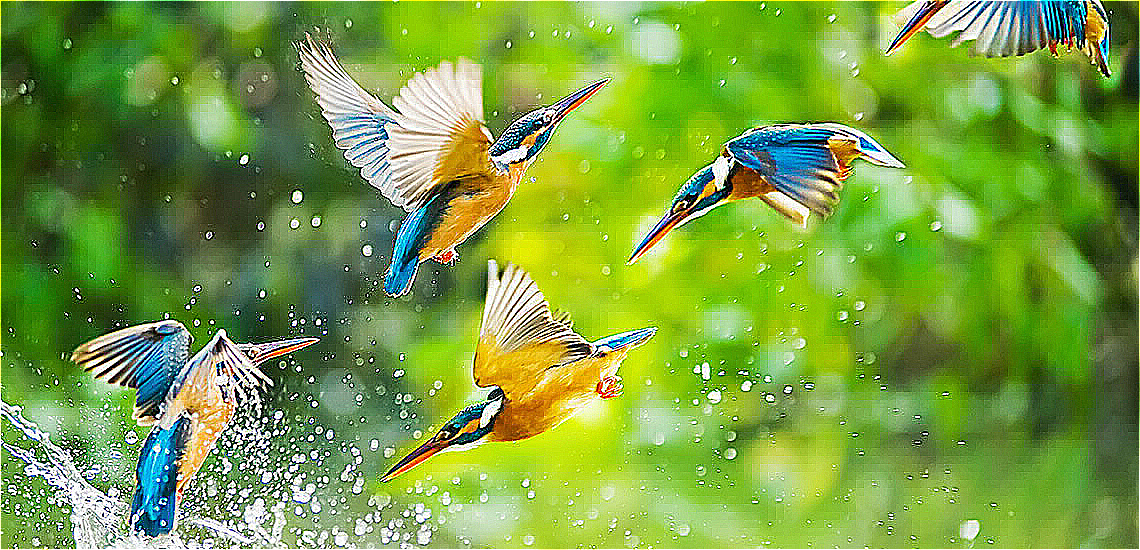 锐化 锐化 |
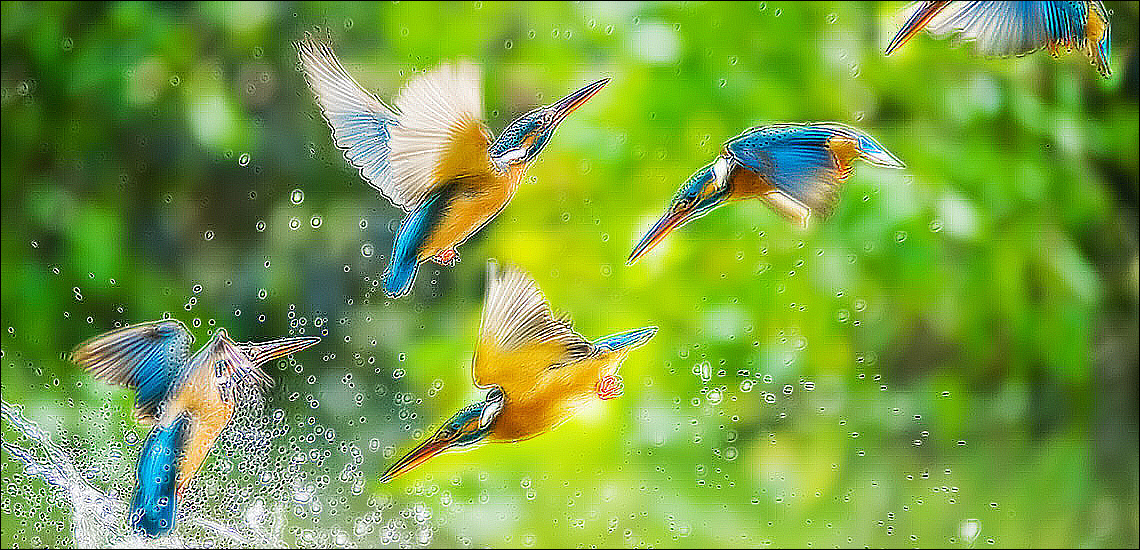 彩色边缘检测 彩色边缘检测 |
 模糊 模糊 |
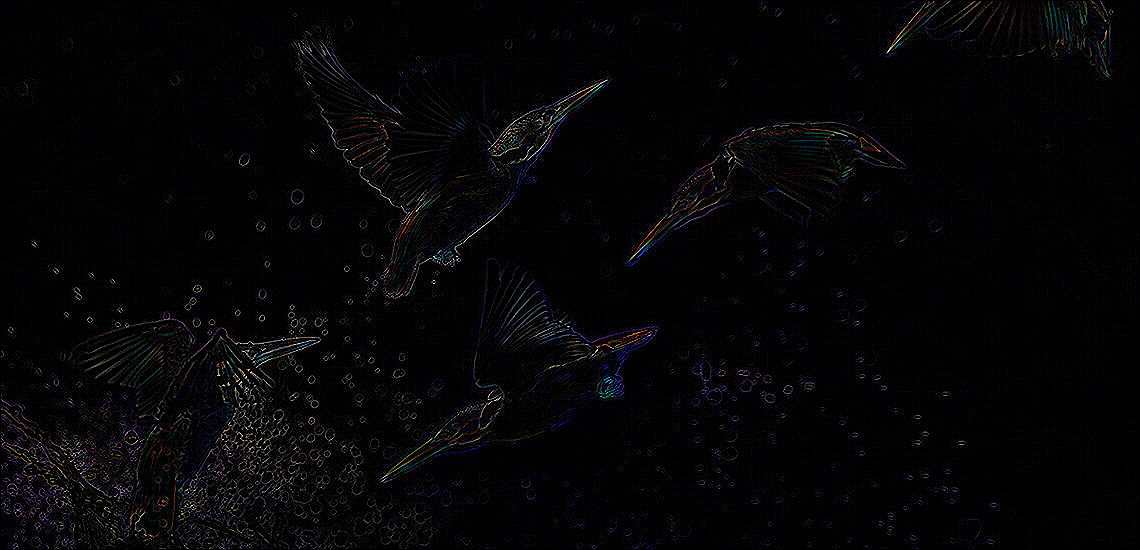 中度边缘检测 中度边缘检测 |
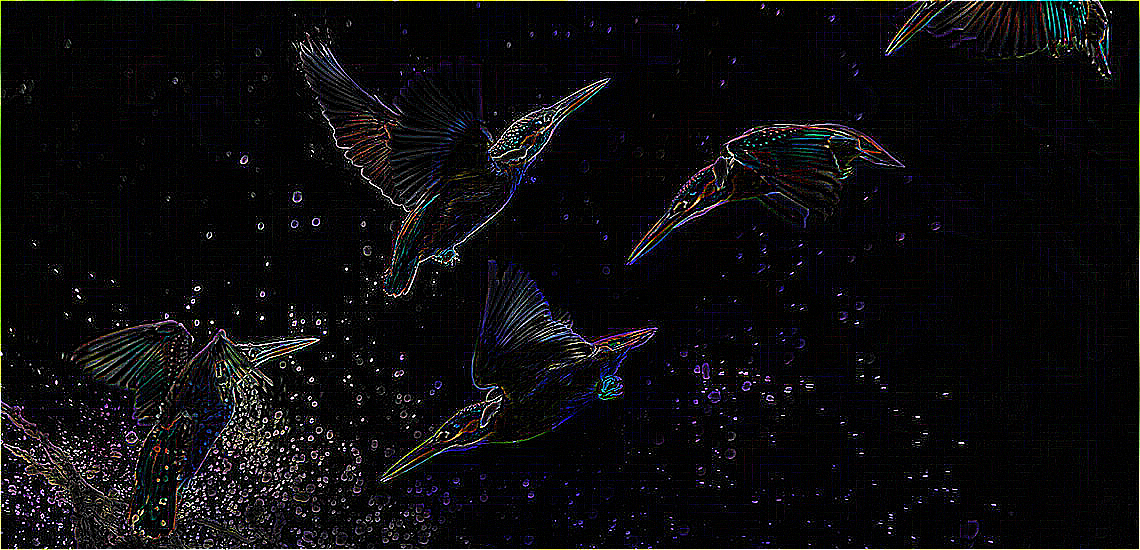 硬度边缘检测 硬度边缘检测 |
 高斯模糊 高斯模糊 |
 低通 低通 |
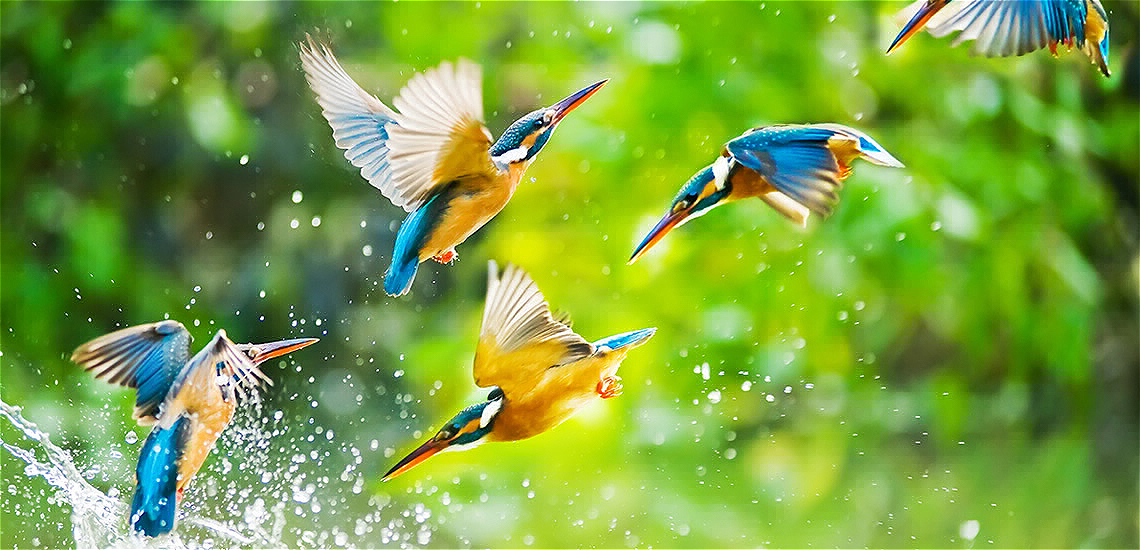 高通 高通 |
 平均 平均 |
滤镜
有两种类型的滤镜:ImageFilter 和 ColorFilter。
图像滤镜
图像滤镜直接将子滤镜逐个应用到整个图像。由于子滤镜数量的增加会增加复杂性和时间,因此计算成本很高。
您可以像这样创建自己的自定义图像滤镜
    import 'package:photofilters/filters/image_filters.dart';

    var customImageFilter = new ImageFilter(name: "Custom Image Filter");
    customImageFilter.subFilters.add(ConvolutionSubFilter.fromKernel(
      coloredEdgeDetectionKernel,
    ));
    customImageFilter.subFilters.add(ConvolutionSubFilter.fromKernel(
      gaussian7x7Kernel,
    ));
    customImageFilter.subFilters.add(ConvolutionSubFilter.fromKernel(
      sharpenKernel,
    ));
    customImageFilter.subFilters.add(ConvolutionSubFilter.fromKernel(
      highPass3x3Kernel,
    ));
    customImageFilter.subFilters.add(ConvolutionSubFilter.fromKernel(
      lowPass3x3Kernel,
    ));
    customImageFilter.subFilters.add(SaturationSubFilter(0.5));
您也可以继承 ImageFilter 类来创建另一个图像滤镜。
class MyImageFilter extends ImageFilter {
  MyImageFilter(): super(name: "My Custom Image Filter") {
    this.addSubFilter(ConvolutionSubFilter.fromKernel(sharpenKernel));
  }
}
颜色滤镜
颜色滤镜将子滤镜逐个应用到每个像素。与 ImageFilter 相比,它的计算成本较低。无论子滤镜的数量如何,它都只会遍历图像像素一次。
您可以像这样创建自己的自定义颜色滤镜
    import 'package:photofilters/filters/color_filters.dart';

    var customColorFilter = new ColorFilter(name: "Custom Color Filter");
    customColorFilter.addSubFilter(SaturationSubFilter(0.5));
    customColorFilter
        .addSubFilters([BrightnessSubFilter(0.5), HueRotationSubFilter(30)]);
您也可以继承 ColorFilter 类
class MyColorFilter extends ColorFilter {
  MyColorFilter() : super(name: "My Custom Color Filter") {
    this.addSubFilter(BrightnessSubFilter(0.8));
    this.addSubFilter(HueRotationSubFilter(30));
  }
}
子滤镜
有两种类型的子滤镜。一种可以添加到 ColorFilter,另一种可以添加到 ImageFilter。您可以继承 ColorSubFilter 类来实现前者,并且可以使用 ImageSubFilter mixin 来实现后者。您可以创建一个可以同时用于图像滤镜和颜色滤镜的相同子滤镜。 BrightnessSubFilter 就是一个例子。
class BrightnessSubFilter extends ColorSubFilter with ImageSubFilter {
  final num brightness;
  BrightnessSubFilter(this.brightness);

  ///Apply the [BrightnessSubFilter] to an Image.
  @override
  void apply(Uint8List pixels, int width, int height) =>
      image_filter_utils.brightness(pixels, brightness);

  ///Apply the [BrightnessSubFilter] to a color.
  @override
  RGBA applyFilter(RGBA color) =>
      color_filter_utils.brightness(color, brightness);
}
入门
有关 Flutter 入门指南,请参阅我们的在线 文档。
有关编辑包代码的帮助,请参阅 文档。


