
动物配对游戏


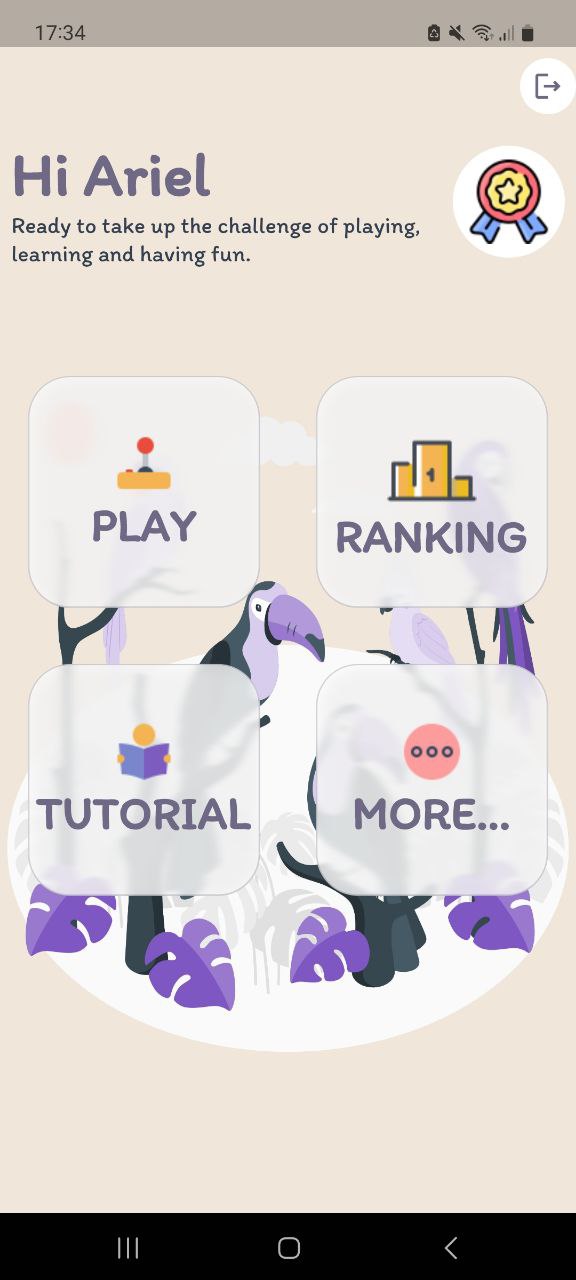
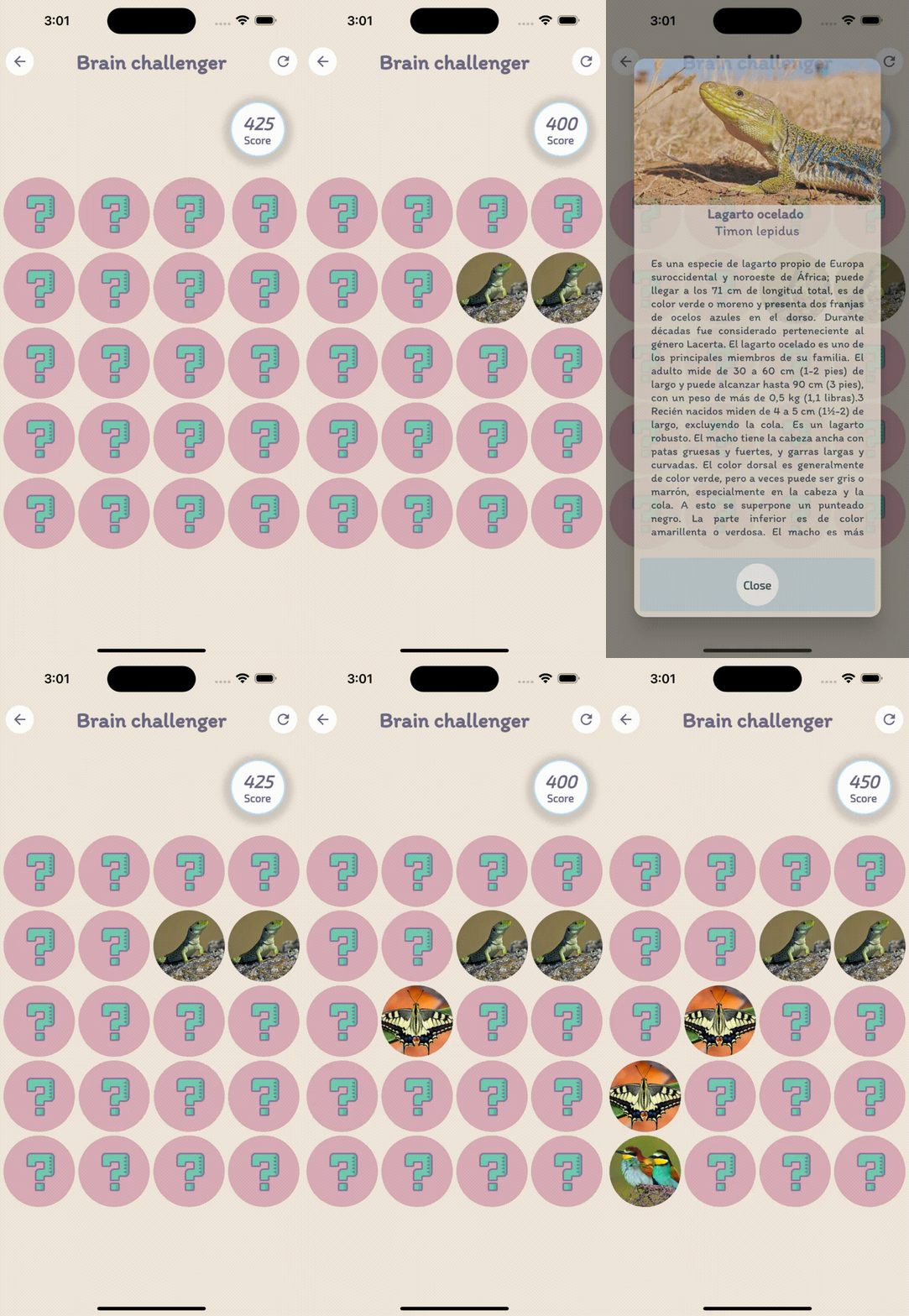
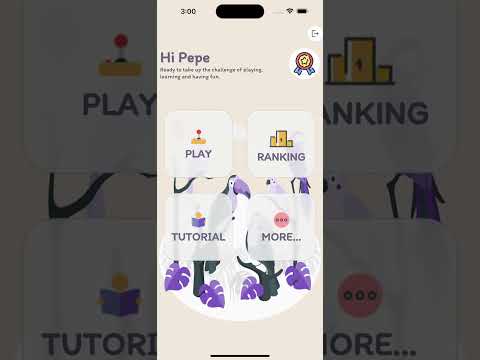
观看视频
描述
“动物配对游戏”是一款引人入胜的 Flutter 应用程序,将配对游戏与教育内容相结合。游戏的主要目标是找出隐藏在卡牌后面的动物配对。一旦您成功找到一对,就会显示详细的动物描述,从而增进您对不同物种的了解。
随着您在游戏中的进展,每次正确配对您的得分都会增加 500 分。但是,请注意,每次猜测错误都会扣除 50 分。努力获得尽可能高的分数,并挑战自己来提高您的记忆力和动物知识。
为了提供无缝的用户体验,该应用程序使用 Firebase 作为其后端基础设施。所有用户数据,包括分数和成就,都将安全地存储并在设备之间同步。与其他玩家竞争,努力登上全球排行榜的顶端,展示您的记忆力和动物识别能力。
加入“动物配对游戏”的激动人心的冒险,让配对动物的挑战同时娱乐和教育您。
安装
$ Flutter pub get
运行应用程序
第一步:创建 Firebase 项目
Go to the Firebase Console (console.firebase.google.com) and create a new project.
第二步:设置 Android 应用
Click on the "Android" icon to add an Android app to your project.
Provide your app's package name (usually in the form "com.example.appname").
Download the google-services.json file provided by Firebase.
第三步:配置 Android 应用
Move the downloaded google-services.json file to the "android/app" directory of your Flutter project.
第三步:在您的项目中配置 Firebase
Replace the existing shared_constants.dart file with this updated code snippet, and make sure to update the placeholder values with the corresponding values from your google-services.json file.
     class SharedConstants {
        ...
        ...
        static String apiKey = "APIKEY FIREBASE";
        static String authDomain = "SOMETHING.firebaseapp.com";
        static String projectId = "PROJECT ID";
        static String storageBucket = "STORAGEappspotcom";
        static String messagingSenderId = "NUMBER MESSAGE SENDER ID";
        static String appId = "APP ID";
}
第四步:运行应用程序
# development mode
$ flutter run
如需了解Flutter开发入门帮助,请查看在线文档,其中提供教程、示例、移动开发指南以及完整的API参考。


