
Flutter KanbanBoard
这是一个可自定义的看板,可用于通过拖放来重新排序项目和列表。
安装
只需将 kanban_board 添加到 pubspec.yaml 文件中。
用法示例
入门时,您可以查看 /example 文件夹。此包分为 3 个核心部分
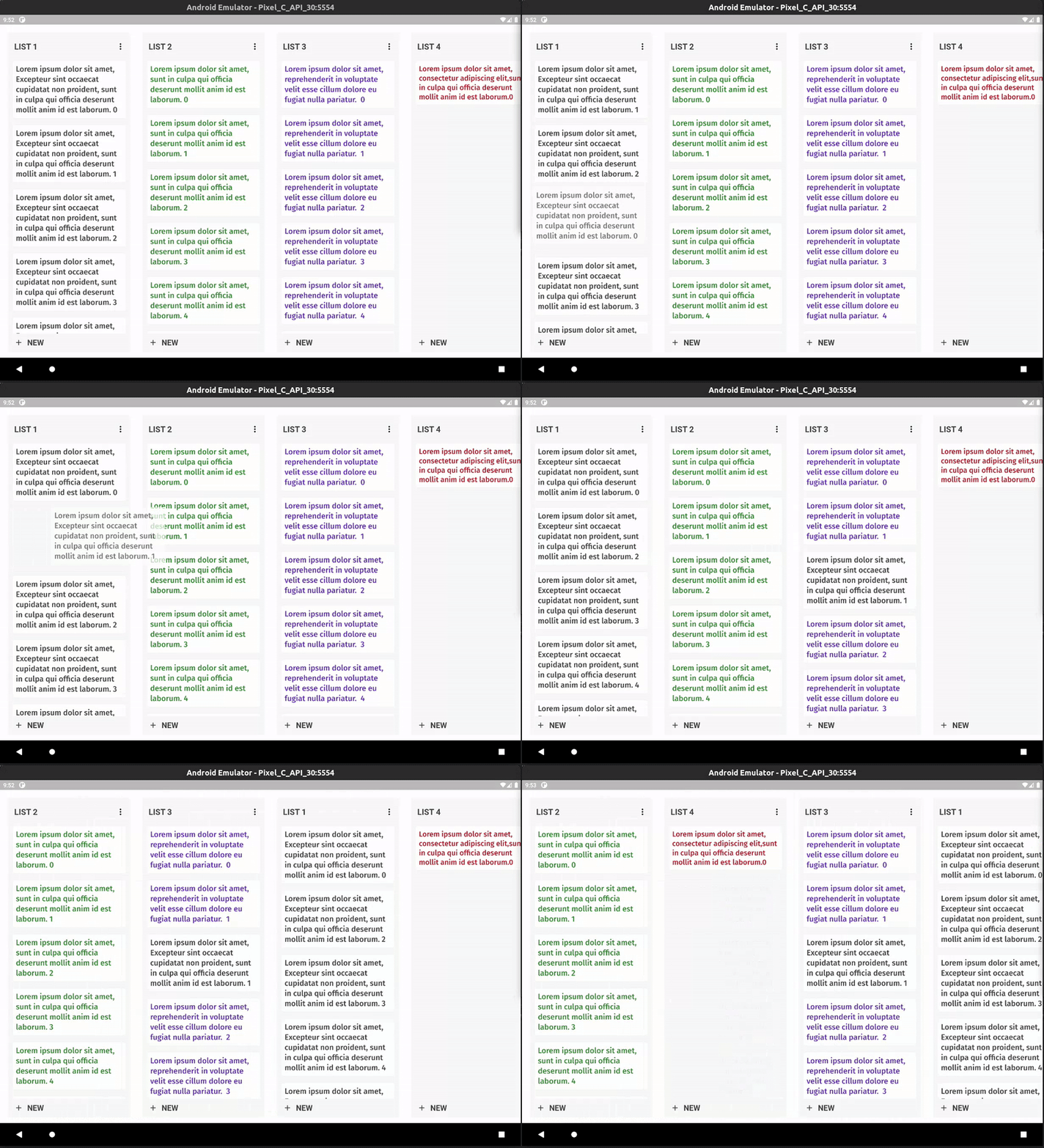
KanbanBoard
KanbanBoard 类接受 BoardListsData 列表。
List<BoardListsData> _lists = List<BoardListsData>();

KanbanBoard(
   _lists,
);
它还可以接受其他一些参数,例如
BackgroundColor,
CardPlaceHolderColor,
ListPlaceHolderColor,
BoardDecoration,
CardTransitionBuilder,
ListTransitionBuilder,
CardTransitionDuration,
ListTransitionDuration,
ListDecoration,
TextStyle,
DisplacementX = 0.0,
DisplacementY = 0.0,
Callbacks
Board 视图有几个回调方法,在拖动时会被调用。长按项目字段小部件将开始拖动过程。
KanbanBoard(

onItemLongPress: (int cardIndex,int listIndex) { },

onItemReorder: (int oldCardIndex, int newCardIndex, int oldListIndex, int newListIndex) { },

onListLongPress: (int listIndex) { },

onListReorder: (int oldListIndex, int newListIndex) {},

onItemTap: (int cardIndex, int listIndex){},

onListTap: (int listIndex){}

);
BoardListsData
BoardListData 有几个参数可以自定义看板中的列表。header & footer 接受 Widget 作为其对象,items 接受 List。长按 header item 将开始 BoardList 的拖动过程。
    BoardListsData(
      title: 'TITLE',
      width: 300,
      headerBackgroundColor: Color.fromARGB(255, 235, 236, 240),
      footerBackgroundColor: Color.fromARGB(255, 235, 236, 240),
      backgroundColor: Color.fromARGB(255, 235, 236, 240),
      header: Padding(
                padding: EdgeInsets.all(5),
                child: Text(
                  "List Title",
                  style: TextStyle(fontSize: 20),
                )),

      footer :Padding(
                padding: EdgeInsets.all(5),
                child: Text(
                  "List Footer",
                  style: TextStyle(fontSize: 20),
                )),
      items: items,
    );


