
自定义按钮生成器
自定义按钮生成器允许你创建漂亮的3D按钮、图标按钮,你还可以包含你的资源图片,主要重点是创建3D按钮。
安装
- 将包的最新版本添加到你的pubspec.yaml文件(并运行
dart pub get)
dependencies:
  custom_button_builder: ^0.0.1
- 导入包并在您的 Flutter 应用中使用它。
import 'package:custom_button_builder/custom_button_builder.dart';
演示
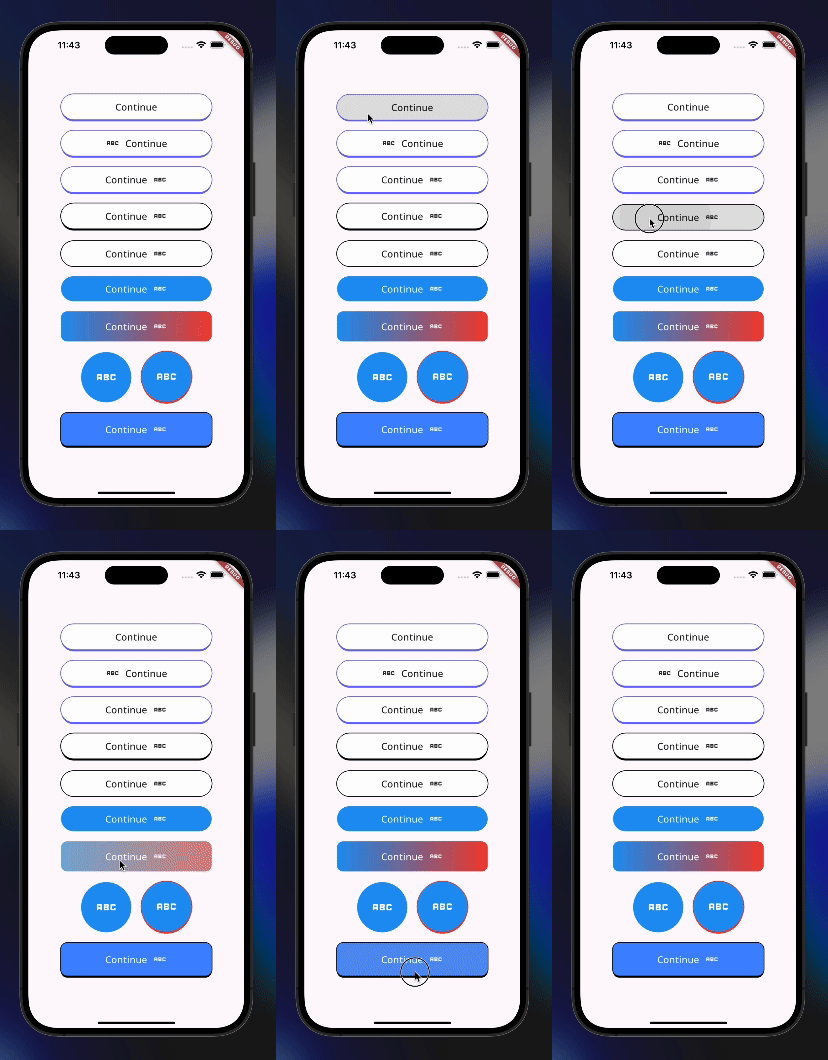
开始使用
三维动画按钮
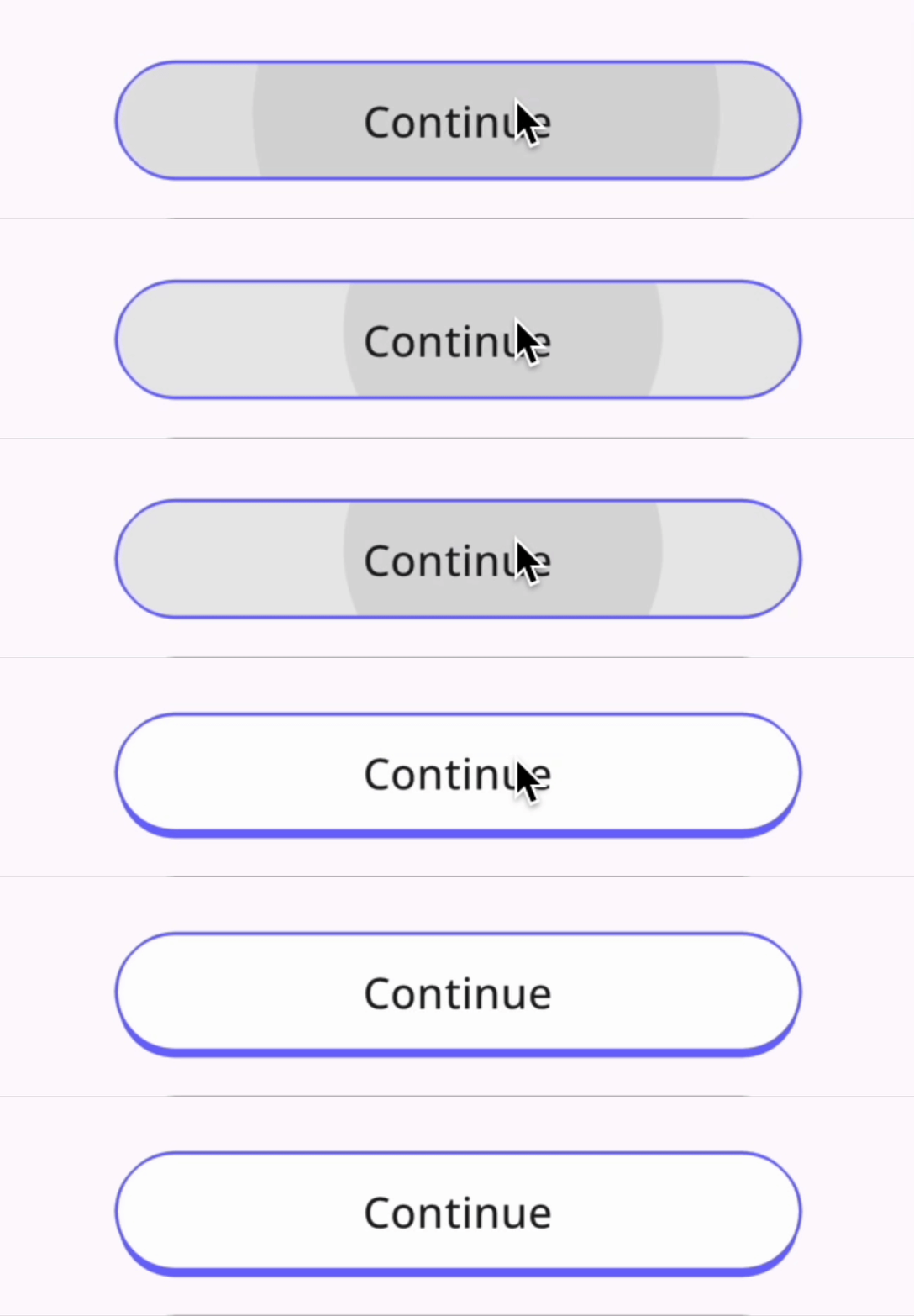
CustomButton(
    width: 300,
    backgroundColor: Colors.white,
    isThreeD: true,
    height: 50,
    borderRadius: 25,
    animate: true,
    margin: const EdgeInsets.all(10),
    onPressed: () {},
    child: Text(
        "Continue",
    ),
),
按下和未按下

CustomButton(
    width: 100,
    backgroundColor: Colors.blue,
    height: 100,
    borderRadius: 100,
    isThreeD: true,
    animate: true,
    shadowColor: Colors.red,
    pressed: Pressed.pressed,
    margin: const EdgeInsets.all(10),
    onPressed: () {},
    child: const Icon(
    Icons.abc,
    size: 50,
    color: Colors.white,
    ),
),
使用Pressed.pressed值,按钮将被禁用,你可以结合你选择的状态管理解决方案,启用其中一个按钮,其余按钮将被禁用,从而呈现旋钮的外观。
附加信息
查看github上的示例


